
Author Archive
-
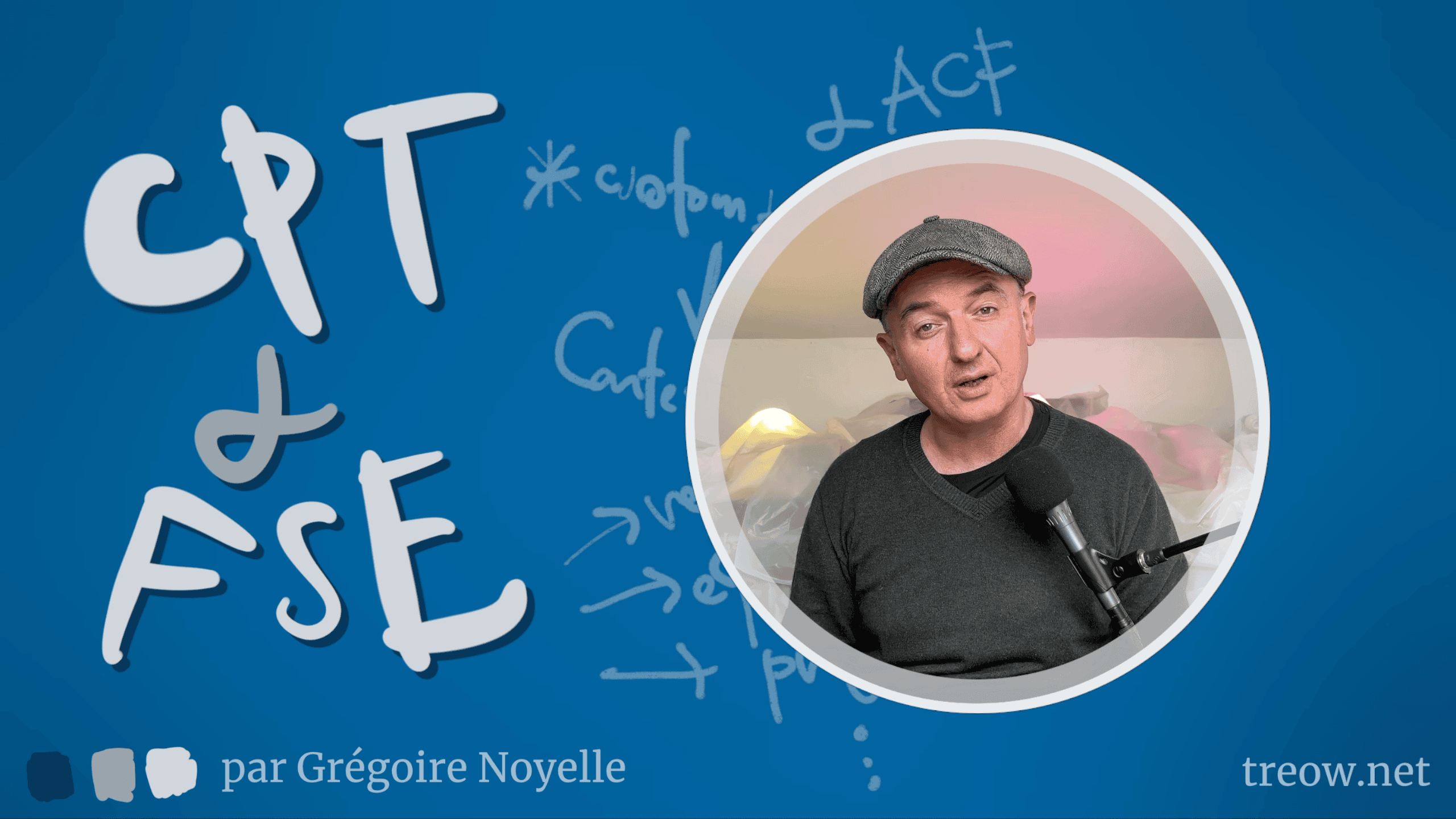
Transformez WordPress avec ACF : Contenu personnalisé de A à Z
WordPress Meetup ParisSpeaker: Grégoire NoyelleApril 6, 2024 — Aujourd’hui, on explore ensemble le concept du Full Site Editing (FSE) dans WordPress pour te montrer comment créer du contenu personnalisé. Si tu cherches à offrir une expérience unique et sur mesure à tes clients, cette vidéo est pour toi.
1️⃣ **Qu’est-ce qu’un contenu personnalisé dans WordPress?** On va commencer par comprendre ce que cela signifie vraiment et pourquoi c’est un atout majeur pour ton site.
2️⃣ **L’importance des contenus personnalisés.** Ensuite, on discute de comment ces contenus peuvent transformer un site standard en une solution parfaitement adaptée aux besoins spécifiques de chaque client.
3️⃣ **Créer un contenu personnalisé avec l’extension ACF.** Je te guide à travers le processus d’utilisation d’Advanced Custom Fields pour créer des contenus qui se démarquent.
4️⃣ **Ajouter un modèle d’archive pour ce contenu.** Pour finir, je te montre comment mettre en place un modèle d’archive qui valorise tes contenus personnalisés.
-

Customizing your single posts template
Speaker: Wes TheronApril 4, 2024 — In this lesson, we will examine how you can modify the display of single posts by editing the single posts template.
-

Designing with the columns block
Speaker: Wes TheronApril 4, 2024 — The Columns block serves as a versatile container block, enabling the creation of diverse custom layouts and offering an array of design possibilities. In this lesson, we will delve into the various functionalities of the Columns block and explore the types of designs you can create with it.
-

Creating a custom template
Speaker: Wes TheronApril 4, 2024 — In this lesson, we will learn how to use the Site Editor to create a custom template for a unique post or page. You might want to create a custom template for an event, a landing page, different types of blog posts or even have unique styles for different pages on your site.
-

Testing WP Playground with wp-now
Speaker: Jonathan BossengerApril 4, 2024 — Join me as I dive deeply into WordPress Playground and all its different permutations, to see what they are capable of.
This week I am looking into wp-now, to see whether I could replace my own custom local development environment with a version of WordPress Playground.
-

Customizing the search results template
Speaker: Wes TheronApril 3, 2024 — In this lesson, we will explore how you can customize the display of search results by updating the search results template.
-

Personalizing your 404 template
Speaker: Wes TheronApril 3, 2024 — In this session, we will examine how to personalize our 404 template when using a block theme. A 404 page is also known as an error page or page not found.
-
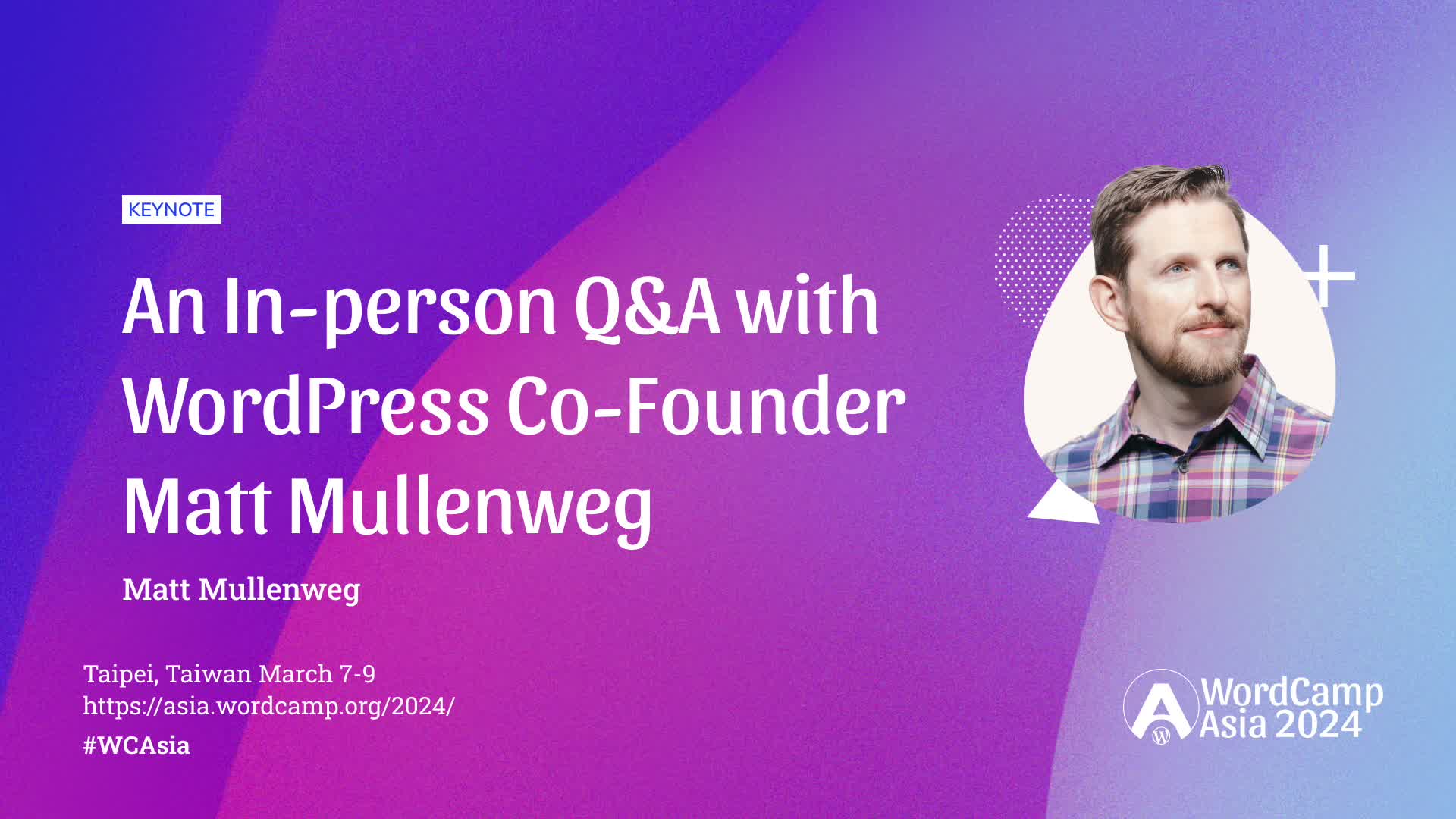
An In-person Q&A with WordPress Co-Founder Matt Mullenweg
WordCamp Asia 2024Speaker: Matt MullenwegApril 3, 2024 — Q&A session with Co-Founder of WordPress, Matt Mullenweg.
-

Enqueuing CSS and JavaScript
Speaker: Jonathan BossengerApril 3, 2024 — In order to add custom CSS or JavaScript, a WordPress plugin needs a way to add script or style tags to the HTML being rendered at any time.
Fortunately, WordPress allows plugin developers to enqueue their plugin CSS or JavaScript, so that it is added in the right place in the HTML of any post or page request.
In this lesson you’ll learn how to enqueue custom CSS and JavaScript, on either the front end, or the admin dashboard.
-
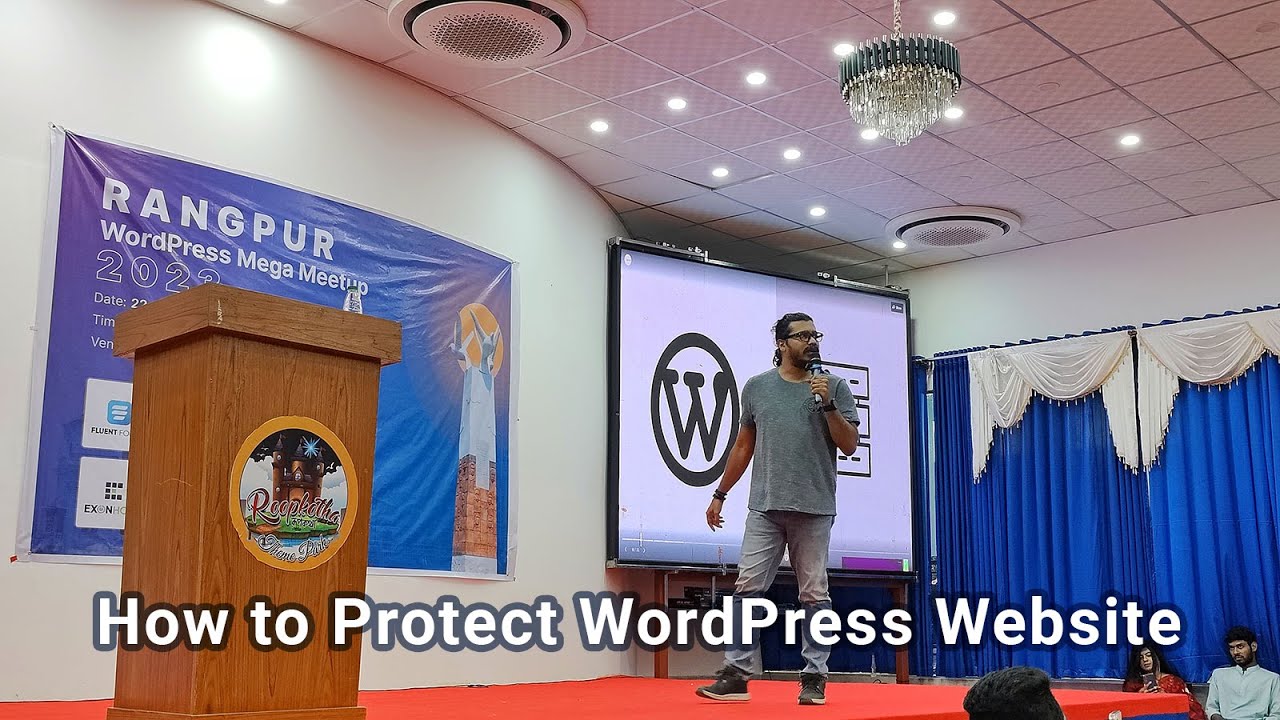
How to Protect Your WordPress Website
Rangpur WordPress Mega MeetupSpeaker: Hasin HaydarApril 3, 2024 — The insightful and empowering session with the WordPress security expert, Hasin Hyder, at the Rangpur WordPress Mega Meetup. In this exclusive talk, Hasin will dive deep into the world of WordPress security and share invaluable tips and techniques to protect your website from potential threats and cyber-attacks.
🔐 Learn essential security measures to fortify your WordPress site against hackers and malware.
🛡️ Discover best practices for securing your plugins, themes, and overall site architecture.
🚀 Explore actionable steps to keep your website up-to-date and shielded from vulnerabilities.
🔍 Gain valuable insights into identifying and mitigating common security risks.
💡 Enhance your knowledge on website backups and disaster recovery plans.

An  Contraption
