
Author Archive
-

WordPress and Consent Management Platforms
WordCamp Birmingham 2023Speaker: Marco BerrocalJanuary 24, 2024 — Consent management platforms (CMP) are used by companies to legally document and manage a user’s consent choices prior to collecting, sharing, or selling user data from online sources such as websites and apps that use cookies, embedded videos, and other tracking technologies.
This of course applies to WordPress websites. Privacy laws are becoming more and more dominant in our digital laws, and thus, we must know what information is being stored by both our theme and of course, plugins that we install. But how do weknow which CMP to choose? How does it handle the deletion of cookies? Any free choices? How much can they cover when it comes to my own plugins? Or third party plugins/themes?
In this talk we will go over the basics, as to what our options are, how can we categorize cookies and local storage data, and all the technical details we need to know in order to choose a CMP wisely with our WordPress website.
-

The Accessibility-First WordPress Development Methodology
WordCamp Birmingham 2023Speaker: Steve JonesJanuary 24, 2024 — In this talk Steve Jones, CTO of Equalize Digital will cover how to implement an accessibility-first approach to WordPress development projects. This ensures a truly accessible digital experience for all users, specifically those with disabilities. WordPress developers have a unique responsibility to take a proactive approach to develop blocks, plugins, and themes that are fully accessible at launch. These products are generally content producing or duplicated on multiple websites throughout the web. With WordPress’ large market share of websites, remedying accessibility issues retroactively can be a daunting and expensive task. Prioritizing the accessibility-first methodology takes accessibility from being a baseline standard to a core project requirement. Moreover, accessibility-first equals people first.
-

Securing WordPress (Plugins are the Last Tool to Use)
WordCamp Birmingham 2023Speaker: Aaron ReimannJanuary 24, 2024 — I watched a few YouTube videos on security in WordPress and if you think all you need to do is install a WordPress plugin (as these videos suggested) I highly recommend coming to this talk.
There is a lot more than just installing a plugin to secure a site, there are tools like using CloudFlare, using an actual firewall, etc.
I’ll walk you through a lot of things I do for the couple hundred sites that I host.
-

Ways To Increase Your WordPress Blog Traffic
WordCamp Birmingham 2023Speaker: Nathan YoungJanuary 24, 2024 — Congratulations, you created a WordPress blog! You have taken the first step in contributing to the online world. But in today’s internet environment, just writing a post and clicking publish is not enough.
This presentation will show you great ways to promote and increase traffic to your WordPress blog. From podcasts, social media, and more, you have the power to become popular on the internet.
-

It Starts With WordPress… Expanding Your Global reach
WordCamp Birmingham 2023Speaker: Aida Correa-JacksonJanuary 24, 2024 — There’s no doubt that we are in a global economy. Now, more than ever before, people from around the world can connect with you real-time, to read your blog, buy your goods or use your services.
But ….how does one begin to actually connect with the world?
In this talk, we will explore diverse ways you can bring your blog, talents, and products to an international audience…. Starting with WordPress, of course!
-

How to Get Paid for Every Little Thing You Do
WordCamp Birmingham 2023Speaker: Beth LivingstonJanuary 24, 2024 — Oftentimes, website providers think they are “adding value” by giving away some of their work or time. Typically this means 1) not getting paid for discovery activities and/or 2) not getting paid for scope changes.
Regardless, giving away work ALWAYS sets the incorrect expectation with the client, and ends up eating away at the project profit margin. The answer?
Use a paid discovery process that delays finalizing the estimate until AFTER a deep dive discovery is complete.
Establish and implement a “set-in-stone” change procedure that uses a change budget.
-

Brief Introduction to Agile Development
WordCamp Birmingham 2023Speaker: Zachary SkaggsJanuary 24, 2024 — What is “agile”? What is scrum? Are they the same thing? How do I know if I’m being “agile”?
These questions and more will be answered in this discussion on what it means to bring agility to your business. This talk is not just a technical discussion and in some ways will touch all aspects of your business.
Learn why embracing change is important, why more frequent customer interaction “counterintuitively” saves you time and money, and learn some traits of the most successful teams in the software industry.In this session we will cover:
How to use a 2-step proposal process to ensure you get paid for ALL discovery activities without fear of the client going elsewhere.
How to establish and implement a solid change control process that helps set proper client expectations, minimizes frivolous change requests, and allows you to always (yes, ALWAYS) come in on time and under budget. (It works like magic!) -

Marketing Minimalism – What They Don’t Want You to Know
WordCamp Birmingham 2023Speaker: Elizabeth PampaloneJanuary 24, 2024 — When it comes to marketing, there are a million things you can do, and a million more things everyone tells you “you MUST” do. When it comes to REAL LIFE and what actually works with clients today, there is a much simpler approach. This talk with explore a scaled back version of marketing that actually works. If your client can survive in business for 10+ years and you have a hand in that, you have a built a relationship that will last through good times and bad, no matter what the economy is doing.
In this talk, Elizabeth will share how she approaches Branding, Websites, Social Media, Blogging/Podcasting, Email Marketing etc, in an “minimalist” way so you can grow your client base in a way that will make your company (and your client’s companies) stand the test of time.
-

Reactを使ったWordPressのカスタマイズ 「WordCamp Asia 2024のワークショップの内容をみんなで試してみよう Vol.2」よりWord Counter編・中級者向け
WordCamp Asia 2024January 24, 2024 — 2024年7月12日にオンラインで行われた「WordCamp Asia 2024のワークショップの内容をみんなで試してみよう Vol.2」より、Word Counterのレシピに沿って行っているハンズオンの様子です。
途中の躓きなども含めています。
WordCamp Asia 2024のワークショップの内容をみんなで試してみよう Vol.2↓
https://www.meetup.com/ja-JP/tokyo-wo… -
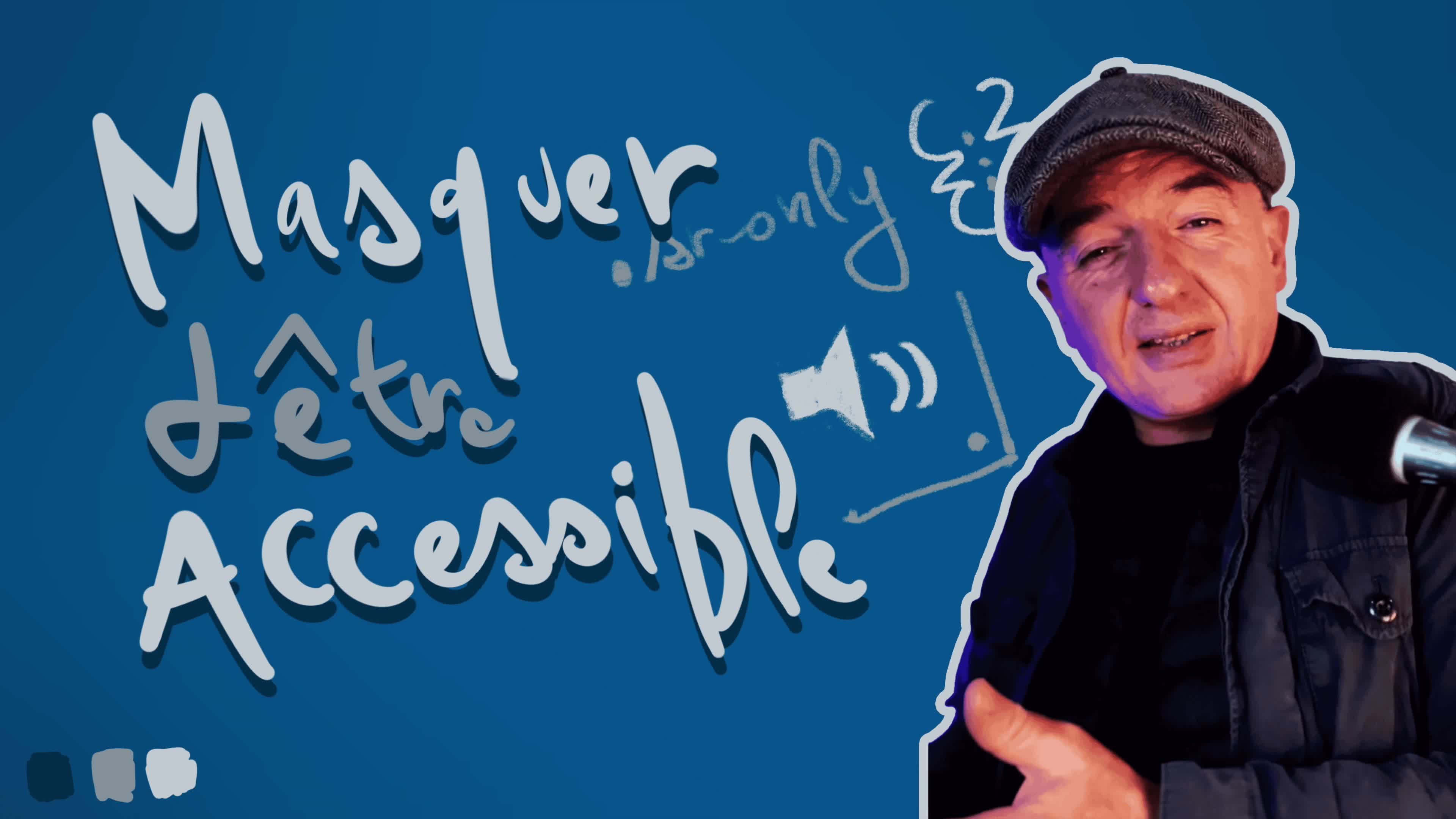
Création d’une Classe CSS pour le Masquage Accessible
WordPress 100% Bloc ExpressSpeaker: Grégoire NoyelleJanuary 22, 2024 — 1️⃣ Pourquoi cette Classe est Cruciale
Masquer un élément en CSS, ça semble simple, n’est-ce pas ? Mais, les techniques habituelles posent des défis en termes d’accessibilité, surtout pour les lecteurs d’écran. Je vais t’expliquer pourquoi c’est important et comment faire mieux.2️⃣ Ajout de la Classe dans Ton Thème
On passe à la pratique. Je vais te montrer une classe CSS spéciale qui permet de masquer des éléments tout en les gardant accessibles. On va l’intégrer ensemble dans ton thème WordPress.3️⃣ Application de la Classe dans l’Éditeur
Maintenant, voyons comment utiliser cette classe dans l’éditeur WordPress. On va sélectionner un bloc et appliquer notre classe CSS, étape par étape.4️⃣ Démonstration en Direct
Pour finir, une petite démo en direct. Tu verras le résultat du masquage en back-end et en front-end. Tu vas voir, c’est simple et super efficace.

An  Thingamajig
