
Author Archive
-

Amanda Giles: Level Up! Taking Your WordPress Code Up a Notch
WordCamp Boston 2017Speaker: Amanda GilesAugust 11, 2017 — Take your WordPress development to the next level by learning some (not so difficult) techniques specific to WordPress. We’ll discuss and review (at a high level) techniques you can learn and features you can employ to build better and smarter themes or plugins which also provide a richer experience for your users. To get the full benefit from this session you should be familiar with PHP and already writing code in WordPress.
-
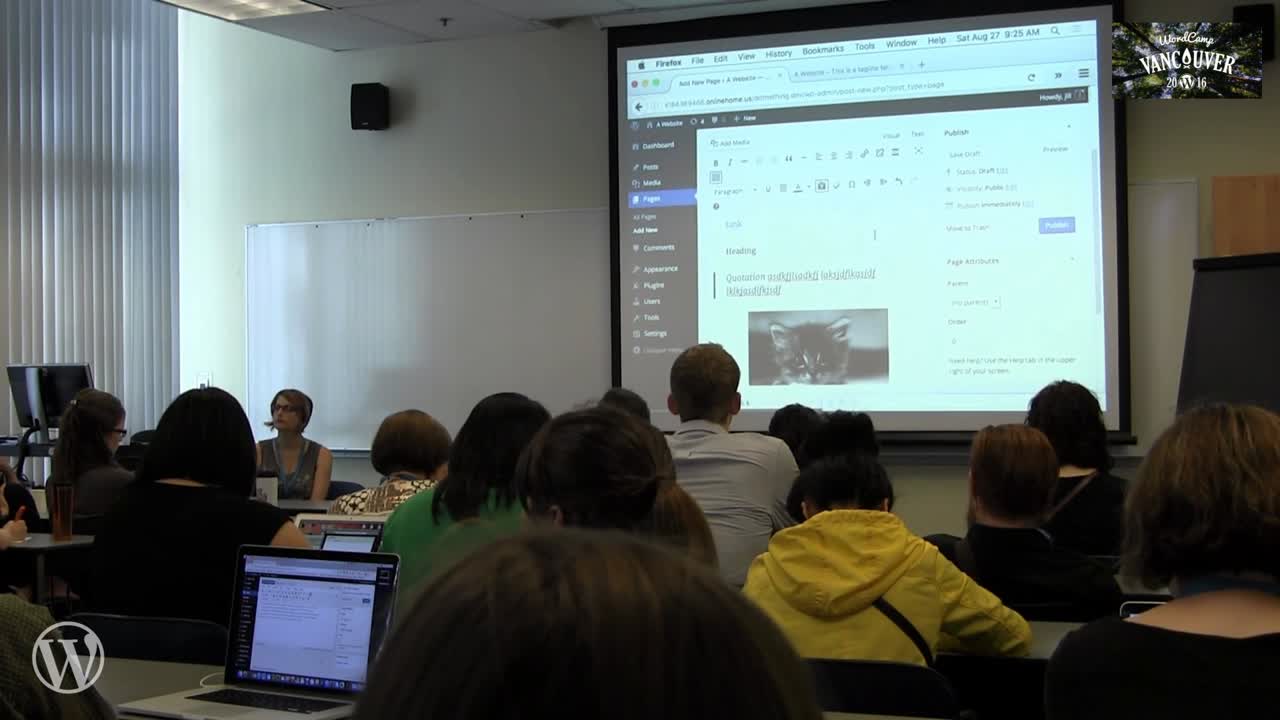
Jill Binder: The Dashboard 101
WordCamp Vancouver 2016Speaker: Jill BinderAugust 11, 2017 — New to WordPress or want a refresher? Let’s take a stroll through the dashboard together to learn all the ins and outs, including the difference between pages and posts, adding images and image galleries, the difference between categories and tags, and more. We’ll also cover the not-so-obvious tools you won’t know how you lived without, like hidden options, extra toolbar buttons, and other tricks of the WordPress trade.
-
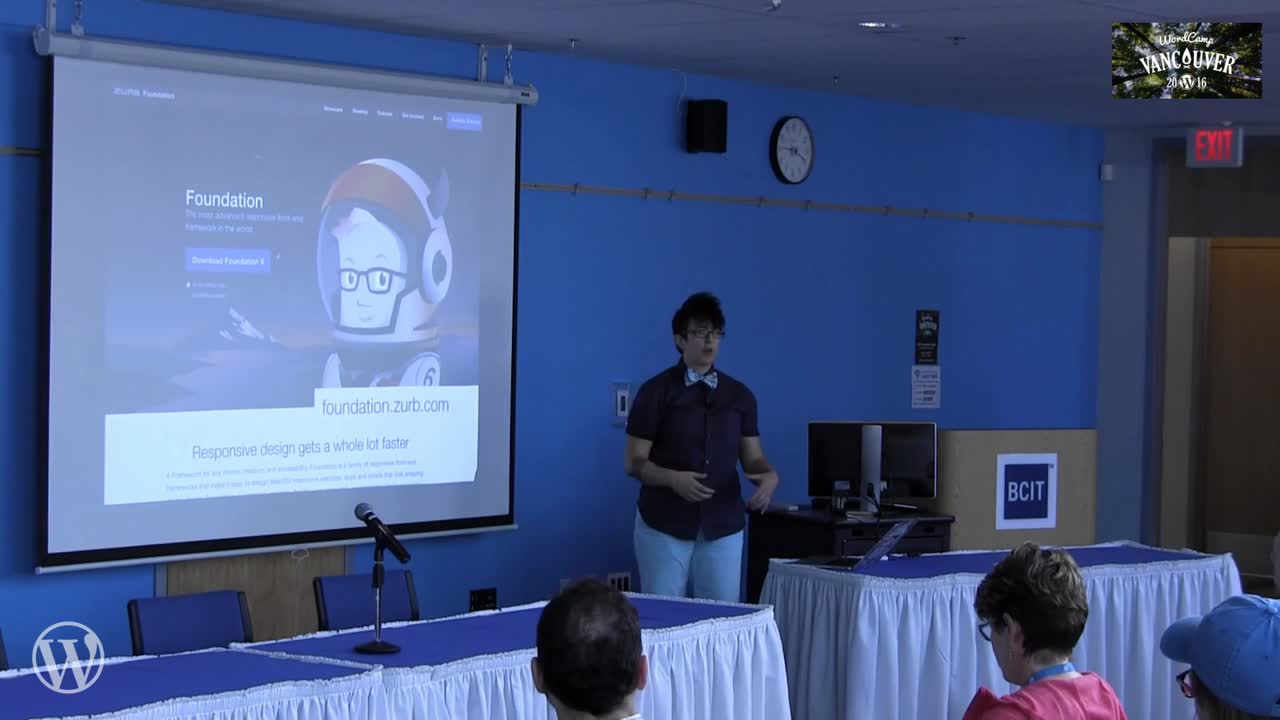
Tracy Apps: How To Not Design Like A Developer
WordCamp Vancouver 2016Speaker: Tracy AppsAugust 11, 2017 — Are you a developer, graphic designer, or content creator who makes websites? How’d they turn out? Whether your design skills are good, bad, ugly (or worse), don’t worry, there’s some simple steps and tools that can help you design less like a developer.
-

Mat Marquis: Performance Under Pressure
WordCamp Boston 2017Speaker: Mat MarquisAugust 10, 2017 — This talk walks through the highly performance-focused (and WordPress-based!) approach we took to Bocoup.com—from tinkering with the built-in responsive images functionality, to asynchronous font application, to fully automated CriticalCSS setup.
-

Nathan Ingram: Dealing With Problem Clients
WordCamp Boston 2017Speaker: Nathan IngramAugust 10, 2017 — pend time talking with a group of freelancers and the conversation will inevitably include someone’s unfortunate experience with a terrible client. Most freelancers have a story or two (or eight). While bad clients can’t be completely avoided, there are strategic steps any freelancer can take to contain the impact of a bad client. In this session, Nathan will explain the how to create a system that preserves workflow and keeps problem clients in check.
-

Gian Wild: Creating an Accessible WordPress Site
WordCamp Boston 2017Speaker: Gian WildAugust 10, 2017 — AccessibilityOz has just released the Rooted in Rights web site, a fully accessible WordPress site which won the Australian Web Award for Accessibility. Gian Wild talks about how to make a site accessible to people with disabilities and compliant with US regulations, including WCAG2. Incorporating accessibility into your web site build is important and can often mean the difference between an accessible and an inaccessible site at launch. Specific stages require accessibility intervention, including design, template, and final site launch. Suitable tasks and training is also covered.
-

Dave Ross: Functional Programming for WordPress Developers
WordCamp Boston 2017Speaker: Dave RossAugust 10, 2017 — Learn the basics of functional programming and how to apply its principles & techniques to WordPress code. Referential Transparency, pure functions, first-class functions, currying, and partial application will be explained clearly, without unnecessary buzzwords. Examples in PHP code will show how small, well-tested units of code combine to make powerful functions.
-

-

Andrew Taylor: Automating WordPress Updates With Visual Regression
WordCamp Boston 2017Speaker: Andrew TaylorAugust 9, 2017 — Your WordPress site really loves to be updated! Be it core, plugins, or themes there is a LOT of code that you need to update for every site. However, even with tools like wp-cli, updating your site is hard work.
You need to apply updates, test updates, and deploy updates. And do it for every single site for which you are responsible every single time an update comes out. Enter “Automatic WordPress Updates” and making the robots do your updates.
This session will talk about how to use a Continuous Integration and Visual Regression solution to automate WordPress updates with confidence and at scale.
-

Greg Opperman: Building an App with WordPress REST API
WordCamp Boston 2017Speaker: Greg OppermanAugust 9, 2017 — Making an interactive app using WordPress can sometimes be a headache. WordPress was designed primarily for blogging, and WordPress themes don’t make a lot of assumptions about how you should write client-side code. There are many fantastic Javascript frameworks that help developers write solid, maintainable front-end code, and provide compelling, interactive experiences for users.
Using React.js, we’ll show how you can build a simple, stateful, single-page app using the WordPress REST API as a backend.
During this talk, we’ll explain:
– What the WordPress REST API is, and why you should use it.
– Examples of single-page apps built on top of WordPress (including one for higher-ed)
– A quick tutorial / demo of how to integrate React in your WordPress development environment to create a simple app

An  Thingamajig
