
Language: English
-

Erick Hitter: The Power of WordPress Roles and Capabilities – Understanding map_meta_cap
WordCamp Toronto Developers 2012Speaker: Erick HitterJuly 7, 2013 — This presentation discusses the true power behind WordPress’ roles and capabilities system, map_meta_cap. Starting with an overview of how it relates to the system as a whole, then some real-world examples to demonstrate how the map_meta_cap function and filter can be properly used to fully leverage WordPress’ capabilities system.
-

Christopher Ross: Creating Your First Plugin, The Easy Way
WordCamp Toronto Developers 2012Speaker: Christopher RossJuly 6, 2013 — This presentation covers: What is a plugin? When to use a plugin for your WordPress project vs. a theme function; Best practices for plugin structure, unique naming conventions; Creating a secure settings page for your plugin; Sanitizing and storing your plugin data, the WordPress way; Safely retrieving data from your plugin and using it in a theme; What to do when a plugin is deactivated, or uninstalled; Structuring a WordPress readme.txt file; Submitting a plugin to the WordPress.org repository.
-

Marko Heijnen: Improved Image Manipulation in WordPress
WordCamp Toronto Developers 2012Speaker: Marko HeijnenJuly 6, 2013 — This presentation goes into several code examples starting with a simple one what explains how to create a new re-sized image from a random file on disk, explaining how you can write your own implementation and shows code on how to implement WPThumb as the WordPress main image manipulator.
-

Chris Van Patten: Developing a Client-Focused Admin Panel
WordCamp Toronto Developers 2012Speaker: Chris Van PattenJuly 5, 2013 — Learn how to add custom TinyMCE styles and remove unnecessary buttons (or add new ones), customize admin menus, add custom dashboard widgets, and more. A client-tailored admin area is the perfect way to minimize broken websites and maximize client happiness.
-

Martin Kuplens-Ewart: Being Mobile: The How and Why of The Mobile Webs
WordCamp Toronto Developers 2012Speaker: Martin Kuplens-EwartJuly 5, 2013 — This presentation explores a variety of strategies for mobile web development including responsive design, dedicated mobile sites, and server-side adaptive sites.
-
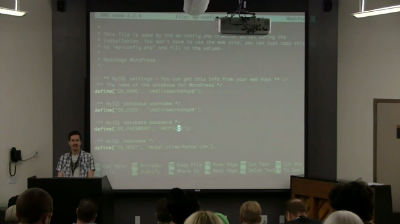
Kira Song: Introduction to Command Line
WordCamp Orange County 2013Speaker: Kira SongJuly 4, 2013 — Learn the basics of the command line in a hands-on walk-through! Learn to connect and manage files and directories, including downloading, unzipping, and installing plugins manually.
-
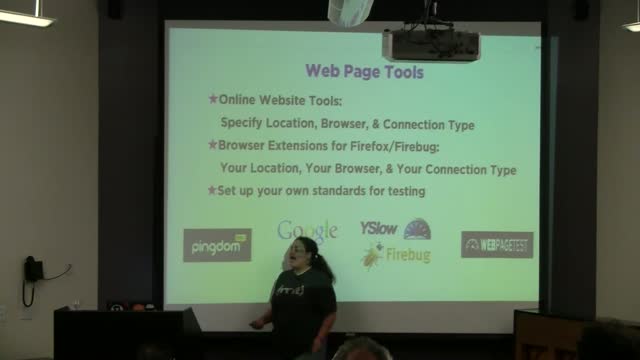
Suzette Franck: Plugin Workshop: WP Super Cache
WordCamp Orange County 2013Speaker: Suzette FranckJuly 3, 2013 — WP Super Cache is a plugin designed to help speed up the performance of your website through caching your pages into static content.
-
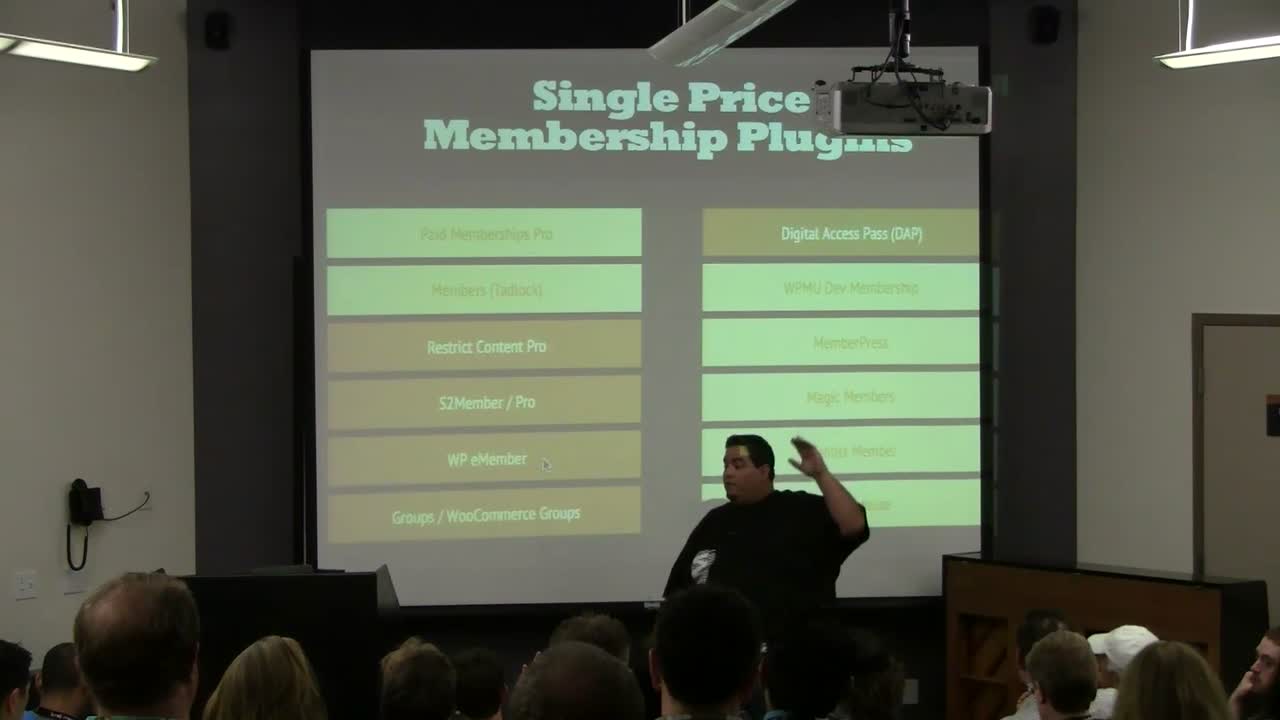
Chris Lema: The 100 Hour Work Week to Passive Income – The Inside Scoop on Membership Sites
WordCamp Orange County 2013Speaker: Chris LemaJuly 3, 2013 — This presentation walks you through options of membership sites and gives you recommendations and practical steps to building your next membership site.
-
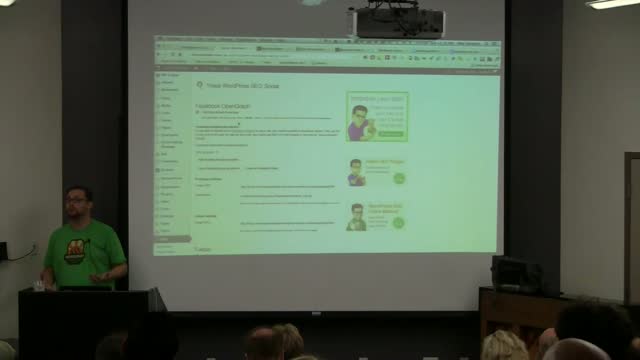
Alex Vasquez: Plugin Workshop: WordPress SEO
WordCamp Orange County 2013Speaker: Alex VasquezJuly 2, 2013 — This is a demonstration of the WordPress SEO search engine optimization plugin.
-

Erick Hitter: The Power of WordPress Roles & Capabilities
WordCamp Toronto 2012Speaker: Erick HitterJuly 2, 2013 — WordPress’ roles seem simple enough on the surface, but behind the Administrator, Editor, and the other default roles is a powerful system that can be customized extensively. While some have said that other CMS’ have an advantage when it comes to security and customizing capabilities, this presentation demonstrates that that isn’t true.

An  Brainchild
