
Language: English
-
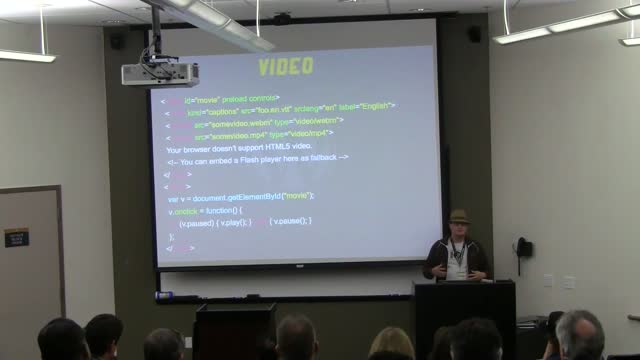
Derek Springer: 3:10 to YouTube – Navigating the Wild West of Native HTML5 Media
WordCamp Orange County 2013Speaker: Derek SpringerJune 26, 2013 — This presentation covers the current state of HTML5 media (audio/video), best practices, and ways to integrate it into your WordPress site.
-
Chris Ford: An Agile WordPress Design Process
WordCamp Orange County 2013Speaker: Chris FordJune 25, 2013 — This presentation discusses the move to an agile design process, what tools are used to facilitate the move and a case study on how the process works.
-
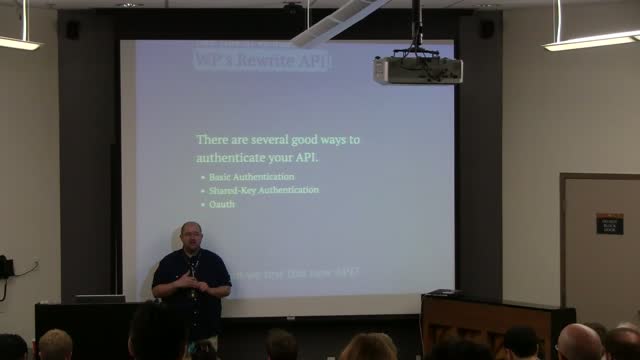
Blair Williams: Creating and Connecting to Web Services with WordPress
WordCamp Orange County 2013Speaker: Blair WilliamsJune 25, 2013 — Web services are much more prevalent and becoming more important as time goes by. This presentation talks about some of the best practices for working with web services and demonstrates how this works.
-

Brad Williams: Security
WordCamp Orange County 2013Speaker: Brad WilliamsJune 24, 2013 — Learn how to keep your WordPress powered website secure from hackers and exploits with examples of hacked sites, shared tips and plugins for keeping WordPress secure.
-

Keith Ratner: Embedding Interactive Graphics Using SVG, jQuery and WordPress
WordCamp Atlanta 2012Speaker: Keith RatnerJune 24, 2013 — Take a floor plan in PDF format and turn it into an interactive Scalable Vector Graphic. Using Illustrator, discuss free tools such as SVG-edit and Inkscape, demonstrate some jQuery, tweak our functions.php file, use “Specific CSS/JS for Posts and Pages,” “Disable Visual Editor WYSIWYG,” and ultimately embed the SVG directly in a WordPress post.
-

K.Adam White : Underscore and Backbone: jQuery’s New Friends
WordCamp Providence 2012Speaker: K. Adam WhiteJune 23, 2013 — This presentation focuses on the basics of how to use Underscore to make your theme and plugin scripts more efficient. It touchs on the significance of adding Backbone to core and provides some resources for Model-View-Controller (MVC, or “MVWTF”) JavaScript development on top of WordPress.
-

How to Create and Edit Users
June 23, 2013 — In this video we explore how to add new users to your WordPress site, required information for creating a new user, User Roles, what certain Access Levels can and can’t do inside WordPress, Editing user accounts and Promoting users on your site with biographical information.
-
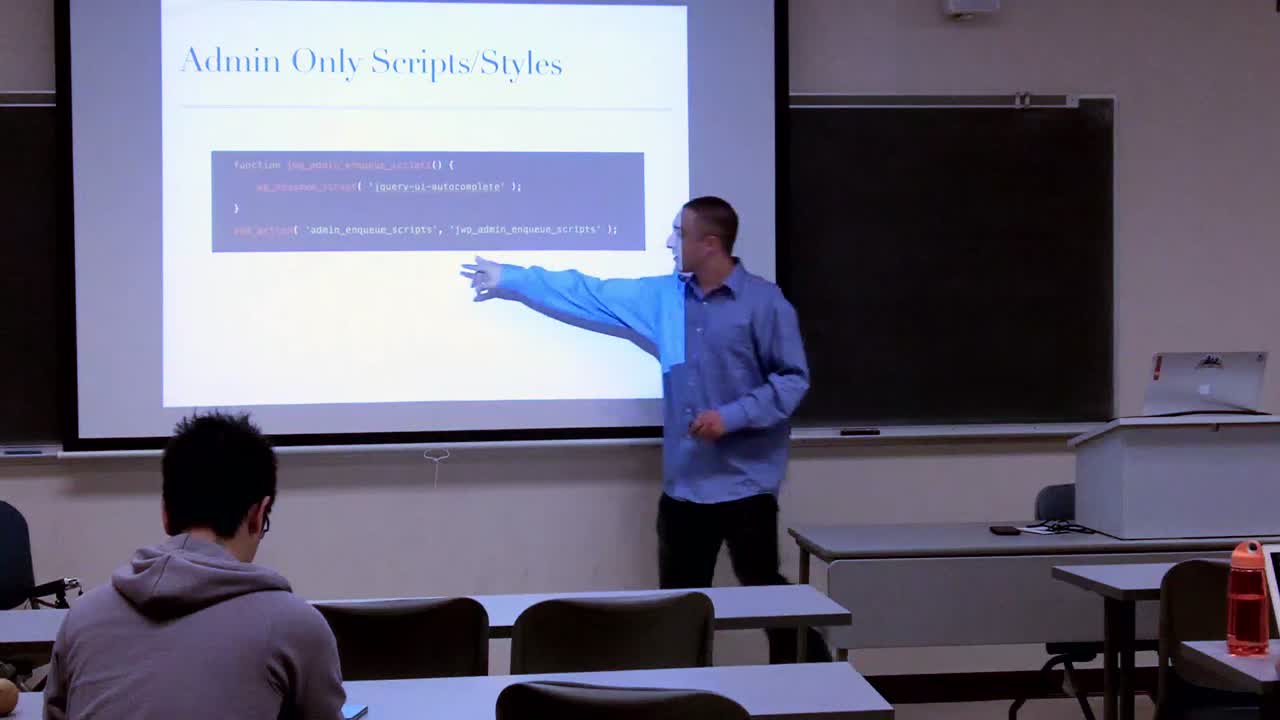
Jonathan Desrosiers: Plugin Development – Stirred not Shaken
WordCamp Providence 2012Speaker: Jonathan DesrosiersJune 22, 2013 — This presentation makes sense of the pandemonium of plugin development by breaking it down into three stages: planning, implementation, and release, while providing resources and discussing best practices.
-
Naomi C. Bush: Moving From Works For Me to Doing It Right
WordCamp Atlanta 2013Speaker: Naomi C. BushJune 21, 2013 — Lessons learned taking a plugin from a casual .org submission to a paid product.
-

How to Use The Media Library
June 21, 2013 — This video introduces users on how to find the media library, how to edit items within the media library and how to delete photos, videos, audio and documents in the library.

An  Contraption
