
Language: English
-
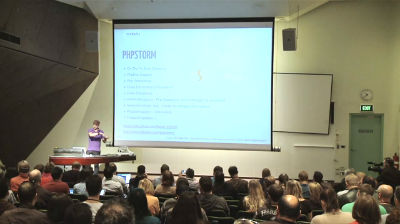
Bronson Quick: My WordPress Development Workflow
WordCamp Melbourne 2013Speaker: Bronson QuickMay 20, 2013 — This talk will outline the process I take after we’ve received design sign off from the client and looks like this…
Setting up a Basecamp project – Setting up a private GitHub repository – Setting up my IDE (Phpstorm) – Setting up Sass & Compass for CSS preprocessing – Custom Theme Development – Custom Plugin Development – Testing (Both cross browser and device ) – Migration with BackupBuddy – Ongoing maintenance.
-

Joe Ortenzi: Inclusive Design for WordPress
WordCamp Melbourne 2013Speaker: Joe OrtenziMay 19, 2013 — This presentation is specific about how to apply accessibility principles across the WP spectrum, for designers, content authors and developers. Specific methods for creating accessible content and keeping it accessible, particularly for eCommerce, government and transactional sites are presented.
-

Mikey De Wildt: How to Survive People Discovering Your Plugin
WordCamp Melbourne 2013Speaker: Mikey De WildtMay 18, 2013 — Mikey talks about his plugin ‘WordPress Backup to Dropbox’ and the issues he has had to overcome as it grows in popularity. He also talks about ‘extensions’ as a viable way for plugin developers to make a little bit of money while keeping open source values.
-

Understanding the Add New Link Screen and XFN Link Relationships
Speaker: MichaelMay 9, 2013 — Using the Add New Link screen and using XFN link relationships – for beginners.
-

Syed Balkhi: The Art of Becoming a Leader
WordCamp Miami 2013Speaker: Syed BalkhiMay 9, 2013 — Learn from one of the experts, Syed, who was able to stand out in the crowd. He talks not only about his sites WPBeginner and List25; how he launched two very successful sites, and how to become a leader in any niche you choose.
*Note: This video stops and resumes in the middle.
Presentation Slides » -
Mickey Mellen: The Difference Between WordPress.com and .org
WordCamp Atlanta 2013Speaker: Mickey MellenMay 8, 2013 — This presentation discussed some of the options for where to host your WordPress site.
-
John P. Bloch: Awesome Helper Functions in WordPress Core
WordCamp Grand Rapids 2012Speaker: John P. BlochMay 7, 2013 — This talk will showcase some of the awesome helper functions in WordPress core. These functions will break down into three categories:
1. Display helpers: This will cover some of the cooler display oriented helper functions
2. Data helpers: This will cover some of the useful functions for manipulating, getting, and returning data
3. Action helpers: This will cover some of the useful functions for executing functionality -
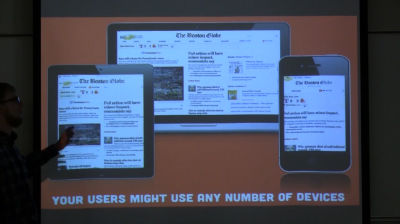
Brad Parbs: 320px and Up, Getting Started with Responsive Design
WordCamp Grand Rapids 2012Speaker: Brad ParbsMay 7, 2013 — 320px and Up – Responsive Web Design, what is it, the benefits, a background on it, how to get started, and things to watch out for while developing sites that work on any mobile phone, tablet, desktop, and more.
-
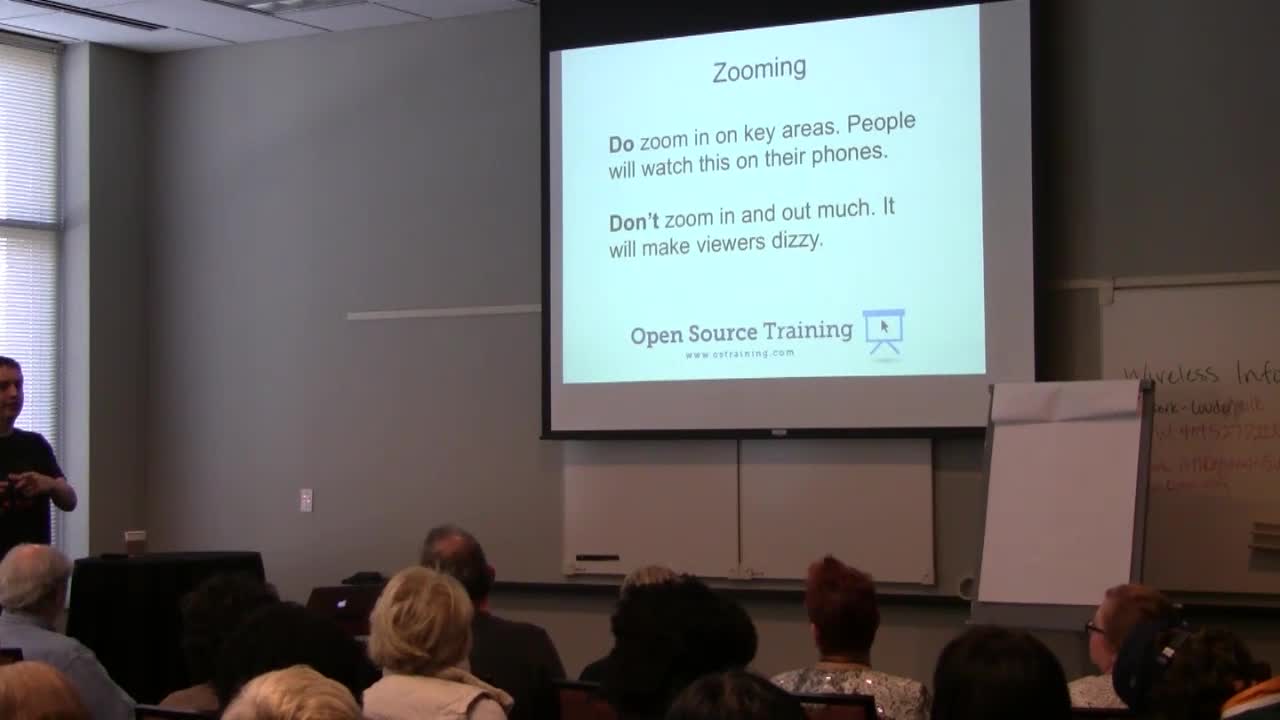
Steve Burge: How to Make Great Tutorial WordPress Videos
WordCamp Atlanta 2013Speaker: Steve BurgeMay 6, 2013 — This presentation shows how to make great videos. The target audience is web designers training their customers or product sellers (plugins, templates, hosting) who need to explain and document their work.
-
Aaron Holbrook: WordPress & Version Control: An Introduction
WordCamp Grand Rapids 2012Speaker: Aaron HolbrookMay 6, 2013 — Version Control lets you track your files over time. Why should you care? So when you mess up you can easily get back to a previous working version! I will take you through what version control is, why it’s important and how to start using it today on projects you’re already working on.

An  Contraption
