
Language: English
-

Ben Martin: Building a Better Security Posture
WordCamp Toronto 2015Speaker: Ben MartinJanuary 11, 2016 — Tips on how to improve the security of your WordPress site and develop better security posture. I’ll explore the motivations behind why WordPress sites get attacked and how to protect, detect and respond to these threats.
Learning Outcomes
– Understand the motivations of attackers and why they would want to hack your blog.
– Protect your website from the bad guys.
– Improve attitude and posture towards security.
– Effectively monitor your site environment for anything amiss. -

Mike DeWitt: Developing WordPress Themes Using Modular Sass
WordCamp Toronto 2015Speaker: Mike DeWittJanuary 11, 2016 — CSS preprocessors make developing clean and semantic stylesheets effortless. My talk will take someone through a basic structure for organizing Sass within a WordPress theme, using the Bones theme framework as an example.
I will go through some of the benefits and cool tricks you can implement with this structure including breakpoint includes, variables, functions, nesting, and mixins.
Finally I will address perhaps the greatest hurdle to immediately implementing Sass in your WordPress theme — compiling. I will take people through the common methods of doing this including Grunt, Compass, and WordPress plugins like WP-SCSS.
Learning Outcomes:
– Look at their current workflow and ask the question: Why am I repeating myself? And how can I automate it?
– Embrace a CSS workflow that is made up many small components instead of one large component.
– Gain familiarity we core features of Sass like nesting, variables, mixins, functions, and imports.
– Feel confident in using a library like Bourbon to write stylesheets that have better browser compatibility, all while writing less lines of code.
– Be aware of build tools like Grunt/Gulp, which can be used to compile Sass in addition to many other front end tasks.
– Feel confident in implementing Sass in a WordPress theme immediately. -

David Mackey: Digital Marketing with WordPress
WordCamp Toronto 2015Speaker: David MackeyJanuary 11, 2016 — Most small organizations have a challenge with how to leverage their basic WordPress site into a full marketing platform. My presentation takes the audience from a discussion about the marketing problems they face, to a digital marketing platform design pattern that they can use, and then ultimately through a discussion about which WordPress plugins they can use for the different components.
Learning Outcomes:
– Understand how to transform a WordPress site into a conversion funnel used to collect leads and make e-commerce transactions.
– Understand how a WordPress site can be used for Content Marketing and SEO.
– Understand the value of Social Media and how to connect it with WordPress.
–Understand the importance of collecting email addresses for use in marketing campaigns.
– Understand how digital advertising can be used to bring more traffic to a WordPress site.
– Understand the importance of using traffic analytic tools like Google Analytics to track site traffic and conversion goals.
– Understand which WordPress plugins can be used to build a Digital Marketing Platform for your business or non-profit organization. -

Marko Dugonjic: Typography for Developers
WordCamp Croatia 2015Speaker: Marko DugonjicJanuary 10, 2016 — A good proportion of web design today descends from print/graphic design and these influences are becoming even more prevalent. Typography for the web is now all the rage especially as we are (finally) able to use different fonts other than the tried and tested workhorses Arial, Verdana & Georgia. Therefore, solid knowledge of typography basics should really be a must for every internet professional today. Learn how to design a web page with type and impress your fellow designers.
-

Building a membership site with WooCommerce
WordCamp Brisbane 2015Speaker: Anthony HortinJanuary 10, 2016 — This talk explains how to create a membership site using WooCommerce.
-

Samuel J Parsons: No Constraints – Building a Minimum Viable Product with WordPress
WordCamp Edinburgh 2015Speaker: Samuel J ParsonsJanuary 10, 2016 — Sam will tell the story of how the Digital communications team at the University of St Andrews used WordPress to rapidly create a prototype site to explore and communicate a new vision of the University website. Please note, that the first few seconds of the video is missing, but the whole talk is practically present.
-

Plugin paradise
WordCamp Brisbane 2015Speaker: Selina PowerJanuary 9, 2016 — This talk recommends best WordPress plugins for a variety of users and website types.
-

Dave Green: Building Themes with the WP Customizer API
WordCamp Edinburgh 2015Speaker: Dave GreenJanuary 9, 2016 — If you’re not already using the customizer to add custom ‘options’ into your themes, then this talk will help you get started! Dave will cover the fundamentals of getting your theme ready for customizer action before showing you how to add settings, controls, sections and panels. Then the talk will touch on more advanced topics such as enabling live updates to preview your changes, exercising control over your website’s colours and finally how to add your own custom controls.
-

WordCamp Edinburgh Lightning Talks
WordCamp Edinburgh 2015Speakers: Rhys Wynne, James Baster, Hugo Finley, Tim Nash, Kathryn ReeveJanuary 9, 2016 — The Lightning Talks of the day, from WordCamp Edinburgh 2015.
-
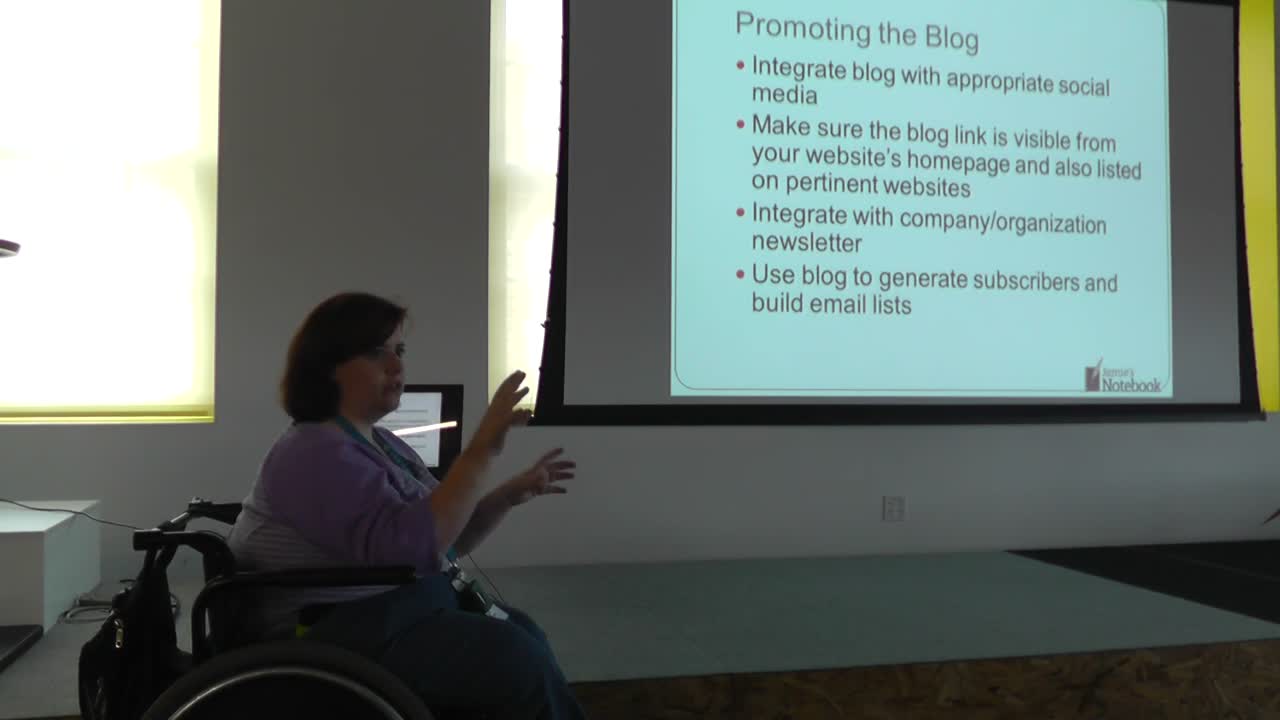
Jamie Smith: Why and How Businesses and Organizations Should Blog
WordCamp Kansas City 2015Speaker: Jamie SmithJanuary 9, 2016 — Businesses and nonprofit organizations would all benefit from having a blog but often either don’t realize how important it is, or how to go about starting a blog. Jamie explains the value of a blog and how to get a business blog started. Topics will include the reasons to have a blog, choosing topics, writing the blog, and choosing who writes the blog.

An  Experiment
