
‘CSS’ Videos
-

Diane Wallace: CSS Secrets
WordCamp Brighton 2016Speaker: Diane WallaceAugust 15, 2016 — We all have a “toolbox” of tried and tested techniques that we use again and again when developing, but is there another way? Possibly a simpler way? This is not a talk about doing CSS the “right way”, but looking at some lesser known CSS that you may not know about and that might (hopefully) prove useful.
-

Lucijan Blagonić: Moving the design process to the browser
WordCamp Europe 2016Speaker: Lucijan BlagonićJuly 2, 2016 — Responsive design has changed the way we think about designing websites — we have to cater to wide range of devices and interactions and adapt our design process accordingly. Learn about the benefits of utilising a style guide to establish a strong visual language which will help you design and code stand–alone modular components.
-

Luc Princen: Thinking outside the box(model) – An introduction to Flexbox
WordCamp Europe 2016Speaker: Luc PrincenJuly 1, 2016 — Flexbox is a new way to create responsive layouts. In this talk we’ll walk through some of the flexbox features and explore how you can start using flexbox right away to make your life as a theme developer much easier.
-
Beth Soderberg: CSS Transforms, Transitions, and Animation Basics
WordCamp Northeast Ohio 2016Speaker: Beth SoderbergJune 17, 2016 — You’ve got the basics of CSS down, but you are ready to kick it up a notch and add a bit more pizazz and interactivity to your websites. In this session we’ll explore the fundamentals of CSS transforms, transitions, and animation. What are the basic building blocks that make up these capabilities? What is the difference between a transition and a transform? What does browser support look like? Most importantly, how can you put these tools to use in your next project and where can you find good resources to learn more? We’ll answer these questions and more as we explore the basics of how to add some of the more truly dynamic elements of CSS to our websites.
-

Belén Albeza: You might not need a CSS Framework
WordCamp London 2016Speaker: Belén AlbezaMay 28, 2016 — Nowadays it is very common to find CSS frameworks like Bootstrap used everywhere. But they come at a cost, paid in big CSS files, styles that don’t get used, and a hard to maintain code base. In this talk we will talk about why using a third-party framework might not be the right choice for your project, be it a theme or a custom website. We will also see techniques to craft a blog theme without frameworks, from layout to individual UI components.
-

Eric Debelak: Getting Into CSS
WordCamp Albuquerque 2016Speaker: Eric DebelakMay 11, 2016 — Learn how to start writing custom CSS for your theme. Learn about the browsers’ developer tools, the basics of CSS syntax, some free resources to deepen your CSS knowledge and some ways you can integrate the code you write into your theme.
-
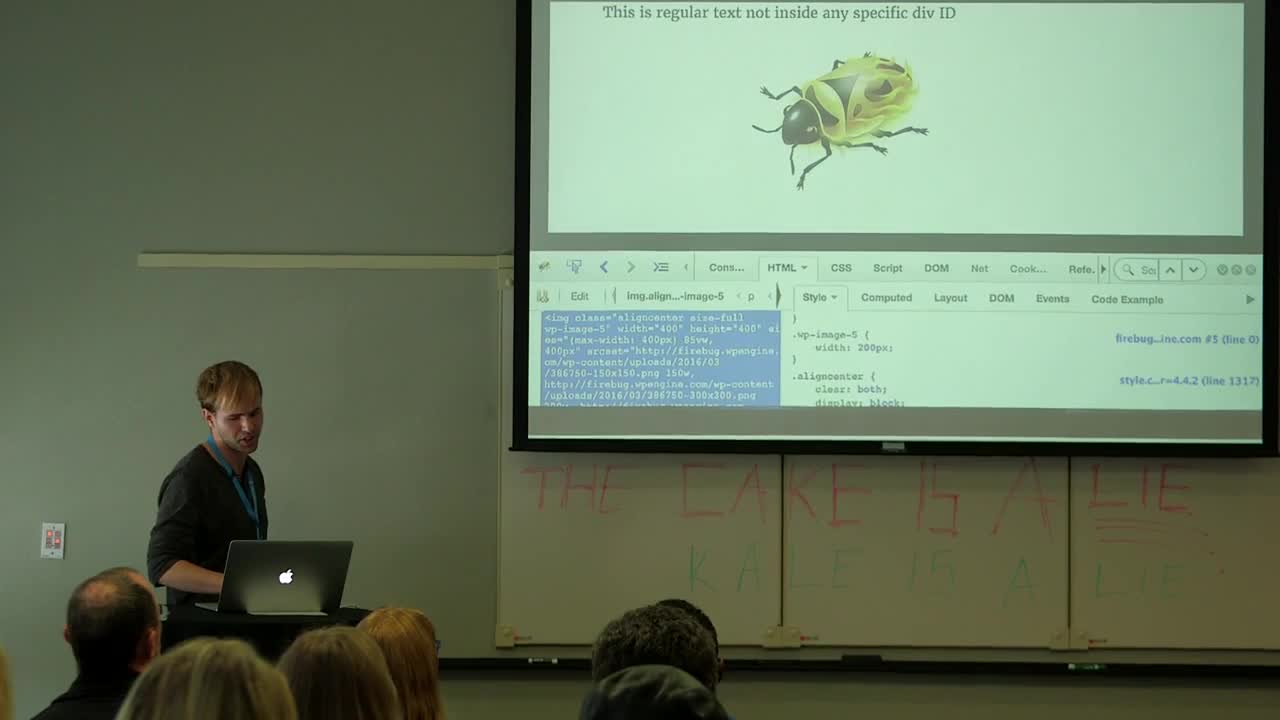
Michael Earley: Using Firebug to Learn to Customize WordPress Sites
WordCamp Atlanta 2016Speaker: Michael EarleyApril 24, 2016 — Firebug is the secret weapon of designers who are beginning to learn to customize WordPress websites. It is a great way to start to see CSS in action. The day you learn to change your site’s H2 headers for your blog post titles from blue to green will be the day you are on your way to having design power. We will go over using Firebug to find the elements that you would like to change and how to write css and see the changes happen before your very eyes. You don’t have to know css before this presentation since we will go over some of the basics to show you what you will be looking for.
-

Christoph Daum: A Kind of Magic – CSS für Fortgeschrittene
WordCamp Berlin 2015Speaker: Christoph DaumFebruary 5, 2016 — In dieser Session erhaltet ihr einen Einblick in Themen wie die Verwendung von CSS Sprites und Icon-Fonts, Optimierung für Retina Displays, sowie einige Anregungen um ein wahrer CSS Magier zu werden.
-

Suzette Franck: How to Use CSS3 in WordPress
WordCamp Toronto 2015Speaker: Suzette FranckJanuary 16, 2016 — In my travels, I have discovered that there is not much documentation on using CSS3 specifically in WordPress. While not many of the new CSS3 modules have reached official recommendation by the W3C, support is very good across all of the latest browsers.
This session will aim to inform, enlighten, and delight attendees with the right way to include CSS in your WordPress theme using child themes or a plugin such as Jetpack, and we will also cover some of the best new features of CSS3 that you can put to work right away.You should have a basic understanding of HTML and some familiarity with CSS.
Learning Outcomes
– Use the Chrome Inspector to inspect HTML and CSS of existing pages
– Create a child theme and add your own CSS to it
– Install a plugin to add custom CSS to your theme
– Enqueue your own stylesheet the proper way in functions.php
– Use the new CSS3 features to create gradients and animations on your site
– Use the new color specifications to specify colors of elements on your page -

Mike DeWitt: Developing WordPress Themes Using Modular Sass
WordCamp Toronto 2015Speaker: Mike DeWittJanuary 11, 2016 — CSS preprocessors make developing clean and semantic stylesheets effortless. My talk will take someone through a basic structure for organizing Sass within a WordPress theme, using the Bones theme framework as an example.
I will go through some of the benefits and cool tricks you can implement with this structure including breakpoint includes, variables, functions, nesting, and mixins.
Finally I will address perhaps the greatest hurdle to immediately implementing Sass in your WordPress theme — compiling. I will take people through the common methods of doing this including Grunt, Compass, and WordPress plugins like WP-SCSS.
Learning Outcomes:
– Look at their current workflow and ask the question: Why am I repeating myself? And how can I automate it?
– Embrace a CSS workflow that is made up many small components instead of one large component.
– Gain familiarity we core features of Sass like nesting, variables, mixins, functions, and imports.
– Feel confident in using a library like Bourbon to write stylesheets that have better browser compatibility, all while writing less lines of code.
– Be aware of build tools like Grunt/Gulp, which can be used to compile Sass in addition to many other front end tasks.
– Feel confident in implementing Sass in a WordPress theme immediately.

An  Ruckus
