
Author Archive
-
Syed Balkhi: Time Management for Bloggers: Streamlining Your Editorial Workflow & Grow your Business Efficiently
WordCamp Orange County 2013Speaker: Syed BalkhiJune 28, 2013 — In this presentation personal insights area shared on how to streamline your editorial workflow, actively engage in social media, respond to every email, make new connections, and grow your business without losing any sleep.
-
Steve Zehngut: WordPress Mobile
WordCamp Orange County 2013Speaker: Steve ZehngutJune 28, 2013 — This presentation discusses the current state of the the WordPress mobile plugins and what drawbacks you need to be aware of. It also looks at popular responsive themes and discusses XML-RPC and how it is used to develop native mobile apps.
-

John Hawkins: WordPress Site Use Cases
WordCamp Orange County 2013Speaker: John HawkinsJune 27, 2013 — This presentation shows examples of some fun, interesting and crazy solutions for dealing with projects to client problems of all shapes and sizes.
-
Lucy Beer: WordPress 101
WordCamp Orange County 2013Speaker: Lucy BeerJune 27, 2013 — This presentation explains the key concepts you need to understand to build your WordPress site, whether it’s a simple blog or a brochure site for your business. When to use Posts or Pages? How to use Custom Menus, how to install Plugins and Themes. What’s the difference between a Plugin and a Widget? Understanding these foundations will set you on the road to WordPress success!
-
Lizelle Brandt: Legally Blogging: Keep Your Blog From Being Sued
WordCamp Orange County 2013Speaker: Lizelle BrandtJune 26, 2013 — This presentation covers the 5 most common mistakes made by bloggers which can lead to lawsuits, and how to avoid them. Topics covered are legal pitfalls in: Written Content, Images, Video, Product Reviews and Product Sales.
-
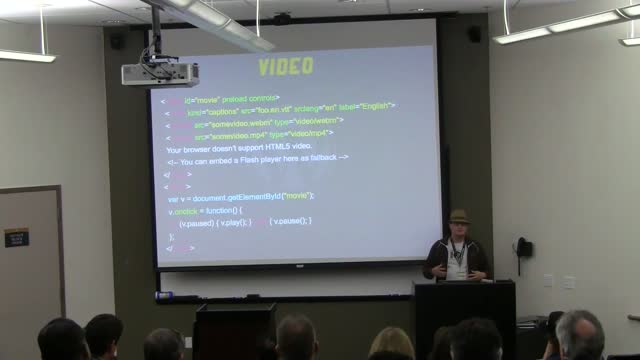
Derek Springer: 3:10 to YouTube – Navigating the Wild West of Native HTML5 Media
WordCamp Orange County 2013Speaker: Derek SpringerJune 26, 2013 — This presentation covers the current state of HTML5 media (audio/video), best practices, and ways to integrate it into your WordPress site.
-
Chris Ford: An Agile WordPress Design Process
WordCamp Orange County 2013Speaker: Chris FordJune 25, 2013 — This presentation discusses the move to an agile design process, what tools are used to facilitate the move and a case study on how the process works.
-
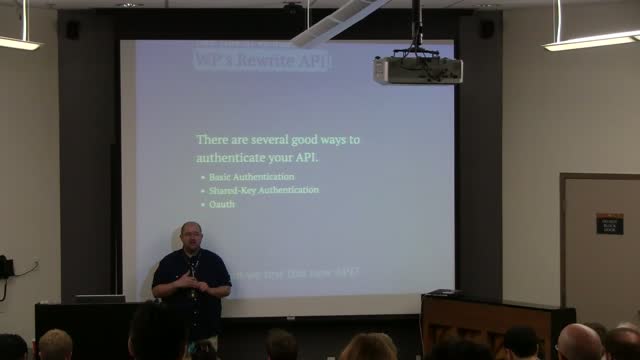
Blair Williams: Creating and Connecting to Web Services with WordPress
WordCamp Orange County 2013Speaker: Blair WilliamsJune 25, 2013 — Web services are much more prevalent and becoming more important as time goes by. This presentation talks about some of the best practices for working with web services and demonstrates how this works.
-

Brad Williams: Security
WordCamp Orange County 2013Speaker: Brad WilliamsJune 24, 2013 — Learn how to keep your WordPress powered website secure from hackers and exploits with examples of hacked sites, shared tips and plugins for keeping WordPress secure.
-

Keith Ratner: Embedding Interactive Graphics Using SVG, jQuery and WordPress
WordCamp Atlanta 2012Speaker: Keith RatnerJune 24, 2013 — Take a floor plan in PDF format and turn it into an interactive Scalable Vector Graphic. Using Illustrator, discuss free tools such as SVG-edit and Inkscape, demonstrate some jQuery, tweak our functions.php file, use “Specific CSS/JS for Posts and Pages,” “Disable Visual Editor WYSIWYG,” and ultimately embed the SVG directly in a WordPress post.

An  Experiment
