
Language: English
-

Joe Dolson: Accessibility And WordPress: Developing For The Whole World
WordCamp Chicago 2013Speaker: Joe DolsonNovember 19, 2013 — This presentation covers accessibility topics including implementing best practice accessibility for theme and plug-in developers, discussing current progress and goals from the WordPress Accessibility P2 group, and addresses general principles of accessibility useful for every WordPress developer and designer.
-

Eric Lewis: Hiring And Working With A Developer
WordCamp Chicago 2013Speaker: Eric LewisNovember 17, 2013 — A recurring story is a client who’s already been through the gauntlet with a fellow developer, but didn’t get what they wanted, it went way over budget, or one of a million other outcomes. This talk is about some of these pitfalls, and preparation you can do to be a wise client.
-

Geoff Campbell: A Few New Moves For Confident Beginners
WordCamp Buffalo 2013Speaker: Geoff CampbellNovember 17, 2013 — This presentation shows those who are already familiar with how to use WordPress at a basic level to try some things that go beyond the basics. Focusing on plugins, a bit of coding, premium tools and frameworks.
-

Gordon Wright: WordPress Goes to College: A Case Study
WordCamp Chicago 2013Speaker: Gordon WrightNovember 15, 2013 — This presentation is the story of how WordPress came to the rescue of a small, nonprofit graduate school, freeing it from the chains of an ancient and expensive proprietary CMS and even allowing it to go responsive without a full website redesign.
-

Al Davis: The New User Guide To WordPress
WordCamp Buffalo 2013Speaker: Al DavisNovember 14, 2013 — This presentation walks new users through the difference between wordpress.com and wordpress.org. It dispels some common misconceptions about using WordPress, as well as help clarify some introductory concepts like pages, posts, categories and tags, along with other introductory level definitions and concepts.
-

Zack Tollman: Enhancing Developer Creativity With Git
WordCamp Chicago 2013Speaker: Zack TollmanNovember 13, 2013 — This presentation presents Git techniques that encourage developers to be creative with code in a responsible manner and it explains Git commands that improve a developer’s confidence in writing creative code without the consequences of breaking existing functionality.
-
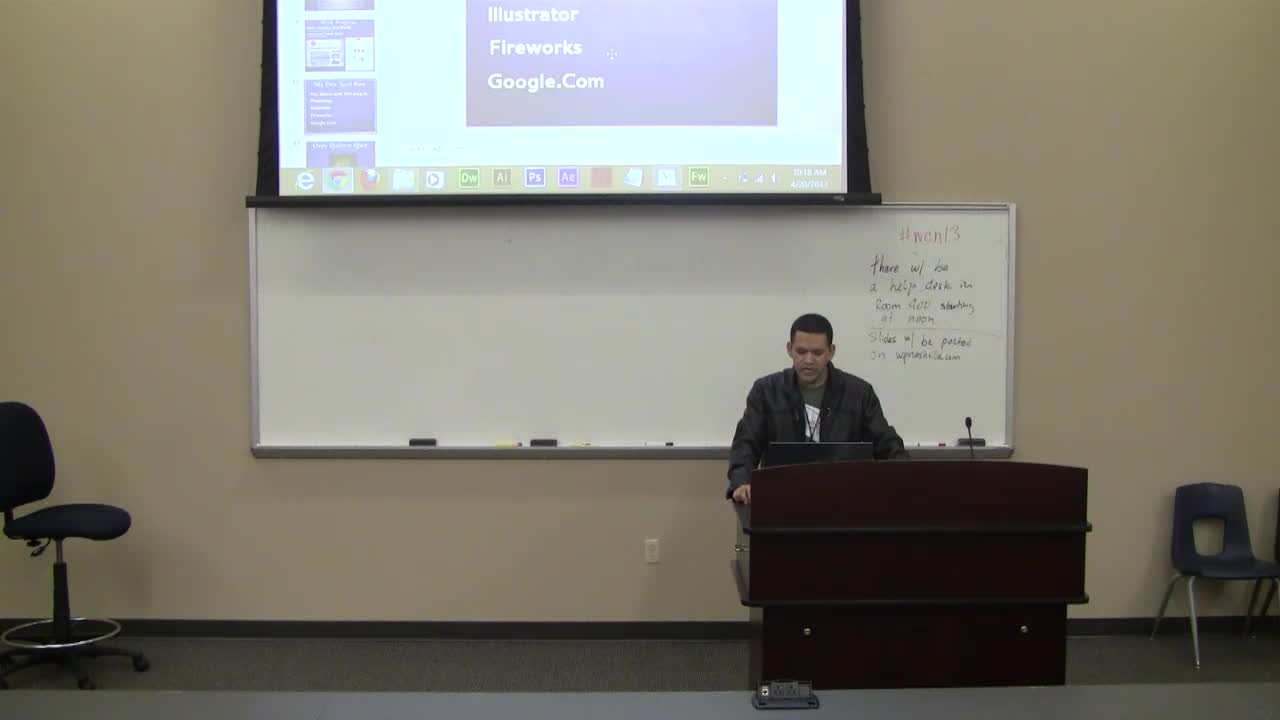
Noe Lopez: My First 3 Months Working With WordPress
WordCamp Nashville 2013Speaker: Noe LopezNovember 11, 2013 — This talk is a personal experience working as a developer. Discussion topics include the best practices for blending into a good workflow, how to prepare for your first developer job, and the expectation vs reality about working with a team.
-

Nathaniel Schweinberg: Debugging
WordCamp Nashville 2013Speaker: Nathaniel SchweinbergNovember 11, 2013 — This talk discusses how best to debug your project using tools like Debug Bar and Chrome Developer Tools.
-

Jake Goldman: Interview Cheat Sheet: 10 Questions I Ask Every Developer
WordSeshSpeaker: Jake GoldmanNovember 10, 2013 — This session discusses the process used to hire developers for an agency with questions asked and some right and wrong answers to these questions.
-

Frederick Townes: WordPress Performance Optimization
WordSeshSpeaker: Frederick TownesNovember 10, 2013 — This session is tips and techniques to optimize your WordPress site for better performance.

An  Invention
