
Language: English
-

Adam W. Warner: The Pitfalls of Working From Home and How to Avoid Them
WordCamp Nashville 2016Speaker: Adam W WarnerMarch 16, 2017 — Working from home is more common than ever, especially for those of us helping to build a better web with WordPress. But working from home comes with unique challenges that aren’t found in a typical in-office setting.
In this session, Adam will share his personal experiences working remotely for the past 5 years and how, through trial and error, he’s learned how to avoid the most common pitfalls and create a work/life balance. Spoiler alert: there are also two toddlers in this mix!
Whether you’ve been yearning to break out of cubicle life or currently working from a home office, you’re sure to find some tips and tricks that will help you be productive and most of all happy with the “work from home” lifestyle.
-

David Brooks Sr: Future-proof Your Clientele
WordCamp Lancaster 2017Speaker: David Brooks SrMarch 16, 2017 — This topic will be a discussion about the future of WordPress and how to adapt and stay relevant as a developer. With the popularity of services like “SquareSpace”, “Wix” and “Fiverr” it is becoming clear that many new business ideas are worked on independently by their creators, despite having no web development or UI/UX experience. Even WordPress itself is seeming to move towards a more “Do it yourself” mindset. Our discussion will be audience engaging and cover ways to stay relevant and offer your clients a reason to work with you, and then stick with you for years to come.
-

Shari Medini: Write Great Website Copy
WordCamp Lancaster 2017Speaker: Shari MediniMarch 16, 2017 — Your website needs to look clean, needs to work seamlessly, but it also needs succinct & effective content. The best website copy communicates quickly & clearly with each & every visitor to the site (whether they are browsing on desktop or mobile). It can be difficult to balance the web content so that visitors receive the information that they are looking for without being frustrated with excess.
This session will cover some ideas & examples to get you started whether you are creating a new site or revamping your current site. If anyone is brave enough, I would love to do a live critique of your website & the content that is there. -

Diana Day: Teaching Teens WordPress
WordCamp Lancaster 2017Speaker: Diana DayMarch 16, 2017 — So-called digital natives might pick up tech skills easily, but that doesn’t mean they intuit everything tech-related – there is plenty to teach and learn, especially when it comes to a robust storytelling tool like WordPress. Teaching high school students how to properly design, set up, and launch a WordPress blog and how to tell their stories powerfully to a target audience, with good writing and high-quality multimedia, gives them a mighty perch from which to sing. I’ll explain the step-by-step process I’ve used to teach teens to become WordPress bloggers.
-
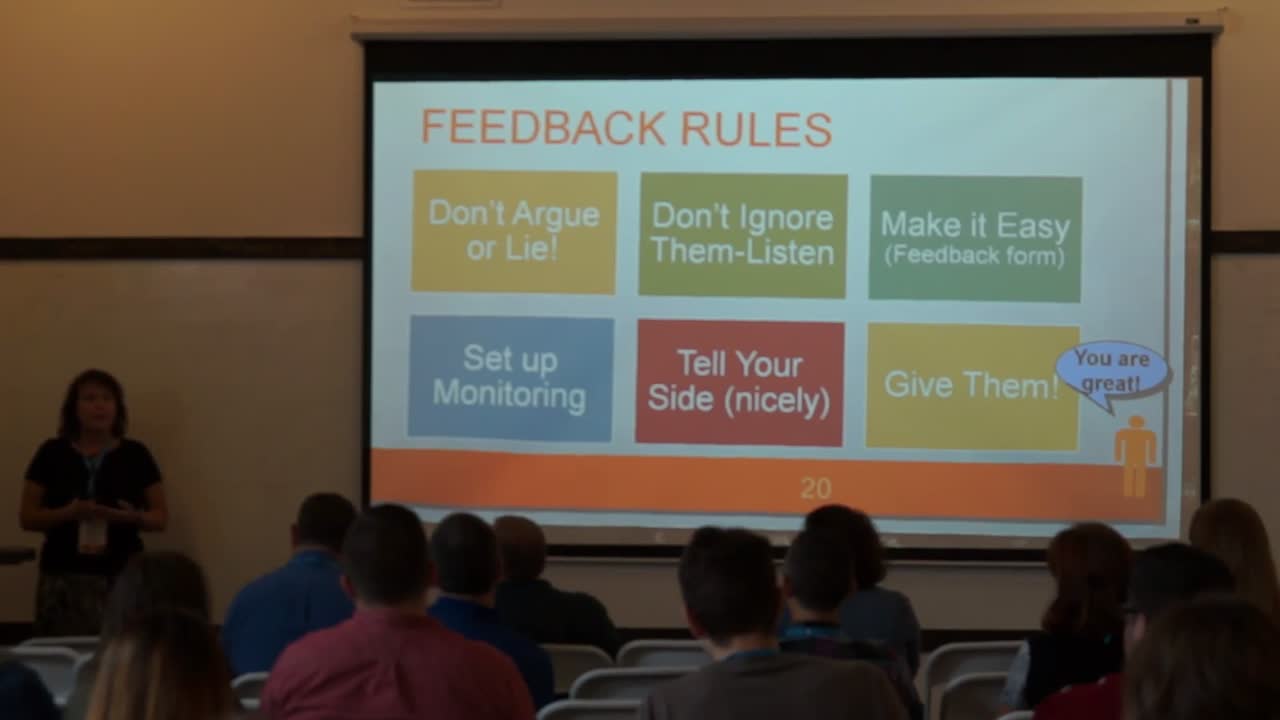
Tammy Finch: Managing Your Online Reputation
WordCamp Nashville 2016Speaker: Tammy FinchMarch 16, 2017 — Word-of-mouth advertising – and a good reputation among customers – is still your most valuable marketing and public relations asset in the digital age. On the Internet, a positive reputation can take you farther than ever… and a few bad reviews can sink your sales overnight.
In this short workshop, experienced online marketing coach Tammy Finch is going to show you:
How to monitor reviews and respond to negative feedback
How to manage (and separate) your personal and professional personas
How to use social media profiles and other digital tools to get feedback from buyers
This should be considered a must-attend session for any marketer or business owner.
-

Pamela Coyle: How WordPress Cured My TechnoFear
WordCamp Nashville 2016Speaker: Pamela CoyleMarch 16, 2017 — …and made me more valuable as a writer. I detest feeling stupid and for years refused to dive into new technology because it always frustrated me. Teaching myself the basics of navigating WP as a user cured me of any technofear. It made me more confident also made me more valuable as a copywriter because I understood how websites are put together, know what is possible, how all the parts of digital marketing (should) work together. The ability to “speak the language” of design, basic development, and organic SEO means I can set higher fees. And that is a good thing.
-

Steve Wilkison: Getting To Know Jetpack
WordCamp Nashville 2016Speaker: Steve WilkisonMarch 16, 2017 — An in-depth exploration of Jetpack, what it is, what you can do with it, how to use it.
-

Nile Flores: Creating A WordPress Website That Works From the Start
WordCamp Nashville 2016Speaker: Nile FloresMarch 16, 2017 — Installing WordPress, plugins, and a theme is just a start, but in maintaining and growing your website, you’ve got to make plans. Sure, your initial idea of creating a WordPress site for whatever reason is great, but if you’re trying to get people to either subscribe to your newsletter, share your posts, fill out your lead forms, leave a comment on your posts, click an ad, or buy your stuff, you’ve got more to do.
If you’re not getting some type of return on investment, which is to get people to do something on your website, then your website is broken. Come sit in and let me help you fix your problem by giving you ideas that you can use.
-

Steve Zehngut: Leveling Up In WordPress
WordCamp Nashville 2016Speaker: Steve ZehngutMarch 16, 2017 — Keynote presentation for WordCamp Nashville 2016
-

Mark Wilkinson: Tremendous Taxonomies
WordCamp Manchester 2016Speaker: Mark WilkinsonMarch 16, 2017 — Taxonomies have been around in WordPress for a long time as a way of grouping things together, but did you know there is a lot you can do with taxonomies which you may not know? In this talk I will outline what taxonomies are and how you can create your own custom taxonomies. I will share some use cases for having custom taxonomies as well as some different and interesting ways in which I have used taxonomies on some sites in the past. In addition I will looks at some of the ways in which you can optimise the admin UI for taxonomies, making it more appropriate in some cases. The talk will also look at how you can associate data with different taxonomy terms.

An  Contraption
