
‘Security’ Videos
-

Геннадий Ковшенин: Условия гонки в WordPress
WordCamp Moscow 2016Speaker: Gennady KovsheninOctober 6, 2016 — Как только на вашем WordPress сайте появляется значительный поток посетителей, риск появления серьезных ошибок начинает расти. Ведь в ядре и API WordPress практически нет потоковой безопасности! Как писать масштабируемый код и избежать состояний гонки в ваших проектах?
-

Rui Hang Foo: 5 Tips To Optimise WordPress To Be Faster and More Secure
WordCamp Singapore 2016Speaker: Rui Hang FooOctober 5, 2016 — There are many WordPress sites are powered by Vodien, and we are gonna share some insights, such as common traps like unoptimised themes and plugins causing site slowdowns and hacks.
We will also share why its important to work with a web developer or a reputable theme publisher for your website. Furthermore, we will provide our recommendations on a few plugins that cover different aspects, such as for security and speed. -

Marko Heijnen: Security – More Important Than Ever / セキュリティ – いまだかつてないほど重要なもの
WordCamp Tokyo 2016Speaker: Marko HeijnenSeptember 30, 2016 — In the last couple of years, security has become a bigger focus point and it hasn’t been different for WordPress. During this talk, I dive into this a bit more by focusing on our role in making sure that projects are delivered as secure as they can be. This by going over several security issues that were discovered this year and ways how you can prevent yourself.
ここ数年の間、セキュリティは徐々に重要な問題となりつつあり、それはWordPressでも例外ではありません。このセッションでは、普段我々が行っているプロジェクトをできるかぎり安全に公開するという役割に焦点を当て、セキュリティの問題を深掘りします。今年発見された幾つかのセキュリティ脆弱性と、その対処法についてもお話しします。
-

Logan Kipp: WordPress Security and Plugins
WordCamp Pittsburgh 2016Speaker: Logan KippSeptember 25, 2016 — Logan takes the audience through the structure of a WordPress site’s security posture, dispelling common misconceptions and elaborating on perceived security overlaps. The session explains the differences between plugin-based security and external solutions, as well as how they best work together. In easy-to-understand terms, Logan also touches on basic hosting configuration best practices and security control spheres. Whether just getting started in WordPress or a seasoned developer, this talk has something for every WordPresser.
-
Vitaly Karasik: How to Harden Your WordPress Website
WordCamp Israel 2016Speaker: Vitaly KarasikSeptember 13, 2016 — I speak about different aspects of WordPress security and hardening. We’ll discuss how to protect your WordPress website against different attacks, I’ll show you different tools and services which will help you with hardening your website.
Ongoing maintenance isn’t less important: we’ll learn how to monitor and backup your website securely and efficiently. -

Carsten Logemann: Managed Hosting – Kompromisse bezüglich Sicherheit, Flexibilität, Performanz und …
WordCamp Frankfurt 2016Speaker: Carsten LogemannSeptember 8, 2016 — Jede/r, der/die Verantwortung für eine Webanwendung übernimmt sollte ein gewisses Grundverständnis von den Services haben, welche sie/er bei Hosting-Diensleistern einkauft. Zu diesem Grundverständnis beizutragen ist Ziel dieser Session.
Es geht in der Session um diverse Spannungsfelder, die sich meiner Meinung nach immer nur mit Kompromissen lösen lassen. Bezüglich Flexibilität und Verfügbarkeit der Website kann man vllt. etwas kompromissbereiter sein, als bei der Sicherheit. Aber da es niemals absolute Sicherheit geben kann, muss man leider auch bei der Sicherheit mit Kompromissen leben. Dies gilt insbesondere für Software, deren Aufgabe es ist, rund um die Uhr (24h pro Tag, 7 Tage die Woche) für jeden Nutzer im Internet erreichbar zu sein.
-

Gerroald Barron: Beginner WordPress Security
WordCamp Oklahoma City 2016Speaker: Gerroald BarronAugust 26, 2016 — The basics on hardening your WordPress application and best security practices.
The importance of Strong passwords, Two-Factor, secure file permissions and using SFTP encryption.
The basics on hardening the install by changing Salts, removing username admin and the admin ID of 1.
The importance of maintaining backups and updates. -
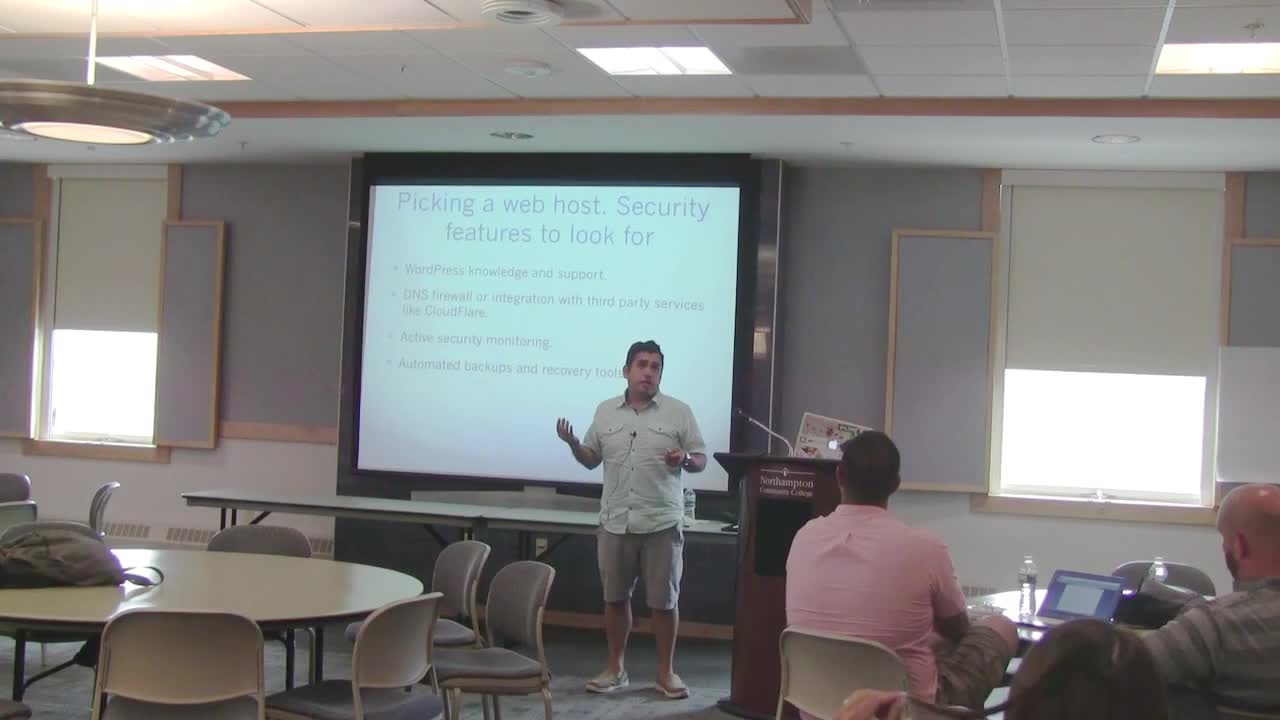
Carlos Zuniga: WP Security for Novices
WordCamp Lehigh Valley 2016Speaker: Carlos ZunigaAugust 25, 2016 — We will be discussing basic things a you can do secure your site with minimal technical knowledge. What to do in case it does get hacked. How to backup and restore your website.
-

Will Chatham: WordPress Security – Don’t Be a Target
WordCamp Asheville 2016Speaker: Will ChathamAugust 19, 2016 — Learn how to lock down your WordPress website so that you become less of a target for hacking, defacement, or data theft. Using freely available tools, you’ll find out how to thwart cyber attacks and build trust with your visitors.
Take aways:
Becoming less of a target for hackers.
Hardening WordPress websites with security plugins.
Other tools and tips for website security. -

Tim Nash: Security Is Everyone’s Responsibility
WordCamp Brighton 2016Speaker: Tim NashAugust 9, 2016 — Using real examples of exploits reported in themes and plugins, Tim will be discussing steps you can take to improve the security of your WordPress site. If you’re a developer or theme designer, you can learn from other’s mistakes and make sure you don’t repeat them. However, it’s not just developers – security is for everyone so Tim will cover practical tips to help anyone keep their site nice and safe.

An  Experiment
