
‘Updates’ Videos
-

András Guseo: 4 Tips For A Safe WordPress And Plugin Update
WordCamp Bern 2017Speaker: András GuseoSeptember 23, 2017 — An update for WordPress, themes and plugins should fix things. Right. And it does. Sometimes, however, some new bugs crawl in despite the best efforts and thorough testing. The multitude of installations and different plugin setups makes it impossible to test any plugin in every situation that exists in the world. And sometimes an update produces an error unfortunately, and in some cases even a totally broken site. This is when angry users attack support forums demanding an immediate fix, asking for their money back, giving 1-star ratings, and sending the developers to hell and back. Rightfully so? I don’t think so. Maybe partially. But you can do a lot to prevent an update breaking your live site and putting you out of business.
So here are my tips for never ever having a broken live website for more than 10 minutes, when doing an update on core WordPress, your theme or your plugins.
-

Andrew Taylor: Automating WordPress Updates With Visual Regression
WordCamp Boston 2017Speaker: Andrew TaylorAugust 9, 2017 — Your WordPress site really loves to be updated! Be it core, plugins, or themes there is a LOT of code that you need to update for every site. However, even with tools like wp-cli, updating your site is hard work.
You need to apply updates, test updates, and deploy updates. And do it for every single site for which you are responsible every single time an update comes out. Enter “Automatic WordPress Updates” and making the robots do your updates.
This session will talk about how to use a Continuous Integration and Visual Regression solution to automate WordPress updates with confidence and at scale.
-
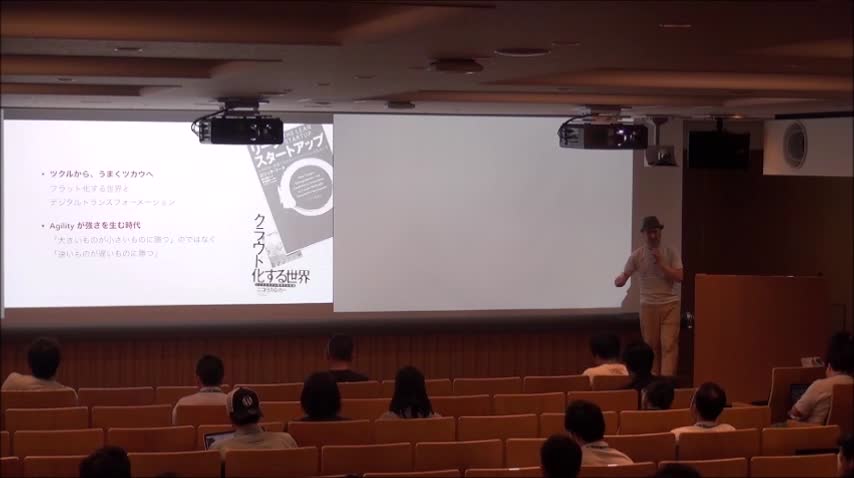
Hiromichi Koga: “外のモノサシ”を知れば、WordPressはもっと楽しくなる!
WordCamp Kyoto 2017Speaker: Hiromichi KogaJune 28, 2017 — 【内容】
本セッションでは、WordPressのこれまでの進化(アップデート)と、それを取り巻くweb環境やwebツールとしての役割の変化を”外のモノサシ”をキーワードに、実際の経験や事例を交えてお話します。
【概要】
– WordPressのコア・コンピタンスについて考える
– “ツクル”から、うまく”ツカウ”へ
– Microservicesというアプローチ
– WordPressとAPIエコノミー
– 共通のプラットフォーム/共通のスキルを開発速度に活かす
– コミュニティを通じて多様性を知る
– これからもとめられる WordPress の役割と展望
【対象】
– WordPressでweb制作を効率化したい代理店やフリーランスの方
– クラウドサービスを開発に活用したい方
– SaaSなどのwebサービス開発をお考えの方
– ビジネスを海外にスケールしたい方 -

Russell Aaron: The Many Ways to Updating Your WordPress Sites
WordCamp San Diego 2017Speaker: Russell AaronApril 7, 2017 — New users often log into each site and click on the update button. That last for the first few months. After it becomes a pain in the neck, they search for other tools they can use to update a number of sites at once. After they get the invoice for the new service they signed up with, it leaves their bank accounts dry and their brains ruined. In this session, we’ll be discussing the many ways a user can update their network of sites in one swoop. In WordPress, there are many ways to do everything. Make your life easier and save time each month.
-

Dustin Meza: WordPress Upgrade Anxiety No More – 5 Steps to Having a No Surprise Upgrade
WordCamp Nashville 2016Speaker: Dustin MezaMarch 18, 2017 — WordPress upgrades, they bring us new features, faster sites, and better security. But pushing that upgrade button can be a scary moment, unless you’ve ensured your site is ready and compatible. I’ll show you the best practices for ensuring your site is ready including a simple strategy that works whether you manage one site or hundreds.
-

WordPress TV Shortz Episode 11
Speaker: John ParkinsonJanuary 16, 2017 — In episode 11 I talk about the Team Updates and Meeting schedules for the various Teams on make.wordpress.org.
-
Marc Nilius: Updates in WordPress – Wie? Wo? Was? Warum?
WordCamp Frankfurt 2016Speaker: Marc NiliusSeptember 10, 2016 — Die Session erläutert viele Fragen rund um Updates in WordPress: Woher weiß mein WordPress, dass es Updates gibt? Wann werden diese automatisch installiert? Wie kann ich die Update-Mechanismen in WordPress beeinflussen? Wann sollte ich Updates durchführen? Sollte ich das überhaupt oder besser „Never change a running system“? Wohin werden meine Systemdaten bei einem Updatecheck geschickt und welche Daten sind das?
-

Dustin Meza: WordPress Upgrade Anxiety No More – 5 Steps to Having a No Surprise Upgrade
WordCamp Orange County 2016Speaker: Dustin MezaJuly 11, 2016 — WordPress upgrades, they bring us new features, faster sites, and better security. But pushing that upgrade button can be a scary moment, unless you’ve ensured your site is ready and compatible. I’ll show you the best practices for ensuring your site is ready including a simple strategy that works whether you manage one site or hundreds.
-

Konstantin Obenland: Shiny Updates – A Feature Plugin in Two Acts
WordCamp San Diego 2016Speaker: Konstantin ObenlandApril 26, 2016 — Shiny Updates is an effort to make the user experience around managing plugins and themes smoother and more pleasant. It has also shown to be a feature that is subject to all the challenges that software projects face around the world, and as such make for a great case study to review the current approach to WordPress Core development.
-
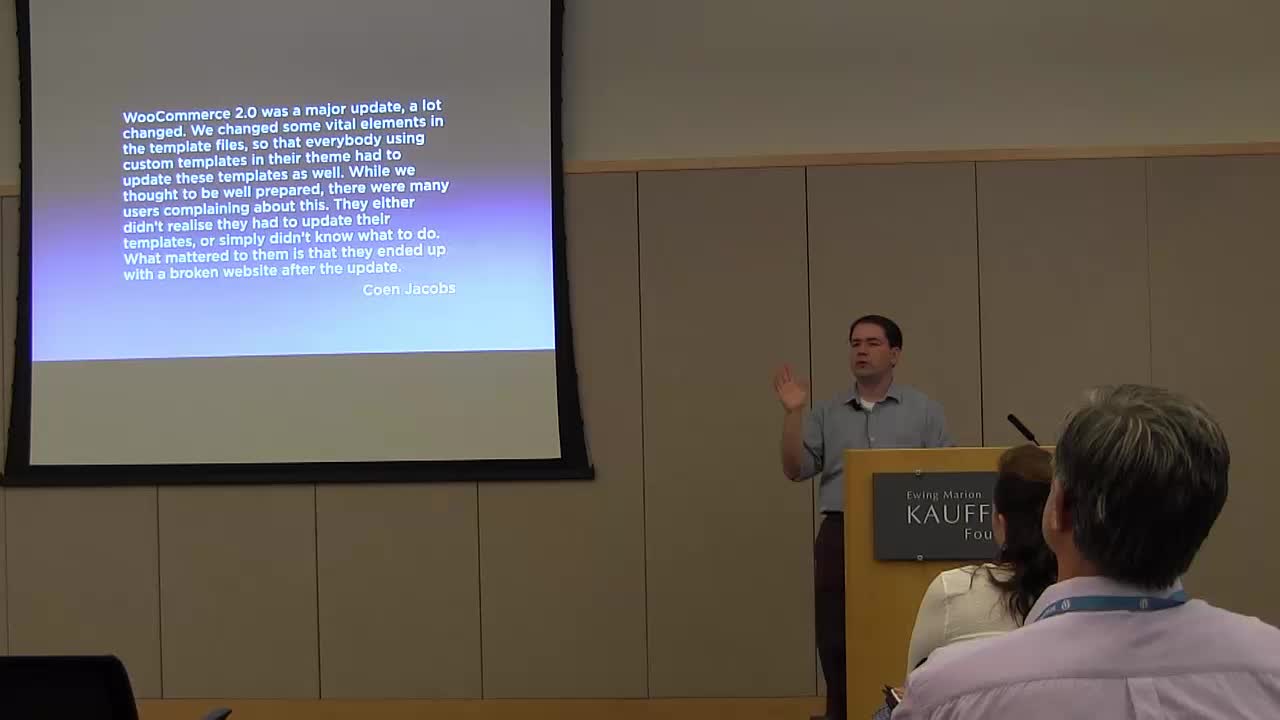
Chris Koerner: How I Learned to Stop Worrying and Love the Update Button
WordCamp Kansas City 2015Speaker: Chris KoernerJanuary 8, 2016 — The best WordPress site is an updated WordPress site. Learn about why you should update your site and how to do it without the headache. I’ll talk about ways to prevent problems when updating and share some best practices on site updates.

An  Creation
