
Archive for 2018
-

Kelli Wise: Learn to Use Your WordPress Website PART 1
WordCamp Seattle 2017Speaker: Kelli WiseSeptember 20, 2018 — You have this great WordPress website and now you want to know how to use it.
Congratulations! You just launched a shiny, new website built on WordPress and you’ve logged in to the admin area to have a look around. You’re ready to publish your first blog post or edit a page but, Wowza, there are a lot of things to click on! All of those menu options is making you very uncomfortable.
What are all of those options for? What happens if you click on them? What if you click on the wrong thing?
Make sure you come prepared! Read to the end to see what you should bring and come early to make sure you’re ready to go.
You’ve probably headed out to Google-ville to find the answer to your questions. You’ve discovered that there are a kerjillion different individual tutorials out there on how to do this or that. You’ve watched videos and read the Codex but you’re still worried and confused. It seems like a really steep learning curve.
It’s not. Learning to use WordPress is not hard. In this workshop, we are going to learn all the basics of WordPress to get you using your website like a pro. Some of the things we’ll be covering:
• How to login to your admin Dashboard
• A tour of the Dashboard
• The difference between Pages and Posts
• How to create and edit a Page and Post
• Formatting text and headings
• Adding images
• Embedding a Google map or YouTube video on your Page
• Dealing with Comments
• Backups – how and why
• Keeping things updated
• Widgets – what they are and how to use them
• Plugins – what they are
• Users and User Roles
• Tools
• Settings – what not to changeThis is a Workshop, not a lecture, so you’ll see WordPress in action, have plenty of opportunity to ask questions and get answers. The class size is kept small to maximize your learning.
Your instructor has been designing websites using WordPress for over 7 years. She’s also taught this material many times, so you know you’re going to come away from the class knowing how to use WordPress.
Note: this is a beginner level workshop for bloggers and business owners who use WordPress and isn’t intended for developers.
COME PREPARED!
For this workshop you will want to have the following:Laptop (or tablet big enough for you to work on)
A working self-hosted WordPress install or we can create a temporary site on pooply.life -

Elliot Taylor: Ten Clangers I Learnt While Building My WordPress Startup
WordCamp Bristol 2017Speaker: Elliot TaylorSeptember 20, 2018 — I’m on my second product built with WordPress. The first one didn’t go to plan. I’m not writing this from a beach in the Caribbean. But I’m giving it another shot and I’ve learnt a huge amount about how to approach building products with WordPress. In this talk I’m going to describe the easy pitfalls you can fall into, how to avoid them and build a successful WordPress product business.
-
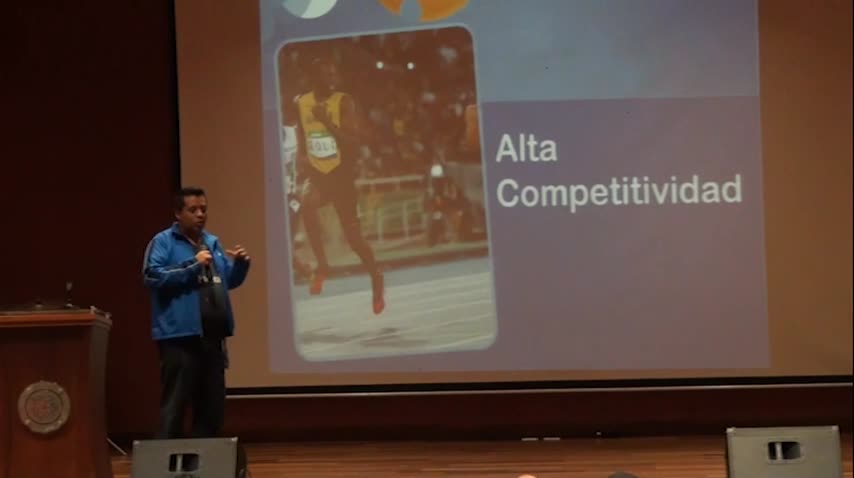
Page Carbajal: Habilidades necesarias para obtener un trabajo remoto con WordPress
WordCamp Bogotá 2017Speaker: Page CarbajalSeptember 20, 2018 — Habilidades necesarias para obtener un trabajo remoto con Wordpress
-

Evgenii Nasyrov: Advanced Frontend Workflow for Building WordPress Themes
WordCamp Bristol 2017Speaker: Evgenii NasyrovSeptember 20, 2018 — We are going to have a brief look at the advanced frontend workflow: – write CSS with SASS – combine all JavaScript into one file – optimize images – synchronised browser testing and more with Gulp
-

Franz Vitulli: Word After Word – A Writing Workflow
WordCamp Bristol 2017Speaker: Franz VitulliSeptember 20, 2018 — From blog posts to internal reports, reviews, documentations, business proposals or social statuses, there is a wide range of cases to write for. Whether you’re an accomplished writer or not, you need to have an established writing workflow in order to create better content with less resources. In this talk I’ll explain how I start from a simple idea and develop a good text that is ready to be read by someone else. Tools of the trade, good and bad habits, text accessibility, but also lessons learned from pragmatics, sociolinguistics, and other linguistics subfields. This session is aimed not only at authors and content creators, but also at all professionals who want to write more effectively for different purposes.
-

WordCamp Europe 2018 – Contributor day
WordCamp Europe 2018Speaker: MultipleSeptember 20, 2018 — This video interviews a few people at WordCamp Europe 2018 in Belgrade, on contributor day. We’ve asked them who they are, what they do, and what their ideas are about contributing to WordPress.
-

Akinjobi Sodiq: WordPress Multisites
WordCamp Mombasa 2018Speaker: Akinjobi SodiqSeptember 18, 2018 — A presentation on how to set and enable WordPress multisite.
-
Be smart and helpful: success, generosity and the business of people
WordCamp Minneapolis / St. PaulSpeaker: Michelle SchulpSeptember 16, 2018 — WordCamp Minneapolis / St. Paul, Keynote
Be Smart and Helpful: Success, Generosity and the Business of People with Michelle Schulp
-

Bernhard Kau: Gutenberg – Der neue Standard-Editor in WordPress 5.0
WordPress Meetup BerlinSpeaker: Bernhard KauSeptember 14, 2018 — Auf dem WordPress Meetup Berlin am 30.08.2018 hat Bernhard eine Einführung in den zukünftigen Standard-Editor Gutenberg gegeben.
-
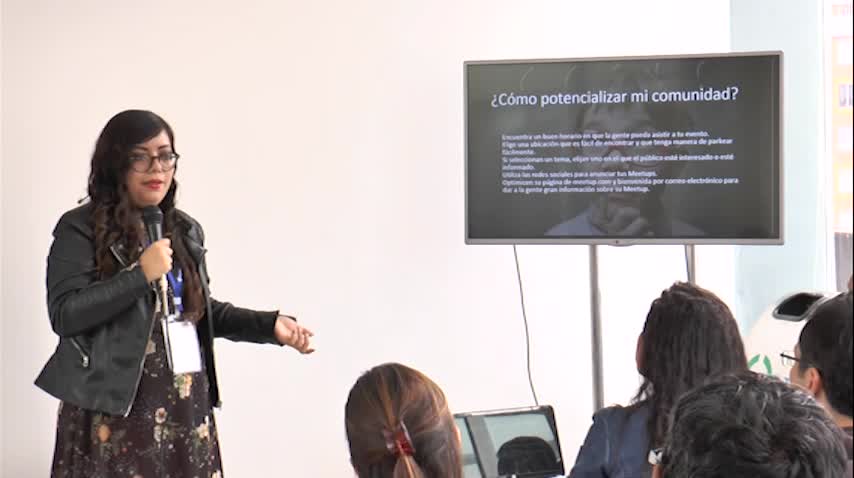
Maryl González: Como comenzar tu comunidad de WordPress en tu localidad
WordCamp Bogotá 2017Speaker: Maryl GonzálezSeptember 13, 2018 — Como comenzar tu comunidad de Wordpress en tu localidad

An  Creation
