
Language: English
-
Hari Shanker R: Learn.WordPress.org: The Future of WordPress Education
WordCamp Santa Clarita 2021Speaker: Hari ShankerOctober 31, 2021 — Learn more about free WordPress training available through the WordPress.org initiative, Learn WordPress.
-
Ben Pines: Marketing Productivity Hacks for Busy Web Creators
WordCamp Santa Clarita 2021Speaker: Ben PinesOctober 30, 2021 — This talk offers insights from building the social media following of the popular Elementor WordPress plugin. Learn how to create a virtuous cycle where social media content is seamlessly integrated to your business.
-
Joe Casabona: How Theme Developers Should Approach Full Site Editing
WordCamp Santa Clarita 2021Speaker: Joe CasabonaOctober 29, 2021 — This talks suggests that good themes are more important than ever in this newer era of Full Site Editing and the block editor. If you are a theme developer — or want to be one — learn more about how to build well-designed themes with all the right guide posts for Full Site Editing.
-
Scott Buscemi: Getting Cozy with WooCommerce Subscriptions
WordCamp Santa Clarita 2021Speaker: Scott BuscemiOctober 28, 2021 — This lightning talk offers expert recommendations for developers customizing WooCommerce Subscriptions. Learn more about best practices for developing, debugging, testing, and monitoring code that interfaces with the Subscriptions plugin.
-
Roxy Kohilakis: Managing Discussion Settings
Speaker: Roxy KohilakisOctober 27, 2021 — Learn how to configure the WordPress Discussion Settings to modify visitor access to comments. This walkthrough will allow you to personalize your settings to help reduce spam comments on your site.
-

Using the Block Widget Editor
Speaker: Wes TheronOctober 25, 2021 — Widgets provide a convenient means of adding content and features to a website and require no coding experience. This lesson will give an introduction to finding and including widgets on your website.
-
Roxy Kohilakis: Managing Reading Settings
Speaker: Roxy KohilakisOctober 21, 2021 — Learn how to configure the WordPress Reading Settings to improve the presentation of posts and pages. This walkthrough will give you an opportunity to personalize your site’s front page, post feeds, and more!
-
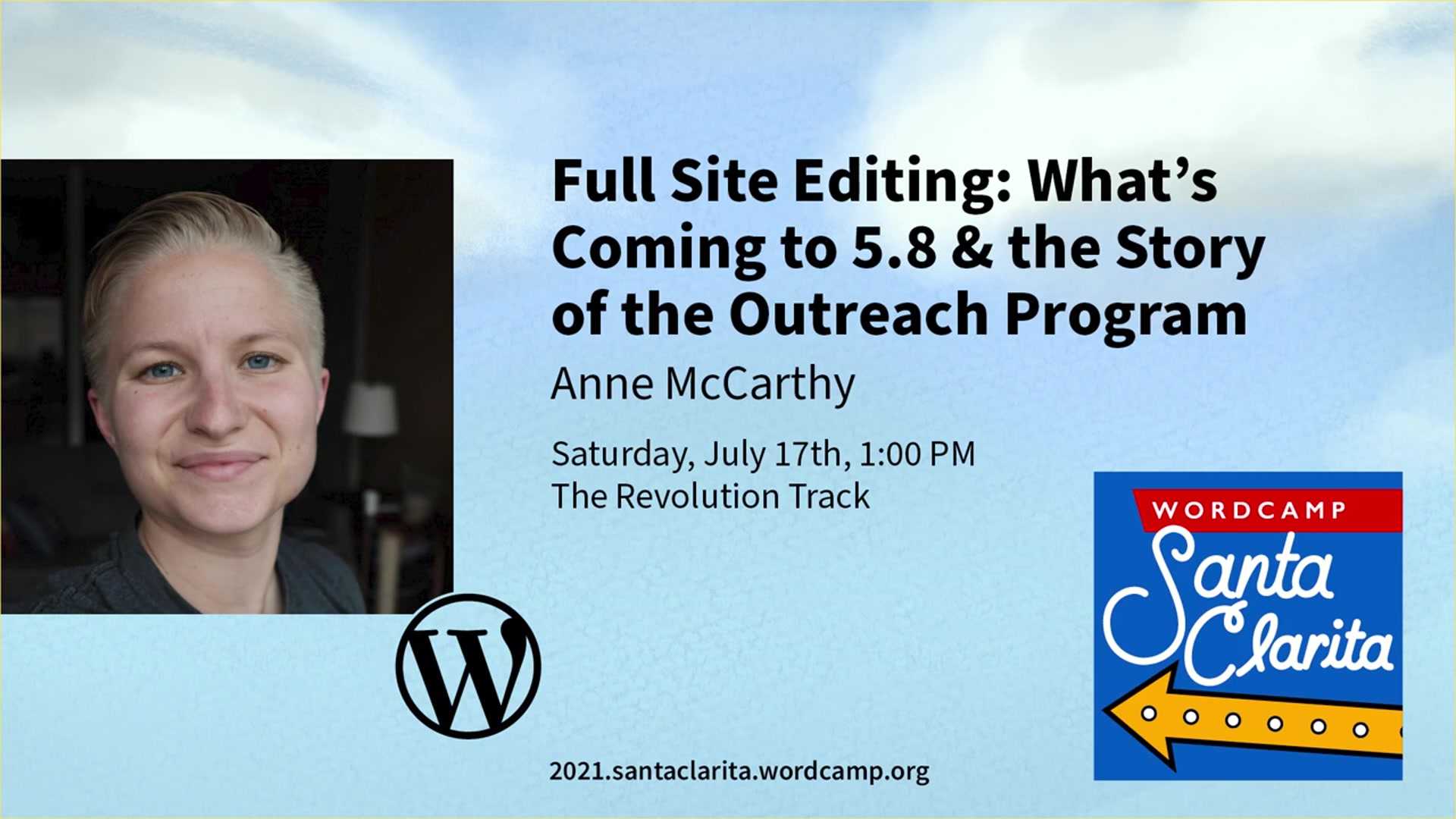
Anne McCarthy: FSE: What’s coming to 5.8 and the story of the Outreach Program
WordCamp Santa Clarita 2021Speaker: Anne McCarthyOctober 21, 2021 — This talk reviews the Full Site Editing features of WordPress 5.8 (released July 2021) and tells the story of the Outreach Program.
-
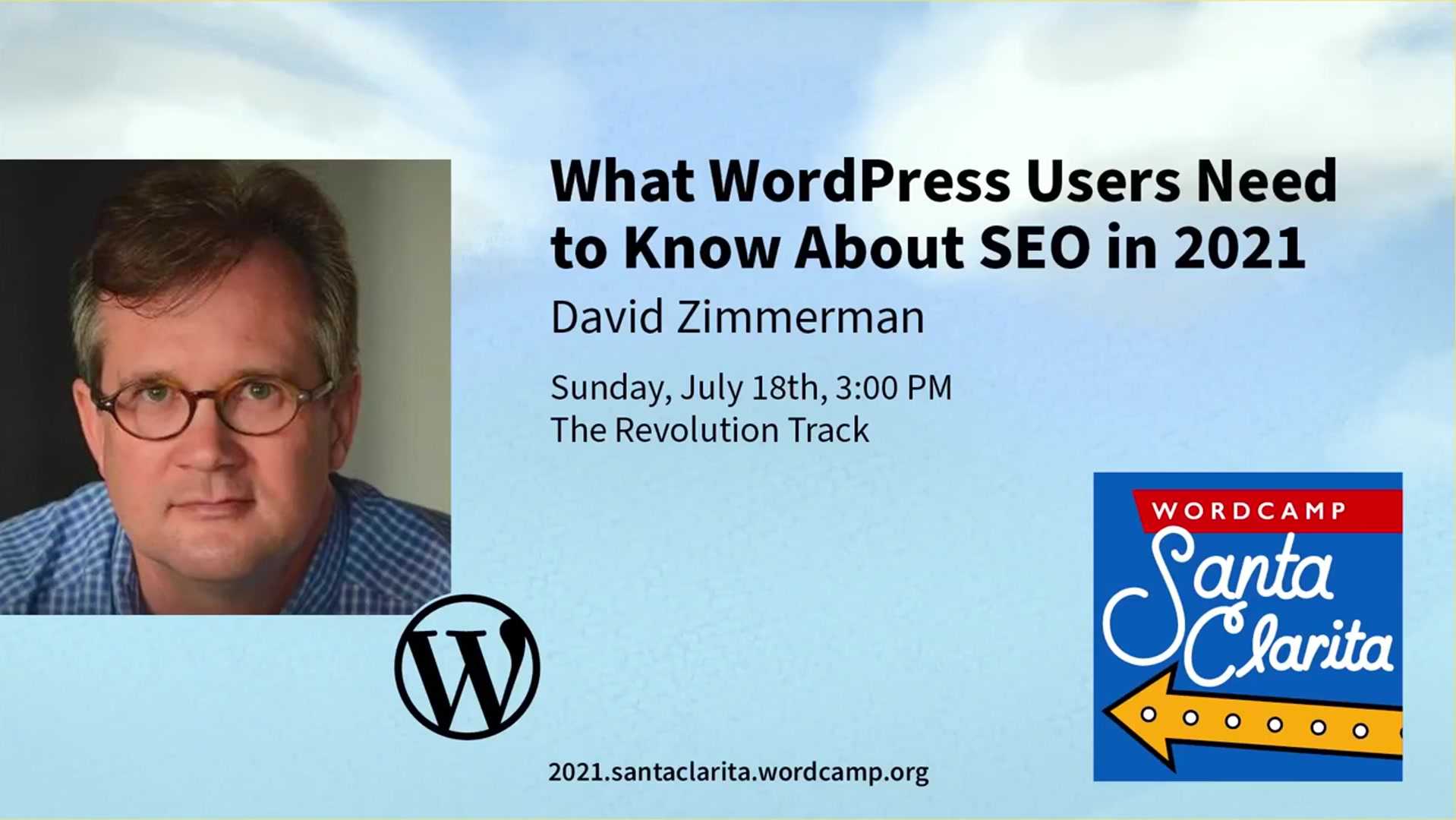
David Zimmerman: What WordPress users need to know about SEO in 2021
WordCamp Santa Clarita 2021Speaker: David ZimmermanOctober 20, 2021 — SEO advice always seems to be changing! This talk suggests 2021 best practices to get more traffic (and better business) from your SEO efforts. Learn what WordPress sites need to get the most love out of Google.
-
Roxy Kohilakis: Managing Writing Settings
Speaker: Roxy KohilakisOctober 18, 2021 — Learn how to configure the WordPress Writing Settings to streamline your posting experience. This walkthrough will give you an opportunity to personalize the Default Post Category, Default Post Format, and how to create a post via email.

An  Creation
