
Language: English
-
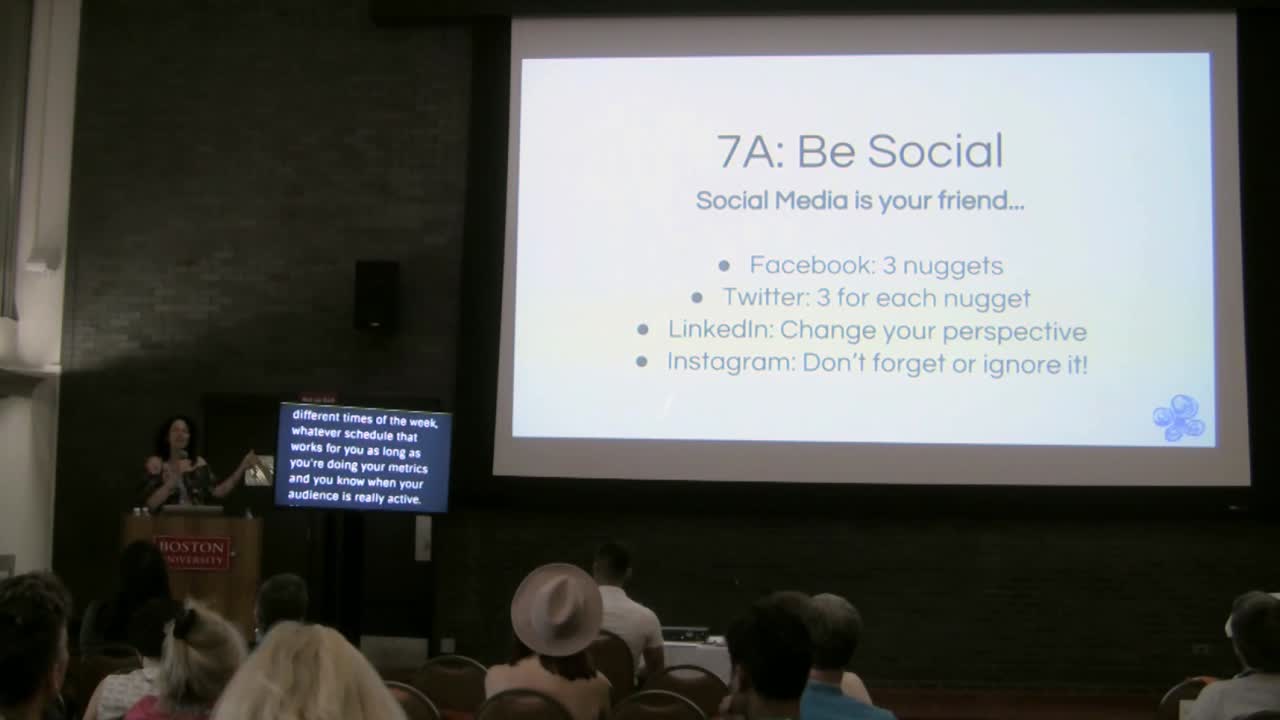
Maura Webster: Content Creation – The Real Deal
WordCamp Boston 2017Speaker: Maura WebsterAugust 14, 2017 — Your WordPress site is up and running. It’s gorgeous. You love it… Now what?
Many business owners and bloggers get to this point…and then panic. What next? What do I do? Who wants to hear what I have to say? What do they want to know? Where do I even start???
In this session, you will learn 7 steps you need to take to successfully and EASILY create your awesome content that will live on and bring people to your beautiful WordPress site. We’ll talk through three key phases of content creation and strategy:
1. How to get started and set yourself up for some incredible writing,
2. How to share your content once it’s created, and
3. How you can work smarter not harder with that content to generate leads and therefore more business (traffic, sales, etc.).At the end, you’ll take away a content map and actionable steps to start creating and sharing your fabulous content immediately!
-
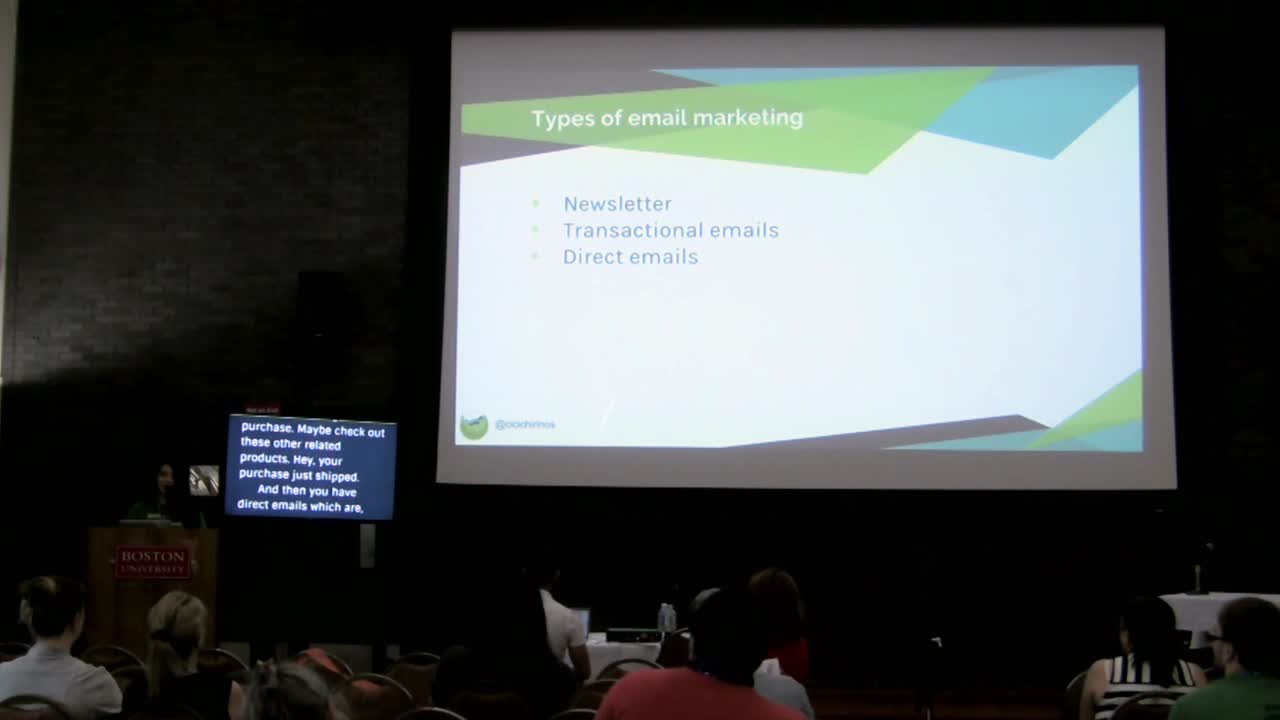
Christie Chirinos: The Ultra-Condensed Guide To Selling Anything Online Using WordPress
WordCamp Boston 2017Speaker: Christie ChirinosAugust 14, 2017 — If you’re a self-starting entrepreneur with a potential product – whether it is a physical good, your expertise as a service, or the content you want to create for a blog – and you’re trying to figure out how to sell it but have no clue where to start, this talk is for you. In the shortest amount of time imaginable, we will cover how to sell anything – your crafts, products, services, content, digital downloads, and even request donations – using WordPress. This talk will take you through the major “tools of the trade” of ecommerce in the context of WordPress as 1) a portal for collecting payments or leads and 2) maximizing your marketing investment using third-party tools that work well with WordPress. In less than an hour, you will gain a high level understanding of the toolkit that is enabling people around the world to sell anything using WordPress.
-
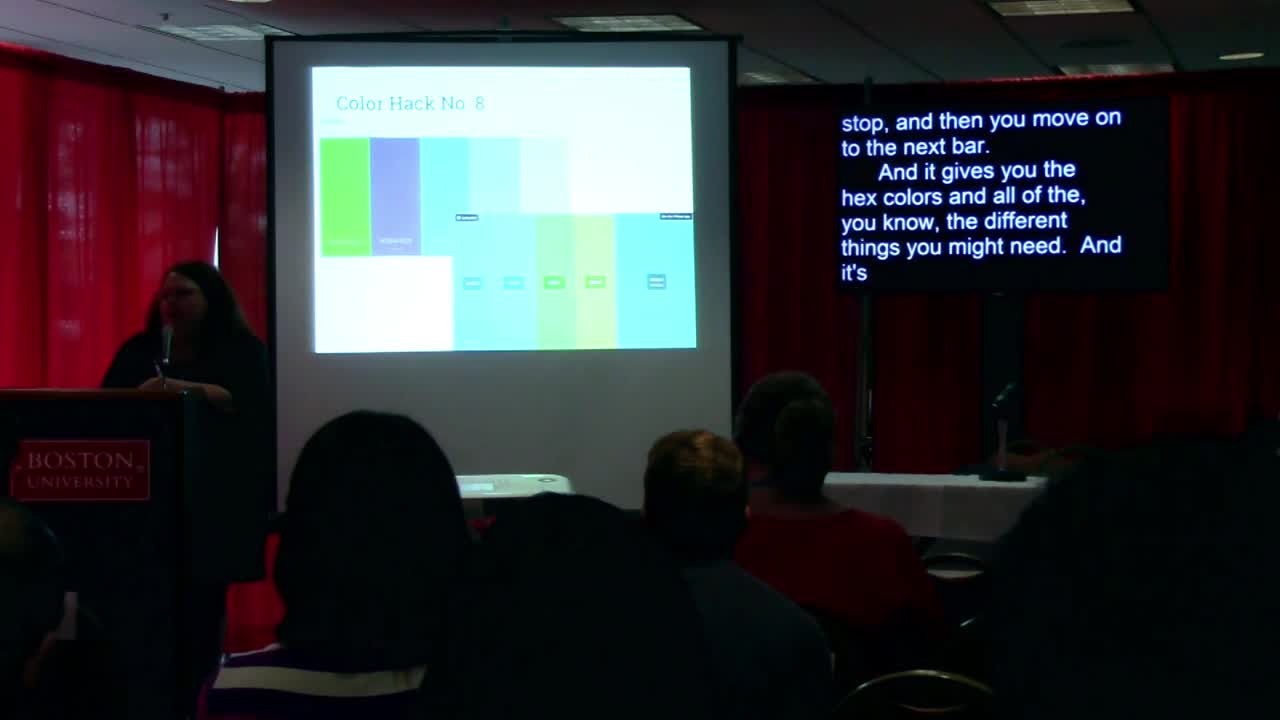
Annie Smidt: Easy Design Tips for Non-Designers
WordCamp Boston 2017Speaker: Annie SmidtAugust 14, 2017 — Learn oodles of design tips and hacks to make your WordPress site:
look better
be more appealing
seem more professional and credible
and be an easier, better experience for your audienceDon’t know what colors go together? Don’t know the first thing about design? Don’t have any design software? No worries — this talk is for you. We’ll cover lots of easy ways to make your design better, and free tools that can help you even if you feel like you “don’t have a designy bone in your body”.
-
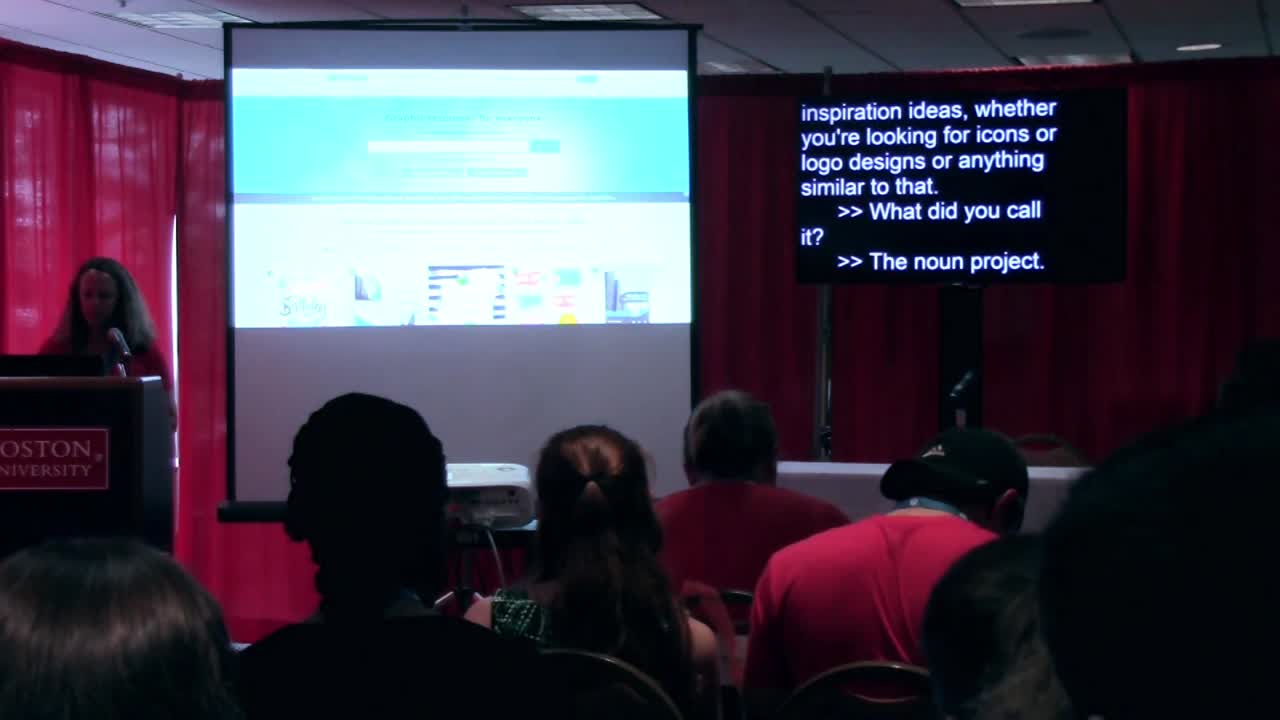
Amy Kvistad: Website and UX Design – From a Designer’s Perspective
WordCamp Boston 2017Speaker: Amy KvistadAugust 14, 2017 — Website design and UX principles applied to WordPress websites – from a designer’s perspective. The process starts with discovering client objectives and the website audience. This informs decisions on colors, fonts, and layout. A mood board helps to communicate the design direction for the website and user research informs decisions on website navigation and content hierarchy. Tools of the trade include color, photos, icon and many other resources. Implementing these design discoveries into your WordPress website is not as hard as you think.
-

Karalyn Thayer: Before Design – What Steps To Take Before You Start Designing And Developing Your Web
WordCamp Boston 2017Speaker: Karalyn ThayerAugust 14, 2017 — This topic will be an overview to the leg work to do before you jump into the design and development stage. I will give an introductory talk on site maps, user personas, content guides, and other things to think about how your website will function before you start designing or developing your site.
-

Gregory Schoppe: Picking a Page Builder
WordCamp Boston 2017Speaker: Gregory SchoppeAugust 14, 2017 — There are many page builders to choose from these days, both as premium themes and dedicated plugins, but what really sets one apart from another? In this talk, we’ll discuss the benefits and drawbacks of various popular page builders, as well as touching briefly on non-page builder techniques for creating custom designs quickly.
-

Mathew Clancy: Don’t Just Design And Build a Death Star, Maintain It Too
WordCamp Boston 2017Speaker: Mathew ClancyAugust 14, 2017 — So you have your WordPress site up and running and its awesome. But whats next? Don’t let those pesky Rebels destroy your new site come learn about what you can do to keep your WordPress site in good working order after it is completed.
-

Lauren Jeffcoat: The Biggest WordPress Myths Uncovered
WordCamp Boston 2017Speaker: Lauren JeffcoatAugust 14, 2017 — In this presentation I will be debunking the biggest myths about our beloved WordPress CMS. I will cover some of the most common misconceptions about WordPress that may have kept users from diving in to give it a try. Think WordPress isn’t strong enough, fast enough, secure enough, or powerful enough? Join me as I discuss these non-issues and give WordPress skeptics a reason to take another look at the most popular CMS.
-

John Eckman: 10 Use Cases for REST API
WordCamp Boston 2017Speaker: John EckmanAugust 13, 2017 — BUT WHY? USE CASES FOR THE REST API
-
Nathan Reimnitz: Five Figure Freelancing
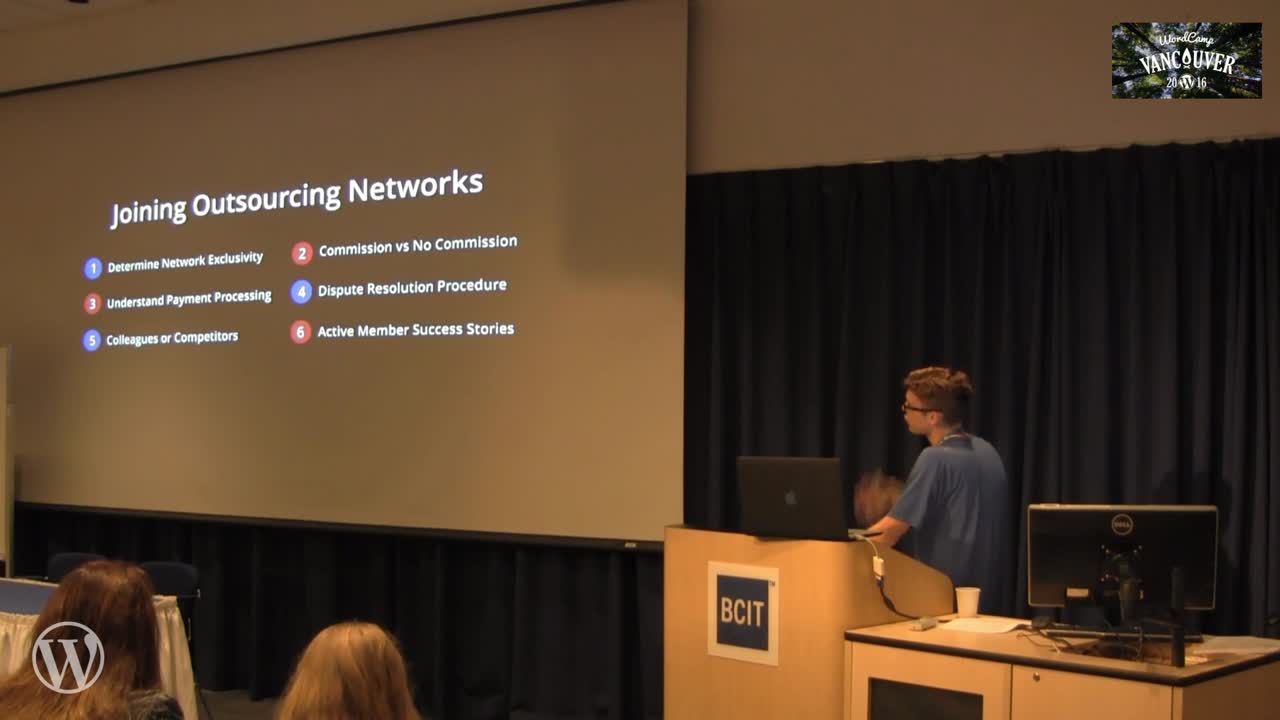
WordCamp Vancouver 2016Speaker: Nathan ReimnitzAugust 12, 2017 — I’ve found a new level of success as a freelance WordPress developer over the last year and I’d like to share my story with you. But more importantly, I want to teach other freelancers (or aspiring freelancers) how I made the transition successfully from full-time employment to full-time freelancing.
These are the tips, tricks, and strategies that I’ve personally implemented that have allowed me to earn at least $10,000 (five figures) each month as a freelancer.
I’m a 27 year old developer who’s recently made the transition himself and I’d like to help you set yourself up for a successful transition into freelancing as well.

An  Opus
Opus
