
Speakers: Michelle Frechette
-

Michelle Ames: Use Your WordPress Powers for Good
WordCamp Boston 2018Speaker: Michelle FrechetteDecember 13, 2018 — WordPress powers almost a third of the internet, making it not only powerful, but as an open source project, WordPress is a tremendous gift to all of us. So what do you do with an amazing gift like this?
Make a living from it.
Have fun with it.
Give back.
Pay it forward.
All of the above!
I make a living with WordPress, but I’m also what you might call a “serial volunteer.”In the years that I’ve created a career with WordPress, I have also set aside time to help others through:
Mentoring
Organizing Meetups
Organizing Hackathons
WordCamp organizing and speaking
Creating WordPress classes and clinics
Setting up WordPress coworking days
Creating free and discounted non-profit websites
and more!
There’s a side effect to giving and giving back with WordPress: I’ve found that the more I give…the more I’ve gained: friendships, clients, jobs, and the warm feeling that only comes from sharing good things. -

Michelle Ames: Using your WordPress powers for good
WordCamp Hamilton 2018Speaker: Michelle FrechetteJune 4, 2018 — WordPress powers almost a third of the internet, making it not only powerful, but as an open source project, WordPress is a tremendous gift to all of us. So what do you do with an amazing gift like this?
Make a living from it.
Have fun with it.
Give back.
Pay it forward.
All of the above!I make a living with WordPress, but I’m also what you might call a “serial volunteer.”
In the years that I’ve created a career with WordPress, I have also set aside time to help others through:Mentoring
Organizing Meetups
Organizing Hackathons
WordCamp organizing and speaking
Creating WordPress classes and clinics
Setting up WordPress coworking days
Creating free and discounted non-profit websites
and more!There’s a side effect to giving and giving back with WordPress: I’ve found that the more I give…the more I’ve gained: friendships, clients, jobs, and the warm feeling that only comes from sharing good things.
Attendees can expect to learn more about the social power of WordPress, how the WordPress community functions, and how giving back is really a way to give to yourself. -

Michelle Ames: The “Hidden” Features of WordPress – Part 2
WordCamp San Diego 2018Speaker: Michelle FrechetteMay 3, 2018 — This session will provide you with some great tips and tricks for you to make working with WordPress even easier. From changing the number of posts on the dashboard page, to adding a target to link to on the menu dashboard, there are many things that are easy to accomplish — if only you know where to look. Not only are there screen options on almost every dashboard page, but there are help pulldowns, too, helping to answer questions before you might even need to turn to help in a forum. We will also cover shortcuts for use in the editor window, and a quick and easy way to save your favorite plugins to find at a click to upload to your site.
-

Michelle Ames: The “Hidden” Features of WordPress – Part 1
WordCamp San Diego 2018Speaker: Michelle FrechetteMay 3, 2018 — This session will provide you with some great tips and tricks for you to make working with WordPress even easier. From changing the number of posts on the dashboard page, to adding a target to link to on the menu dashboard, there are many things that are easy to accomplish — if only you know where to look. Not only are there screen options on almost every dashboard page, but there are help pulldowns, too, helping to answer questions before you might even need to turn to help in a forum. We will also cover shortcuts for use in the editor window, and a quick and easy way to save your favorite plugins to find at a click to upload to your site.
-

Michelle Ames, Christine Baker Marriage, Tracy Rotton, Shanta Nathwani, Miriam Goldman: Women in WordPress (Panel Discussion)
WordCamp Rochester 2017Speakers: Christine Baker Marriage, Tracy Rotton, Miriam Goldman, Shanta R. Nathwani, Michelle FrechetteNovember 26, 2017 — A frank and honest discussion with women who have been involved for different amounts of time in WordPress – ranging from development to designer to marketer.
Panelists include:Michelle Ames
Christine Baker Marriage
Tracy Rotton
Shanta Nathwani
Miriam Goldman -

Michelle Ames: Little Things Make A Difference
WordCamp Toronto 2017Speaker: Michelle FrechetteOctober 17, 2017 — So you can build a technically wonderful website, but does it appeal to your audience? Does it have finesse? Who is it designed for: the owner, the designer/developer, or the customer/user? Are forms user-friendly? This talk will show you the things that make a website more complete, user-friendly, and user-appealing. Topics will include favicons, custom 404 pages, form buttons, footers, colors, SSL certificates, and more.
-
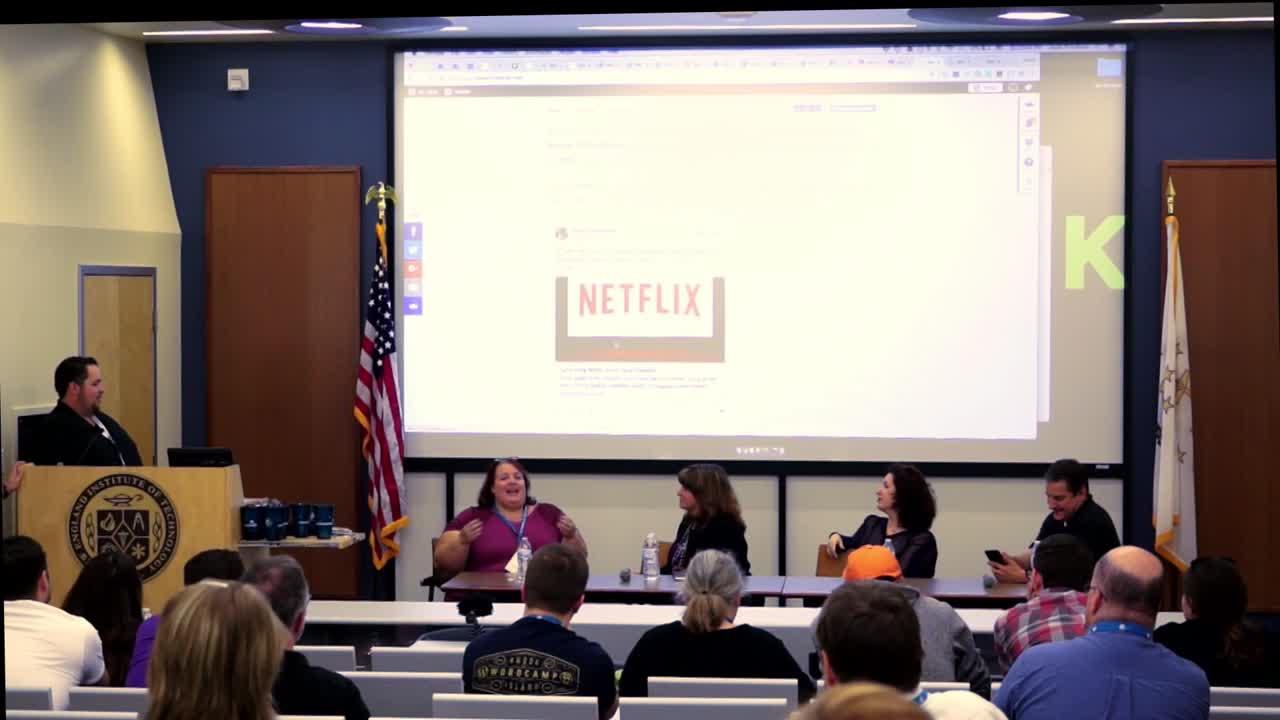
Jennifer Shaheen, Laura Willis, Michelle Ames, Tom Shapiro: Marketing Experts Panel with Live Questions & Website Reviews
WordCamp Rhode Island 2017Speakers: Jennifer Shaheen, Laura Willis, Tom Shapiro, Michelle FrechetteOctober 10, 2017 — This marketing panel isn’t your ordinary Q/A session. We are extending the time of this panel so we can give our panel of expert marketers the opportunity to share some of their greatest success stories, experiences and strategies. We’ll also take a deep dive into those times when things go wrong, and how to recover from them.
Bring your questions because we are also going to give you an opportunity to ask your questions directly to the panel. Don’t have any questions then share your website! That’s right we’re going to do live website analysis on the screen so you can get detailed feedback on your work from some of the top WordPress marketers in the area.
-
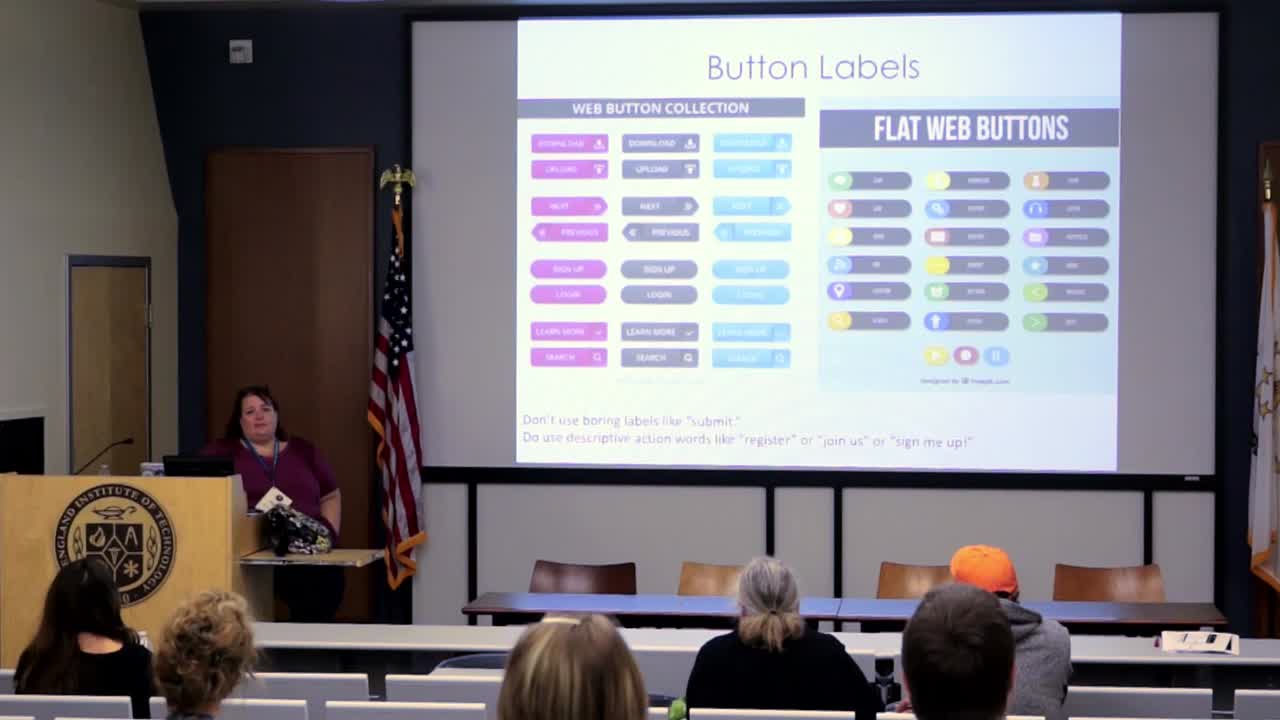
Michelle Ames: Little Things Make a Big Difference
WordCamp Rhode Island 2017Speaker: Michelle FrechetteOctober 10, 2017 — So you can build a technically wonderful website, but does it appeal to your audience? Does it have finesse?
Who is it designed for: the owner, the designer/developer, or the customer/user? Are forms user-friendly?
This talk will show you the things that make a website more complete, user-friendly, and user-appealing. Topics will include favicons, custom 404 pages, form buttons, footers, colors, SSL certificates, and more.
Intended Audience Type: Beginner and Up (it’s marketing-oriented)
Intended Audience Experience: Any Level -

Michelle Ames: Little Things Make a Big Difference
WordCamp Montreal 2017Speaker: Michelle FrechetteSeptember 26, 2017 — So you can build a technically wonderful website, but does it appeal to your audience? Does it have finesse? Who is it designed for: the owner, the designer/developer, or the customer/user? Are forms user-friendly? This talk will show you the things that make a website more complete, user-friendly, and user-appealing. Topics will include favicons, custom 404 pages, form buttons, footers, colors, SSL certificates, and more.
-

Michelle Ames: It’s the Little Things That Make a Difference
WordCamp Portland ME 2017Speaker: Michelle FrechetteJune 6, 2017 — So you can build a technically wonderful website, but does it appeal to your audience? Does it have finesse? Who is it designed for: the owner, the designer/developer, or the customer/user? Are forms user-friendly? This talk will show you the things that make a website more complete, user-friendly, and user-appealing. Topics will include favicons, custom 404 pages, form buttons, footers, colors, SSL certificates, and more.

An  Medley
