
Author Archive
-
Jake Goldman: Distribute Allthethings: WordPress And The Era Of Multiple Content Channels
WordCamp Sacramento 2017Speaker: Jake GoldmanDecember 22, 2018 — In the era of Google AMP, Facebook Instant Articles, Apple News, mobile apps, Flipboard, and RESTful APIs, creating and distributing digital content is no longer just a conversation about a website.
From design to monetization, digital content creators need a strategy to thrive on the modern, multichannel web. That means that forward looking content management systems can no longer be thought of or marketed as “website makers” – template systems for spitting out content in HTML. The modern CMS must be the digital hub that enables distribution to the various channels where audiences are finding and consuming content, including new and different ways of making a “website,” sometimes outside of the CMS.
Part history, part philosophy, and part practical tips and tricks, this talk will walk through the evolution of web content distribution and consumption, help you sell and position WordPress as a future-proof platform built for where the web is going, and introduce plugins, tips, and tools to make sure your content reaches and engages the widest possible audience on today’s web.
-
Sallie Goetsch: Building A Journalist-Friendly Online Pressroom With WordPress
WordCamp Sacramento 2017Speaker: Sallie GoetschDecember 22, 2018 — What do speakers, authors, non-profits, and startups have in common? When you’re on a mission to change the world, you need media coverage. And whether you’re looking to appeal to YouTube stars or the New York Times, your website needs a pressroom.
The amazing thing about many online pressrooms is that they are so bad. Despite readily available information about the key ingredients journalists are looking for, many organizations bury their press contacts, don’t make logos and photos available, and make it hard to find existing coverage and press releases.
There are services that combine building and hosting an online pressroom with media monitoring, contact lists, and press release distribution, but most of them are aimed at large, successful businesses that can afford to pay thousands of dollars a month.
Not in the Fortune 500? Don’t worry, you can still have a stellar pressroom, and WordPress is a great tool to build it with. Join WP Fangirl Sallie Goetsch as she walks you through
What journalists want to see in an online pressroom
Examples of online pressrooms built with WordPress
Displaying news about your company
Setting up a press release options page
Adding logo, photo and video galleries to your pressroom
Including printable press kits in your WordPress pressroomIf you’re a developer, you’ll learn about a great add-on service for your customers. If you’re a nonprofit organization or business owner, you’ll learn how your website can have media appeal no matter what your budget.
-

WordCamp Lancaster 2018 keynote
WordCamp Lancaster 2018Speakers: Graham Hoefer, Samantha QuiñonesDecember 21, 2018 — WordCamp Lancaster 2018 keynote.
-
Tanner Moushey: Taming BuddyPress
WordCamp Sacramento 2017Speaker: Tanner MousheyDecember 21, 2018 — While you can use BuddyPress to create a feature packed community site in mere minutes, it is often overwhelming for both administrators and users alike. I’ll share some tools and techniques that you can use to build your BuddyPress community while maintaining your sanity.
-
Tessa Kriesel: Intro To Configuration Management
WordCamp Sacramento 2017Speaker: Tessa KrieselDecember 21, 2018 — The struggle is real. Managing WordPress core settings as well as other settings, like Advanced Custom Fields setup, and carrying those things over to other environments without completely wiping and replacing the entire database is a major pain point.
Maybe your production environment is holding your content where your client is entering data but your development or local environments are still being developed and settings and configurations are still changing. You do not want to push up your entire development database to your production environment and lose all the content your client is creating. That’s where configuration management comes into play!
We will cover what configuration management is, how you can start to use it and the concepts to take it even further!
-
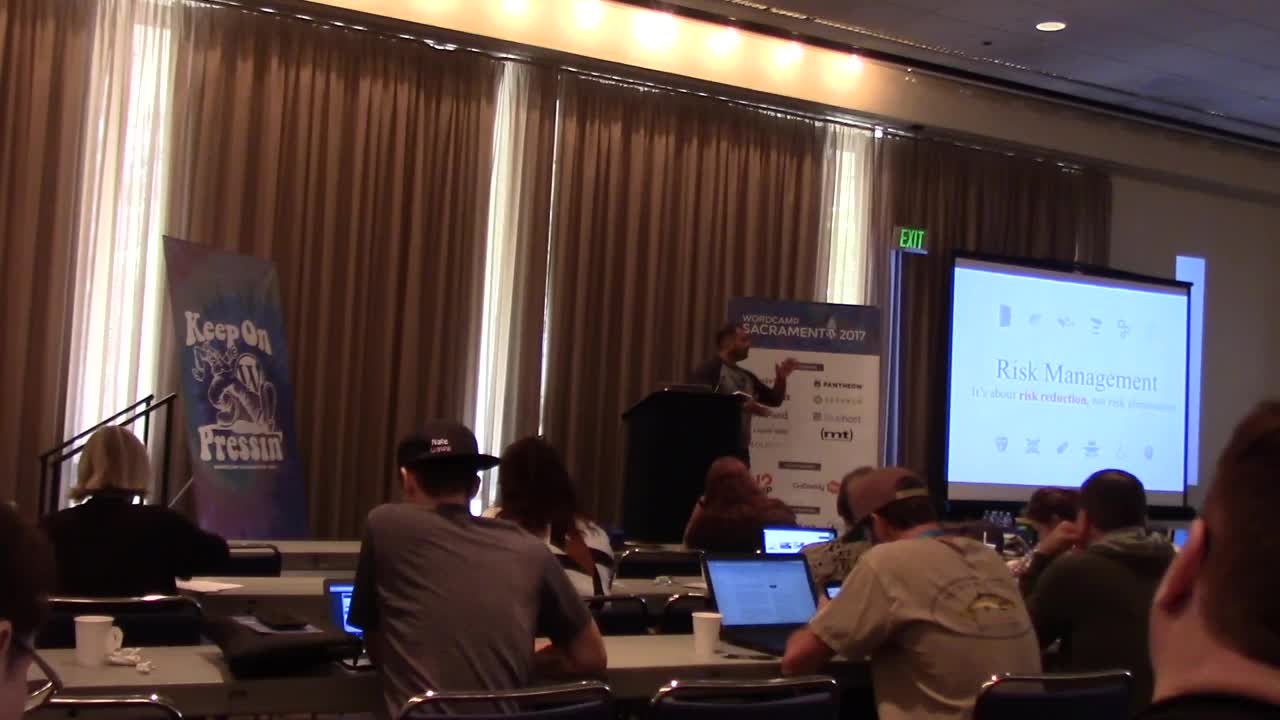
Tony Perez: Practical Security Framework For Website Owners
WordCamp Sacramento 2017Speaker: Tony PerezDecember 21, 2018 — While security is often associated as a non-revenue function, it’s one of the top critical pieces to the success of any website. The challenge website owners face with security however is that it can be perceived as technically complex, and the idea of effectively deploying security can be overwhelming. How do we employ a security framework that we can understand, maintain and deploy?
This session will present the idea of a basic Security Framework that any website owner can adapt and deploy. Whether a one man team, or an organization with a dedicated security operation center, this talk is designed to introduce and refresh the basic principles as they apply to Information Security, specifically websites.
-
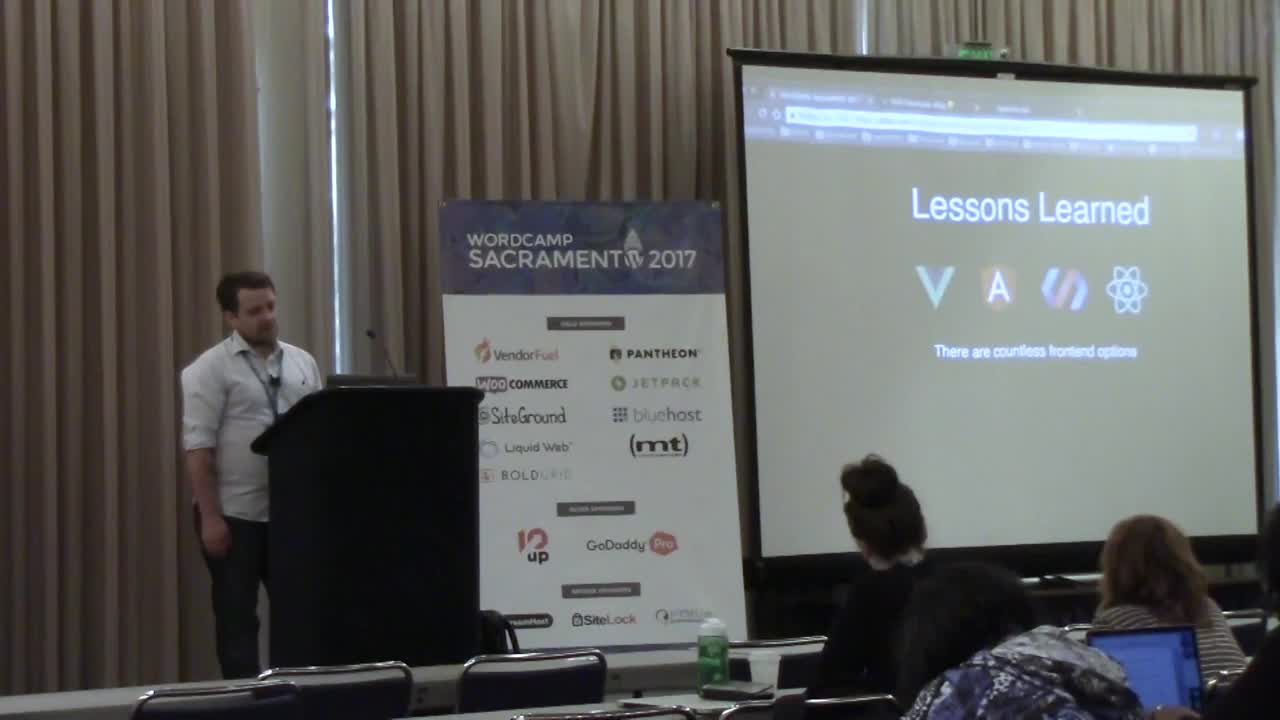
Treighton Mauldin: Using WordPress As A Decoupled CMS For A Single Page Application
WordCamp Sacramento 2017Speaker: Treighton MauldinDecember 21, 2018 — This talk will go into detail about when, why and how to use WordPress as a decoupled CMS backend with a React / Node frontend. This talk is equal parts tutorial, existential dive into when it is appropriate to use modern web application architecture, and lessons learned from my journey building a React SPA with a WordPress backend.
-

Jacob McKinney: Gutenberg 101
WordCamp Birmingham 2018Speaker: Jacob McKinneyDecember 20, 2018 — Ready to learn the basics of Gutenberg?
Learn the ins and outs as well as useful tips and tricks for publishing content using WordPress’ new editing experience.
-

Kathryn Lang: Repurpose Your Words
WordCamp Birmingham 2018Speaker: Kathryn LangDecember 20, 2018 — You have something to say – find your unique voice for your words and then develop creative and powerful ways to put your words to work
Simple ideas for finding your voice
Quick Tips for getting the words down
Turn scripts/blogs into ebooks.
Turn ebooks into print books.
Turn blogs into to memes.
Turn podcasts into blog posts.Be creative in adjusting your words to work within a niche and you will find that your words work for you instead of you having to work so hard for your words.
-

Victor Sáenz y Paco Marchante: Panel de administración de WordPress II
WordCamp Granada 2018Speakers: Paco Marchante, Víctor SáenzDecember 17, 2018 — Víctor y Paco imparten un taller dividido en dos sesiones contiguas en el que entrarás “sonándote de algo” eso del panel de administración de WordPress y saldrás sabiendo desde dónde y cómo gestionar cada elemento y funcionalidad que ofrece WordPress.
Gestión del contenido, diferencias entre artículos y páginas, el editor de WordPress, taxonomías (etiquetas y categorías), imagen destacada, archivos multimedia, guardar, publicar y programar entradas, gestionar comentarios, todo tiene un dónde, un cómo y un cuándo en el panel de WordPress y Víctor y Paco te lo van a mostrar.
No te pierdas sus talleres El panel de administración de WordPress (I) y El panel de administración de WordPress (II) para hacerte con los mandos de WordPress.
El panel de administración de WordPress (I)
para hacerte con los mandos de WordPressAcerca de Víctor Saenz de la Torre y Paco Marchante
Víctor y Paco, Paco y Víctor. Esta pareja de desarrolladores web y de aplicaciones, que comparten proyecto profesional, se ha especializado en el uso de WordPress como gestor de contenidos para sus proyectos. Ambos co-organizan la WordPress Meetup Cádiz donde están consiguiendo crear una buena comunidad en la que compartir conocimientos y pasar un buen rato. Son además activos colaboradores de la comunidad WordPress y participan en distintos Meetups oficiales.Puedes encontrar a Víctor y a Paco en Twitter, @VictorsaenzTM y @pacomarchante.

An  Production
