
Language: English
-

Nikola Nikolov: Beyond Hello – Networking At WordCamp
WordCamp Sofia 2018Speaker: Nikola NikolovDecember 10, 2018 — WordCamps can be an excellent place to get to know other WordPress professionals. However, many attendees stick to their own groups, attend lectures, and leave without cashing in on perhaps the most valuable part of WordCamps: networking. This lecture will explore some of the common reasons why attendees fail to form lasting connections. It will give some tips for more productive networking, and hopefully inspire deeper, more authentic networking at this WordCamp and beyond.
-

Mitko Kochkovski: Building Websites Using React.js and WordPress API
WordCamp Sofia 2018Speaker: Mitko KochkovskiDecember 10, 2018 — In this talk, Mitko will speak about how you can leverage the WordPress REST API to build awesome websites, using React.js for rendering the frontend outside the WordPress Theme implementation, by using processor class inside the Reactj.js that will handle all the layouts that your website need.
-
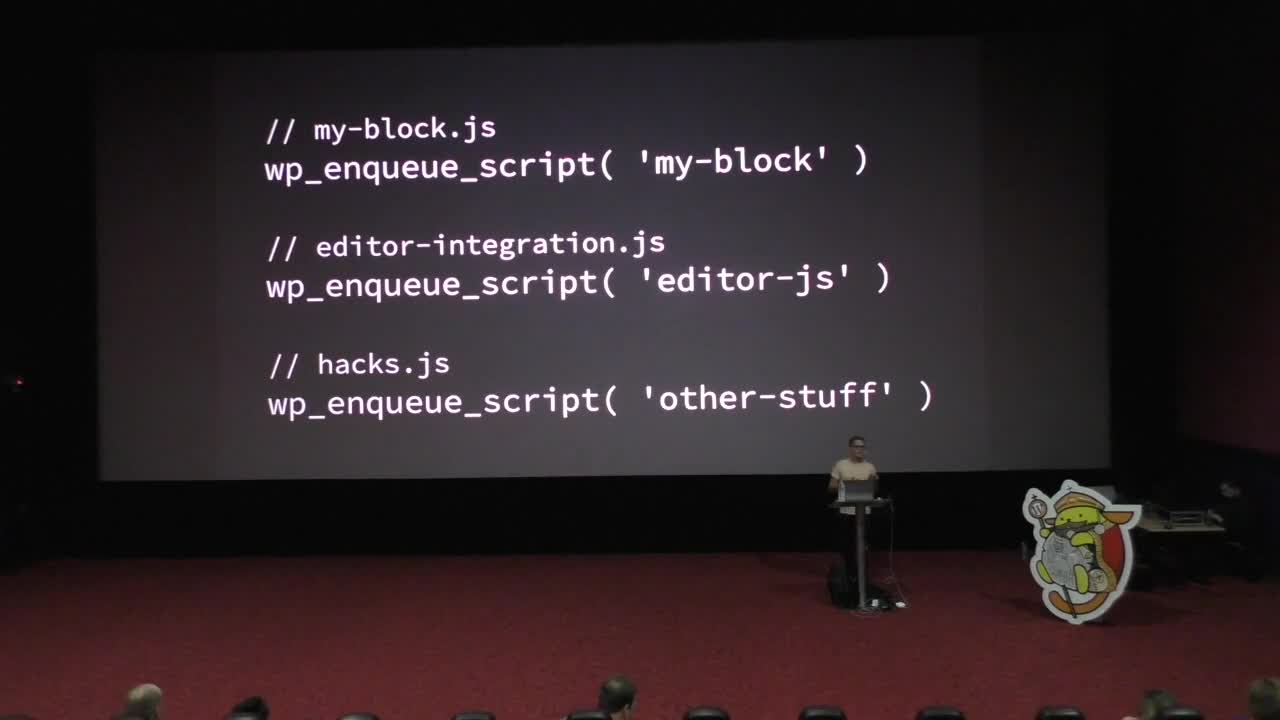
Pascal Birchler: WordPress Internationalization Workflows
WordCamp Sofia 2018Speaker: Pascal BirchlerDecember 10, 2018 — Over the years, WordPress has steadily improved the way we have to work with internationalization. However, challenges still exist and there will always be new ones ahead. Projects like Gutenberg and ecosystems beyond WordPress.org force us to continuously iterate.
Soon after the release of WordPress 15 years ago, support for internationalization was added to the software. This meant that themes, plugins, and WordPress itself could be translated. This was a huge deal as WordPress is used all over the world, in countries where English is not the main language. WordPress was quickly translated into German, Japanese and many more languages.
In this talk you’ll learn how to make use of the latest and greatest technology to make your WordPress plugin or theme fully internationalized. Pascal is going to highlight how you can leverage the powers of WordPress, GlotPress, and WP-CLI to improve the translation workflow in your WordPress projects.
-

Yana Lambreva: Change Your Strategy – Introducing the Three A’s
WordCamp Sofia 2018Speaker: Yana LambrevaDecember 10, 2018 — A Digital PR’s guide on why and how to incorporate the Pull Approach into your Marketing Strategy.
Learn what are the three A’s, how changing the way you interact and communicate with your target audience will win you more Brand Love and Word-of-Mouth and why that is important in a rapidly changing marketing landscape. -

Brecht Ryckaert: The Anatomy of a Hack
WordCamp Sofia 2018Speaker: Brecht RyckaertDecember 10, 2018 — We’ve all seen many talks on hacks. But how does the hacker execute the hack? And how can we learn how our site was hacked? In this talk, I’ll try to show you some examples of hack execution and forensic analysis.
-

Nikolay Bachiyski: Gutenberg From All Sides
WordCamp Sofia 2018Speaker: Nikolay BachiyskiDecember 10, 2018 — Gutenberg is all the WordPress world is talking about these days. Everybody has so many concerns, hopes, questions, and expectations. Is it a conspiracy to destroy WordPress? How much of a change is it? Will it make anything easier for users? How does it work behind the scenes? What is it like to work in the open on a project as large as Gutenberg? If you’re curious about the any of those or just what the future of building sites with WordPress, join us.
-

Aleksandar Savkovic: Agile Culture not Agile Frameworks
WordCamp Sofia 2018Speaker: Aleksandar SavkovicDecember 10, 2018 — How to create an environment and atmosphere that can support Agile frameworks, how to change the mindset and how to handle the team that you inherited.
-

Chris Lema: Leverage WooCommerce To Build Your Next Online Course
WordCamp Porto 2018Speaker: Chris LemaDecember 10, 2018 — How to build an online course using WooCommerce is the main topic of Chris Lema talk.
There are a bunch of online platforms out there for online education, learning management software but you can do so much more within WooCommerce, a couple of plugins.
I’m gone walk you throw how to do it so that you can generate revenue on a platform that’s really easy to manage and control. -

Panel: Where the Rubber Meets the Road – Ethics, Values and the WordPress Community
WordCamp Philadelphia 2018Speakers: Doris DelTosto Brogan, Jason Coleman, Andrea Middleton, Liam Dempsey, Simeon S. PolesDecember 10, 2018 — Our panelists will consider and discuss the following questions:
How should a community’s ethics be applied to event speakers, sponsors, volunteers and vendors?
In our businesses and as a community, how do we develop and implement policies that reflect our ethics and values?
The organizing team is still assembling the panel and selecting a moderator. What we have confirmed so far is below. We’ll update further details as they are finalized.Doris DelTosto Brogan, Professor of Law, Harold Reuschlein Leadership Chair, Villanova University Charles Widger School of Law
Jason Coleman, WordPress Core Contributor and Plugin Author | CEO, Paid Memberships Pro
Andrea Middleton, Leader in the WordPress Global Community team
Liam Dempsey, Lead Organizer, WordCamp Philly | Director + Designer, LBDesign
Moderator: Simeon S. Poles, Associate, Duane Morris LLP. -

Joe Howard: Converting Brand New Website Visitors into Paying Customers
WordCamp Philadelphia 2018Speaker: Joe HowardDecember 10, 2018 — Getting more traffic to your website is always a good feeling. But what are you supposed to do once you’re getting enough traffic but aren’t yet winning new customers? I’ll go over some best practices of what to do (and what not to do) in order to slowly turn new visitors into paying customers.
This talk will help freelancers, agency owners and anybody selling products or services on WordPress gain their own financial independence.

An  Medley
