
Language: English
-
Colin Dowling: Leveraging Partnerships to Increase Sales and Grow Your Business
WordCamp Vancouver 2016Speaker: Colin DowlingAugust 12, 2017 — My experience has been that designers/agencies face two business oriented challenges that they fail to address, often because of a closed lens around what is possible. In other words, they aren’t aware that these options can greatly help their businesses and these partnerships are super easy to form. – Selling alone – I spend much of my day linking agencies with clients to sell projects together. Our clients need designers and often don’t know where to turn. Designer/agency clients need hosts, ad providers, marketers, etc. and again often don’t know where to turn. Selling in tandem increases both stickiness and value for all parties involved. – Building something amazing then turning it over to an unknown hosting or adtech provider. I liken this to building an awesome sports car and then leaving to chance that the owner will park it out on the street with no protection from the elements. This presentation is a vendor-agnostic look at how designers/agencies can increase their opportunities, deliver greater lifetime value to their clients, and insure that their hard work isn’t neglected after a site is finished by partnering with other providers. It also touches on how to choose providers/partners where there is a true synergy and sharing of interests. Thank you for your consideration. I’m excited about the opportunity to help WordPress professionals explore new ways to grow their businesses!
-
Andrew Taylor: Troubleshooting WordPress Performance
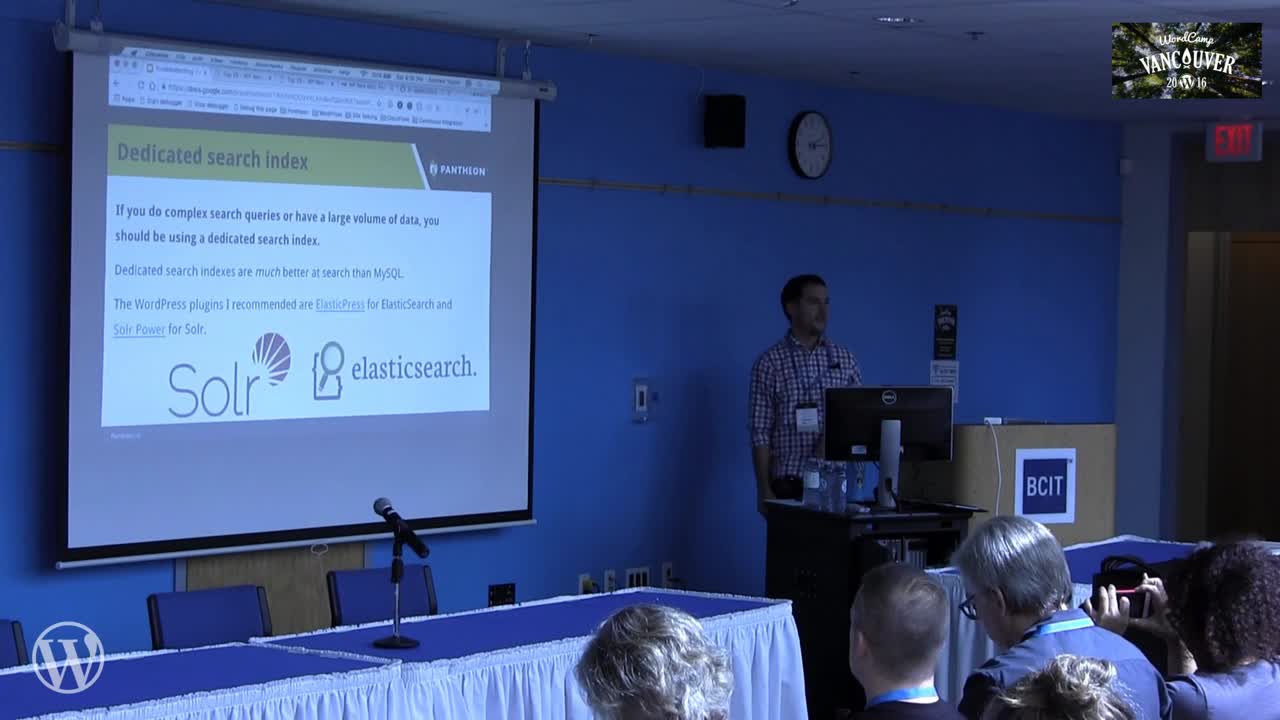
WordCamp Vancouver 2016Speaker: Andrew TaylorAugust 12, 2017 — In this talk we’ll discuss common WordPress performance issues and how to troubleshoot them. Then we’ll dive into New Relic and how to leverage this powerful tool to monitor, troubleshoot and optimize your site.
-
Linda Mork: Business Owners Guide to the Web
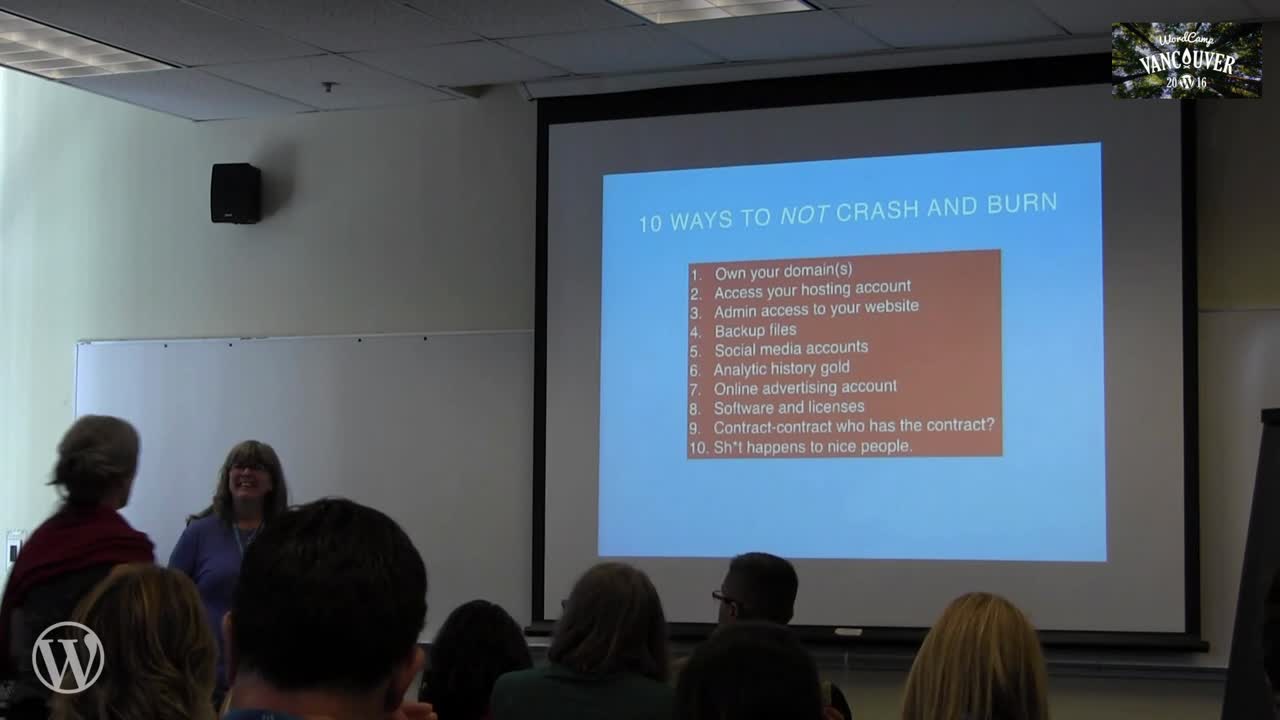
WordCamp Vancouver 2016Speaker: Linda MorkAugust 12, 2017 — As a freelance web designer I heard them all. The horror stories of domains lost (and later resold at auction), the (not so) ‘great hosting deals’, and myriad tales of web designers who had run off with their money.
If you’re a business owner with a website or getting geared up to build one, you’ll want to listen to Linda’s talk on how to side-step some of these common, and not as common, mistakes. Learn what you need to know to protect your online presence and accounts, and how to work with a web professional to create the product you want (and can afford).
-

Jim Reevior: It’s Never Too Soon to be Fitted for a TinFoil Hat
WordCamp Boston 2017Speaker: Jim ReeviorAugust 12, 2017 — No matter the size of the site, getting hacked is a painful process to deal with. As a developer, it is important to know what you can do to prevent possible attack vectors. In this talk, Jim will show what you can do to harden your code and ensure your project will be secure.
-

Josh Fialkoff: Turning Your WordPress Site into a Marketing Automation Engine
WordCamp Boston 2017Speaker: Josh FialkoffAugust 12, 2017 — Hooray! You’ve got your WordPress Website up and running. Now that it looks great, see how you can use it to get more sign ups, contact inquiries and more for your nonprofit or business.
We’ll show you how to connect your WordPress Website with some of the leading customer relationship management (CRM) tools and marketing automation systems, so that you can develop long-term relationships with customers, donors, fans and brand advocates.
-

March Gratch: Paying Ball with Plugins
WordCamp Boston 2017Speaker: Marc GratchAugust 12, 2017 — Developers have spent countless hours working on a plugin that seems to be built just for you, just for this moment. If only it wouldn’t… This is a problem nearly every developer faces at some point during a project. Knowing how to safely customize functionality is key to building products that will stand the test of time (or major updates.)
This talk will cover the following topics:
Tips for diving into a large codebase (like WooCommerce or Gravity Forms)
Hooks
Filters
Overwriting functions
Modifying returned content
Requesting a change to a plugin -

Bradley Jacobs: Time to Publish
WordCamp Boston 2017Speaker: Bradley JacobsAugust 11, 2017 — Metrics are important for the digital publishing industry. One key metric that Boston.com, a major regional news media outlet, uses is ‘Time to Publish’. In a world of breaking news, time is of the essence. This talk will take a look at the past year and a half since launching on WordPress and how this metric came to the surface. Further, it will cover performance in the WordPress admin, tools for debugging, and investigating general slowness in the admin. Finally, we will review some of the ways in which we addressed these issues for the editorial staff. Join to learn why you want to reduce your Time to Publish and how to get it done.
-

Amanda Giles: Level Up! Taking Your WordPress Code Up a Notch
WordCamp Boston 2017Speaker: Amanda GilesAugust 11, 2017 — Take your WordPress development to the next level by learning some (not so difficult) techniques specific to WordPress. We’ll discuss and review (at a high level) techniques you can learn and features you can employ to build better and smarter themes or plugins which also provide a richer experience for your users. To get the full benefit from this session you should be familiar with PHP and already writing code in WordPress.
-
Jill Binder: The Dashboard 101
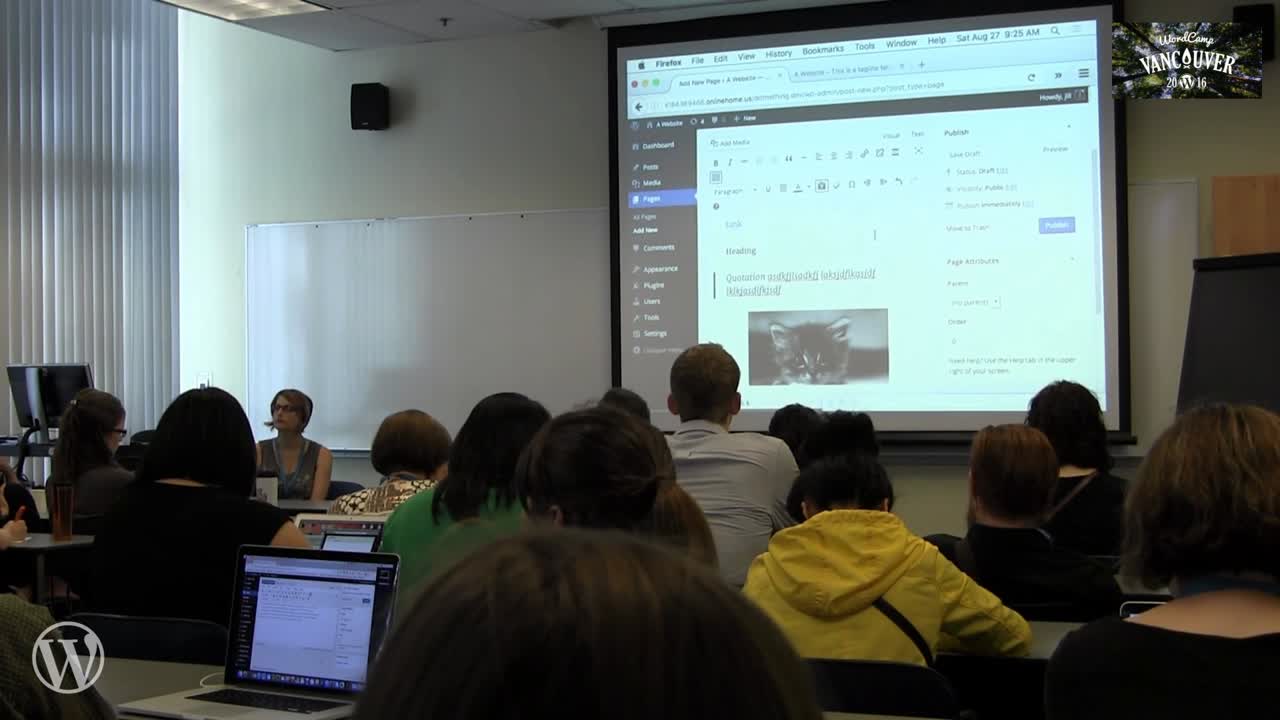
WordCamp Vancouver 2016Speaker: Jill BinderAugust 11, 2017 — New to WordPress or want a refresher? Let’s take a stroll through the dashboard together to learn all the ins and outs, including the difference between pages and posts, adding images and image galleries, the difference between categories and tags, and more. We’ll also cover the not-so-obvious tools you won’t know how you lived without, like hidden options, extra toolbar buttons, and other tricks of the WordPress trade.
-
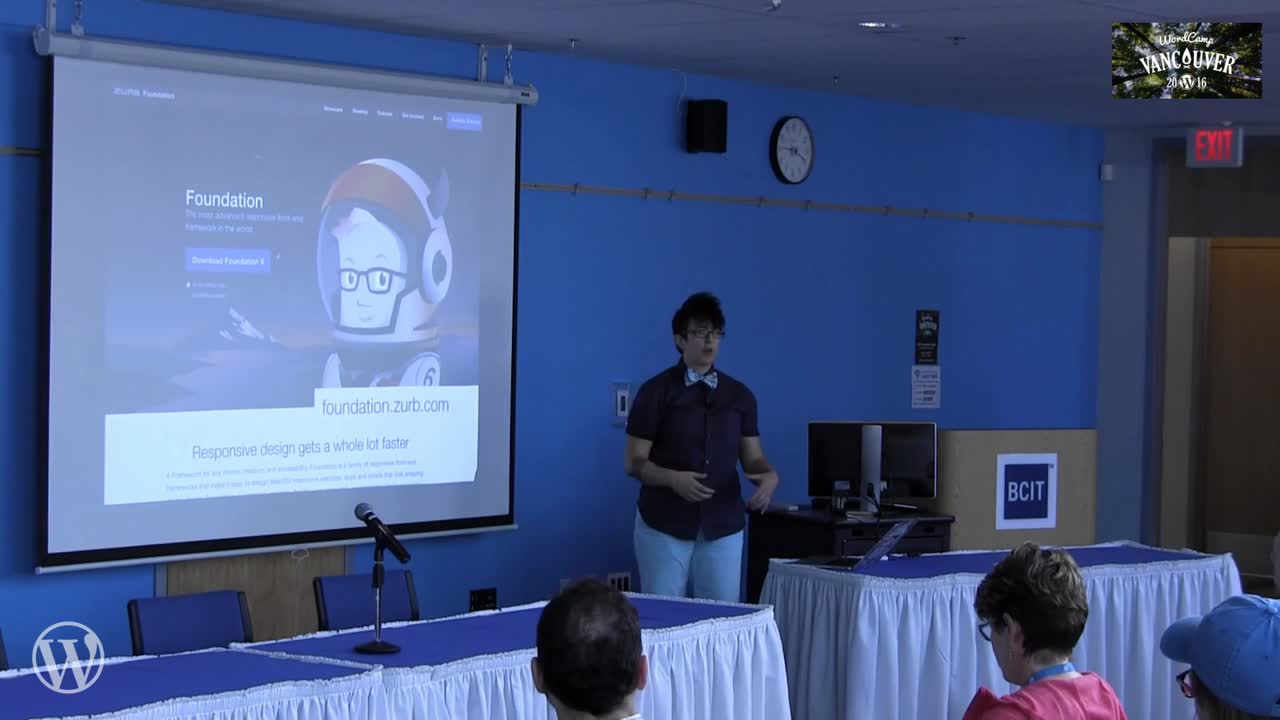
Tracy Apps: How To Not Design Like A Developer
WordCamp Vancouver 2016Speaker: Tracy AppsAugust 11, 2017 — Are you a developer, graphic designer, or content creator who makes websites? How’d they turn out? Whether your design skills are good, bad, ugly (or worse), don’t worry, there’s some simple steps and tools that can help you design less like a developer.

An  Ruckus
