
Language: English
-

WordCamp Europe Volunteers Interviews
WordCamp Europe 2017June 15, 2017 — We did a series of interviews of the WordCamp Europe volunteers. Without them, there’s no WordCamp. They come from all over the world to help. Let’s see who they are and why they came.
-

Harshal Limaye: WordPress API – Do More With Less Code
WordCamp Nashik 2016Speaker: Harshal LimayeJune 15, 2017 — The goal of this session is to provide a gentle introduction to some of the most commonly used WordPress APIs that can be utilized by developers and site admins to make their life easy, How WordPress stores metadata inside the database, Adding, updating, retrieving and deleting the metadata information and finally he’ll take a look at the core WordPress code that drives the metadata API and how one can use it to create own custom meta tables to take your WordPress projects to the next level.
WordPress APIs: The APIs which Harshal be covering are as follows:
1. Plugin API – Hooks, Actions and Filters:
When beginners needs to perform a specific task what they usually do is they copy and paste a specific code snippet which they got from stackoverflow or from a random blog and paste it inside their functions.php file. However, most of them are unaware of the way that code snippet works. In this section, I’ll provide quick overview of What WordPress hooks are and How developers can utilize them to write more efficient code.2. Shortcode API:
Shortcodes are one of the most simple and easy to use features in WordPress. In this section, I’ll cover, How users can create their own custom shortcodes which can be useful to insert variety of content into their WordPress website.3. Dashboard Widget API:
This is one of the most overlooked features of WordPress. This can be very helpful, for branding or display custom information to users when he logs into his WordPress Dashboard. In this section, I’ll cover, how developers can utilize WordPress Dashboard widgets API to create custom WordPress dashboard widgets.4. Options API:
One of the most popular API available in WordPress used to create, fetch, update, and delete options in a simple and standardized way. WP plugins, themes, and even WordPress itself, holds lot of data in form of options inside the database that matters to your WordPress website. Knowing how you can use or update these in a plugin or theme of very important. In this section, I’ll provide a quick overview of this API, which can be helpful to beginners to get started with this API.5. Metadata API:
Metadata API is one of the primary reasons which make WordPress a powerful CMS. It allows the users to store custom fields inside WordPress database. This feature is widely used by plugins to store and update information.In this section, I will cover various ways of working with WordPress post meta data -

Saurabh Shukla: Marketing Lessons I Learnt From The WP Community
WordCamp Nashik 2016Speaker: Saurabh ShuklaJune 15, 2017 — I still like to be called a WordPress developer but I have managed products and dabbled at marketing before. In 2014, I started getting active in the WordPress ecosystem and eventually led the organising of WordCamp Pune 2015.
In this period, I was able to create successful, non-intrusive promotional campaigns for various WordPress related activities, especially WordCamp Pune. I learnt a lot of things there.
I have been working since I was 18, so I have been working for 16 years now and I have seen different sales and marketing tactics in my career in different managerial roles. I’m going to compare and contrast concepts behind some common marketing tactics/strategies with some proven engagement strategies that I learnt from the WordPress ecosystem.
While the topic is definitely business oriented, it will have insights and examples that are useful both for individuals and organisations.
The concepts are simple and can be grasped by anyone with zero marketing skills, as well.
-

Fairy Dharawat: How To Engage Your Readers By Using Stories
WordCamp Nashik 2016Speaker: Fairy DharawatJune 15, 2017 — Why do we write blogs? So that it can be shared with the world. If not then you would choose it to be anonymous. As a blogger / writer it becomes important you have readers. So, how to write blogs which connect with your reader? It’s by storifying your blogs. Which means adding stories to your blogs.
Human latch up on stories. Stories are not only engaging but also help in consuming the information easily. Stories help in retaining vital information for a considerable time. It helps your reader stay with your blog, by personalizing it making it easy for them to connect with you. Stories make up most of our lives. Every day is a new story, it’s the treatment which is different. So the talk is going to focus on;
1) How to write a story.
A brief on stories. A beginning a middle and an end. A formulaic approach, and follow the rule. Understand the rule thoroughly and then break the rule by knowing about characters, story arc, plot, conflict, and resolution.2) How to write a blog.
The topic of your blog. Writing posts related to your blog. Topics for your posts. How to choose image/s. Tools to use for your images. Url. Seo3) How to add a story into your blog.
Narrate it in the first person. Add anecdotes. Tie it up together.4) How to make your story more engaging.
Using action words. Experimenting with chronology. More moments. Character back stories. Conflict and resolution.5) Which important questions you need to ask?
6) E.G. Technical stories
5 ways GA rescued my blog
*Your blog wasn’t getting more hits
*Then you googled something one late afternoon after eating two-day-old vadapav.
*You found an app which shows how your blog is doing is bad.
*Then you install it.
*It showed where you were losing your readers, eg using jargon, unfriendly interface, complicated blog design, high bounce rate.
*You corrected the mistakes.
*In a month’s times, you find the growth.
*You write how it changed your life.7) In highly technical posts, it’s important to find one central idea and flesh it out as clearly as possible.
8) How to find important words?
Dictionary, fascination for words and reading. -

Marjorie Sample and Lauren Hirsh: Usability Testing for Your WordPress Site
WordCamp Raleigh 2017Speakers: Marjorie Sample, Lauren HirshJune 13, 2017 — Find out how usability testing can increase website effectiveness, efficiency, and satisfaction. Learn how to conduct usability tests and how to use the results to improve the design of your WordPress websites.
-

Maciej Swoboda: How To Create a Full Featured Demo Site For Your Plugins Or Themes
WordCamp Barcelona 2016Speaker: Maciej SwobodaJune 13, 2017 — If you are a plugin or theme developer you probably get many requests for a live demo. I would like to show you how you can create a full featured demo site for your clients based on WordPress Multisite, Gravity Forms and a bit of custom coding. It is easy and can be achieved in a few hours at most. I will show how to setup a demo site with WordPress Multisite, then create a form for the user to register. After the user registers he is automatically logged in to his own site that has been preset with some defaults. It is fully personalized for him and he can do anything there to test your plugins and themes. Frontend and backend. He also gets a nice welcome screen and an option to quickly contact you with any questions. After 24 hours his demo is deleted and he gets a follow up e-mail encouraging to buy your products. Disclaimer: I was inspired by a blog post by John Turner who covered the topic, however I went further and made the whole concept better.
-

Alina Kakshapati: Project Management and How Do We Do It!
WordCamp Kathmandu 2017Speaker: Alina KakshapatiJune 13, 2017 — Alina is Product Manager at Code Themes. Alina talked about how her company uses WordPress to manage projects and how even the company as big as Automattic uses WordPress for the same and keep things simple.
-

Peter Nemcok: WordPress Community in Slovakia
WordCamp Barcelona 2016Speaker: Peter NemčokJune 13, 2017 — When I started using WordPress in 2008, there was no WordPress community in Slovakia. Our first translations were downloaded by 300 people. Now we have more than two hundreds contributors in our community and more than a fifty thousand WordPress websites. Not bad for a small country like Slovakia. I would like to share my story about our WordPress community in Slovakia (translations, first WordCamps and meetups) and about how WordCamp Europe changes the community from national to one big european community.
-
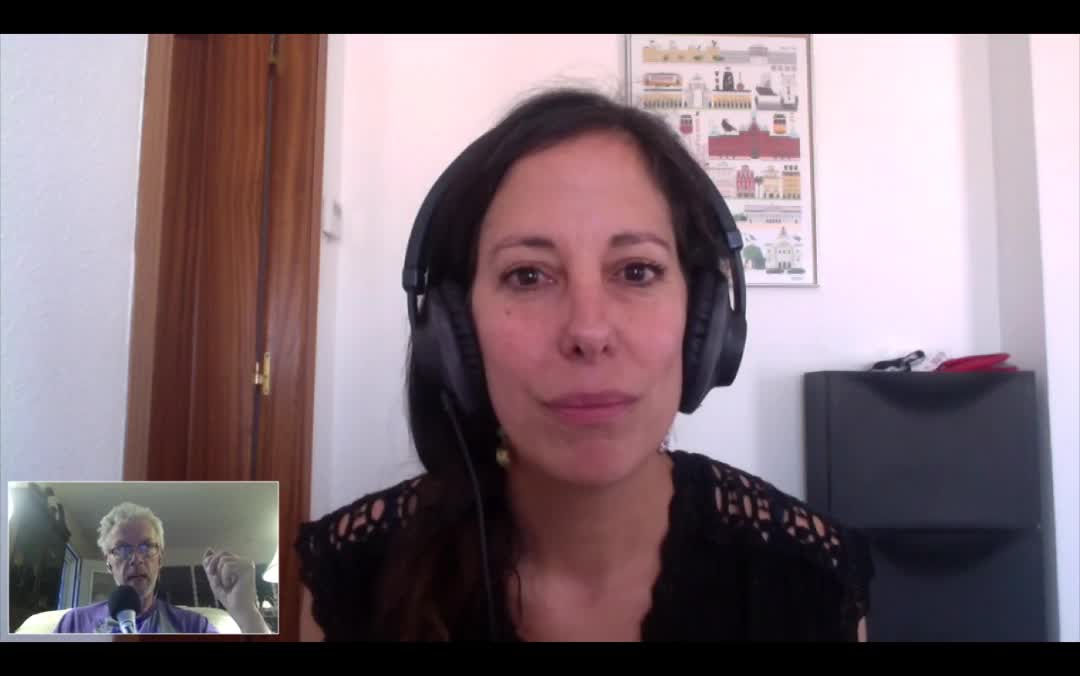
WordPress Community Interview With Catalina Alvarez
WordPress Community Interview SeriesSpeaker: Cata AlvarezJune 12, 2017 — Catalina Alvarez in an Occupational Psychologist and resides in Spain. She is involved in the WordPress Community through her husband’s work. She has volunteered at several WordCamps in Spain and will be doing the same at WordCamp Europe 2017.
Catalina is pursuing her Master’s Degree by performing a survey about the Motivation and Burnout in the WordPress Community. She did an internship at HumanMade and found out that there is very little data available concerning a distributed workforce.
-

Michelle Zimmerman: No Dead Ends – Writing Will Get You Everywhere
WordCamp Portland ME 2017Speaker: Michelle ZimmermanJune 7, 2017 — Michelle is a writer, photographer and clinical social worker who has worked in the fields of mental health, addictions and research. She has a passion for writing and encouraging the practice with others as a means to achieving a fulfilling quality of life.
According to her writing can be an inspiring practice that has a variety of personal and health benefits. This presentation will cover these benefits, as well as identify ways to make a regular practice of writing. Michelle will discuss ways to find inspiration, offer some writing prompts and discuss her journey with her blog clunkyshoe.

An  Ruckus
