
Language: English
-
Steve Grunwell: Accelerating the Mobile Web with AMP
WordCamp Northeast Ohio 2016Speaker: Steve GrunwellJune 20, 2016 — Mobile users are sick of heavy, bloated sites eating up their precious data plans. In response, the open-source Accelerated Mobile Page (AMP) Project was born. AMP promises a lean, near-instant mobile experience for users with minimal effort on the part of publishers. Come learn what AMP is all about, how you can implement it in your projects, and why it’s so much more than “just a mobile version of the web.”
-
Shelby Elliott: Streamlining Mockups and Theme Styling
WordCamp Northeast Ohio 2016Speaker: Shelby ElliottJune 20, 2016 — If you’re building a site for your own purposes, or doing some freelance work for others, but don’t consider yourself a developer, you’re probably working with purchased themes. And just maybe you’re looking to have more control over the look of your theme, than what is afforded by many built-in theme customizer options. This talk will focus on some things I learned the hard way, that now routinely save me a lot of time and frustration in the mockup and styling processes, using simple techniques and free tools. A basic knowledge of CSS is recommended, though not required for this session.
-
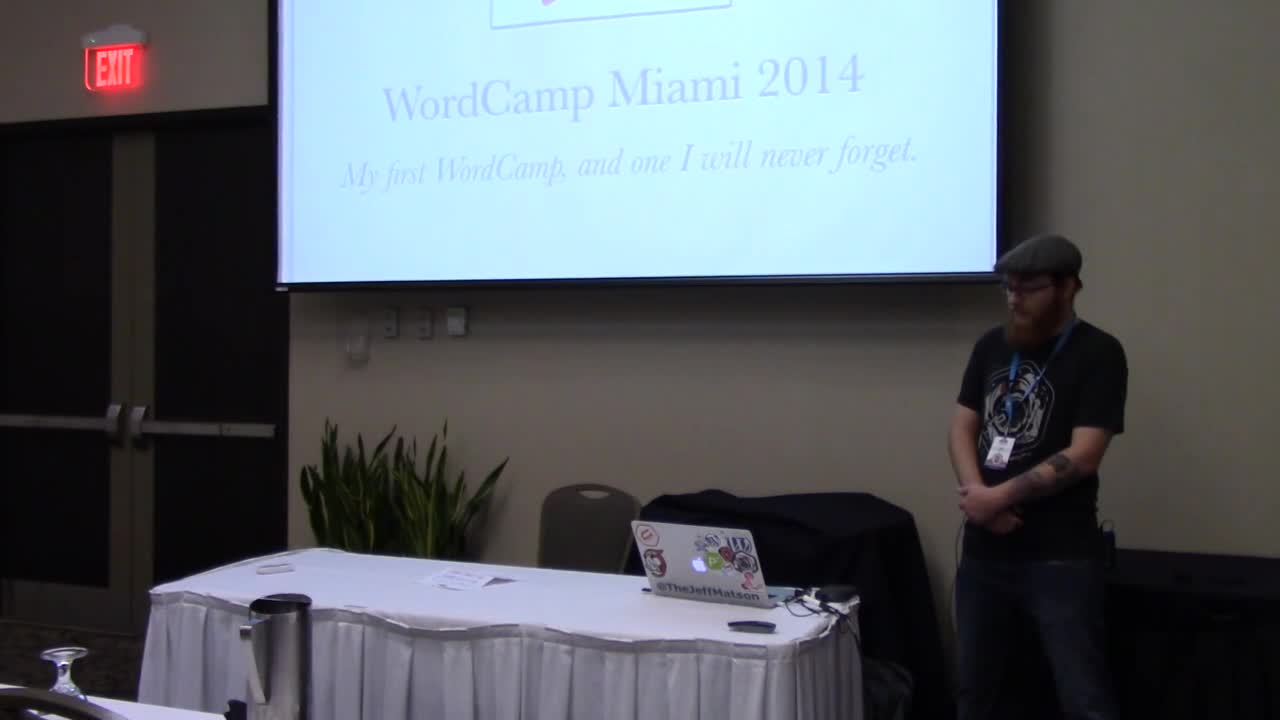
Jeff Matson: How the WordPress Community Changed My Life
WordCamp Northeast Ohio 2016Speaker: Jeff MatsonJune 20, 2016 — In this session, Jeff discusses his accidental fall into the WordPress community, and how it has changed both his personal and professional life forever (and has the tattoo to prove it).
-

Ross Johnson: From Service to Product – How I Broke Out of Client Work and Started a Successful Plugin Business
WordCamp Northeast Ohio 2016Speaker: Ross JohnsonJune 20, 2016 — In the ten years of running a design agency I’ve run into countless freelancers, consultants and business owners that dream of breaking free from the pains of client work by selling a product.
Two years ago I started a successful plugin business and learned what it takes to break from the service mindset and produce a product that you can sell and scale.
In this presentation I discuss how to come up with a viable product, finding the time or resources to build it, marketing the product and what challenges you can expect to face.
-

Jai Sangha: An Introduction to WooCommerce
WordCamp Hamilton 2016Speaker: Jai SanghaJune 20, 2016 — WooCommerce is an eCommerce plugin for WordPress. Businesses or individuals can set up their eCommerce store on their WordPress sites. In this session, I’ll give an overview of WooCommerce and set up a simple store to give basics of end-to-end journey. This includes installing the plugin, creating a product, and setting up a payment gateway like PayPal or Stripe.
-
Marie Wiese: Website Strategy and Design – How Do They Work Together?
WordCamp Hamilton 2016Speaker: Marie WieseJune 19, 2016 — This session focuses on the importance of setting (and following) a website strategy and how design elements play a major role in nurturing prospects, improving visitor engagement, and increasing conversion. This session is meant for anyone with a WordPress website who want to apply the journey of the buyer to website strategy and design.
-

Hilary Fosdal: Project Management: 3…2…1…Launch!
WordCamp Northeast Ohio 2016Speaker: Hilary FosdalJune 19, 2016 — As any project manager will tell you – successful websites don’t create themselves.
In this session you’ll get an overview of how we run a web design project. We’ll also cover tough topics like how to manage scope creep and the art of communicating with clients.
-

Marcelo Granados: Why WordPress Is a Good Fit on Agile Environments
WordCamp Hamilton 2016Speaker: Marcelo GranadosJune 17, 2016 — This talk will cover two main sections:
1.- What is Agile? I will go through the 12 principles of the Agile manifesto, explaining what is Agile and how important it is on websites development projects
2.- Why WordPress is a good fit? I will explain how WordPress as a mature platform is a perfect fit to:
– Satisfy the customer,
– Involve changes even late on development,
– Deliver working software frequently,
– Team content collaboration,
– Release features frequently, allowing progress through the project,
– And because of the platform itself, how easy is to integrate any kind of projects from a simple blog through a complex e-commerce solution. -

Meagan Hanes: WP Site Management – Keeping Your Creation Happy, Healthy and Secure
WordCamp Hamilton 2016Speaker: Meagan HanesJune 17, 2016 — You’ve designed it, you’ve built it, you’ve launched your new website – job done, right?
Nope – your adventure has only begun!
In this session we’ll review what “website security” really means, why it matters, and how exactly to implement basic security best practices such as:
– Controlling user access to your site,
– Using (and managing) strong passwords,
– Applying updates to Core and Plugins,
– Installing and configuring security plugins,
– & How to back up your site easily, effectively, and automatically!
-
Beth Soderberg: CSS Transforms, Transitions, and Animation Basics
WordCamp Northeast Ohio 2016Speaker: Beth SoderbergJune 17, 2016 — You’ve got the basics of CSS down, but you are ready to kick it up a notch and add a bit more pizazz and interactivity to your websites. In this session we’ll explore the fundamentals of CSS transforms, transitions, and animation. What are the basic building blocks that make up these capabilities? What is the difference between a transition and a transform? What does browser support look like? Most importantly, how can you put these tools to use in your next project and where can you find good resources to learn more? We’ll answer these questions and more as we explore the basics of how to add some of the more truly dynamic elements of CSS to our websites.

An  Experiment
