
Language: English
-
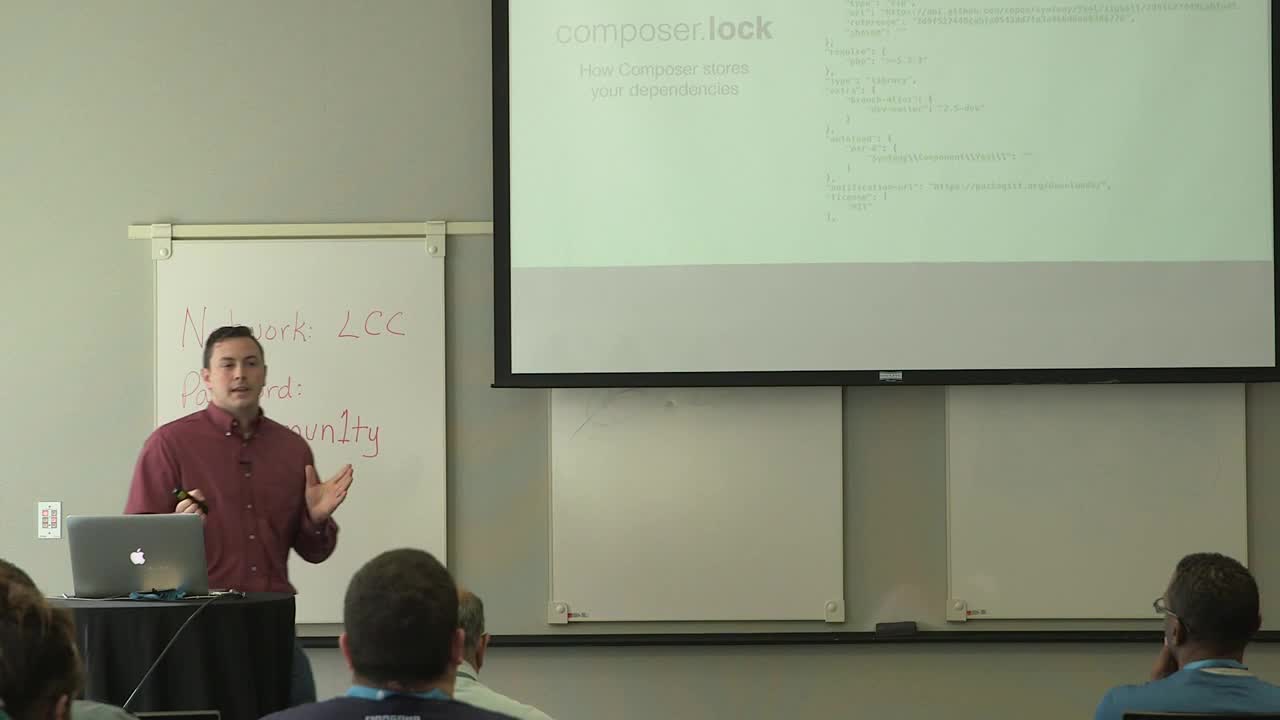
Micah Wood: Using Composer with WordPress
WordCamp Atlanta 2016Speaker: Micah WoodApril 8, 2016 — Composer is a command line dependency management tool designed for PHP.
Come learn how Composer can help you:
– Simplify new project creation
– Minimize duplication of code in your project repositories
– Quickly install and update plugins and themes in bulk
– Manage versioning within your project
– Follow best practices when reusing and managing code across projects -

Elyssa Fernandez and Elisha Fernandez: Be Authentic in your Content in 3 Simple Steps
WordCamp Miami 2016Speakers: Elyssa Fernandez, Elisha FernandezApril 8, 2016 — “In this empowering, high energy session, WordCamp Miami attendees will learn:
– The 3 Ways to Being Authentic On and Off-line
– How to tell your WHY Story to Connect to the Audience
– How to Deal with Critics Easily and Effectively
– 3 Powerful Attitudes that Help you Relate to the Audience
– Practical Ways to Deeply Connect with your Target AudienceWordCamp Miami attendees will leave with a clear understanding of why and how they can write authentic content so they can start helping those around them and make a BIG difference in the world!”
-
Naomi C. Bush: A Non-Coder’s Secret Weapon to Building Custom Applications
WordCamp Atlanta 2016Speaker: Naomi C. BushApril 8, 2016 — How many times have you asked (or seen someone else ask): Do you know of a plugin that can do ___? My client wants to ___. Sometimes what you’re looking for is sitting right under your nose, ready to go to work for you and your clients. Come learn how I use a simple form builder (yes, that thing you use to create contact forms) to build complex custom applications, with no code.
-

Michelle Schulp: Becoming The Client Your Developer Loves
WordCamp Miami 2016Speaker: Michelle SchulpApril 8, 2016 — No matter who you are, everyone seems to need a website, and that often means hiring a designer, developer, or agency to do some work for you. But how do you communicate about something that is outside your realm of experience, much less help direct the project to suit your business? That’s why you hired someone, after all! We’ll unmask the “magic” of web design and learn to ask constructive questions, give useful feedback, and develop a collaborative relationship that will benefit both of your businesses.
-

Nizar Khalife Iglesias: Advanced Topics of Javascript
WordCamp Miami 2016Speaker: Nizar Khalife IglesiasApril 8, 2016 — If you’ve done even a little bit of JavaScript, you know that it has it’s fair share of quirks. In particular, functions in JavaScript do a lot of strange things. Rather than be a victim of the bizarre history of the Web, Nizar is here cut through the metaphorical jungle of the JavaScript function.
In this hands on session, you will learn about the nuances of functions in JavaScript. We will discuss what it means for functions to be first-class citizens in a language, what function scope is, the mysterious “this” keyword and some of the implications of all these things. Don’t forget your machete.
-

Matt Medeiros: 7 Lessons I Wish I Knew Before Starting An Agency
WordCamp Miami 2016Speaker: Matt MedeirosApril 8, 2016 — I spent a lifetime running a Cadillac dealership with my father, so how hard could it be to start a digital agency? While the communication and the sales process are strikingly similar, managing projects and clients delivers a whole new set of challenges. From the agony of feast or famine project work to managing expectations, the advice in this talk is crucial for the new and veteran agency owner alike.
-
Daniel Espinoza: Best Practices for Building WooCommerce Plugins
WordCamp Atlanta 2016Speaker: Daniel EspinozaApril 7, 2016 — In this talk I’ll present best practices for building extensions to the WooCommerce ecommerce plugin. I’ll explain how WooCommerce handles important data such as Products, Orders, Customers, and general settings. I will also show how to access and interact with ecommerce data.
I will also show how to modify areas of an ecommerce store like the Checkout process, My Account area, and Product pages.
-
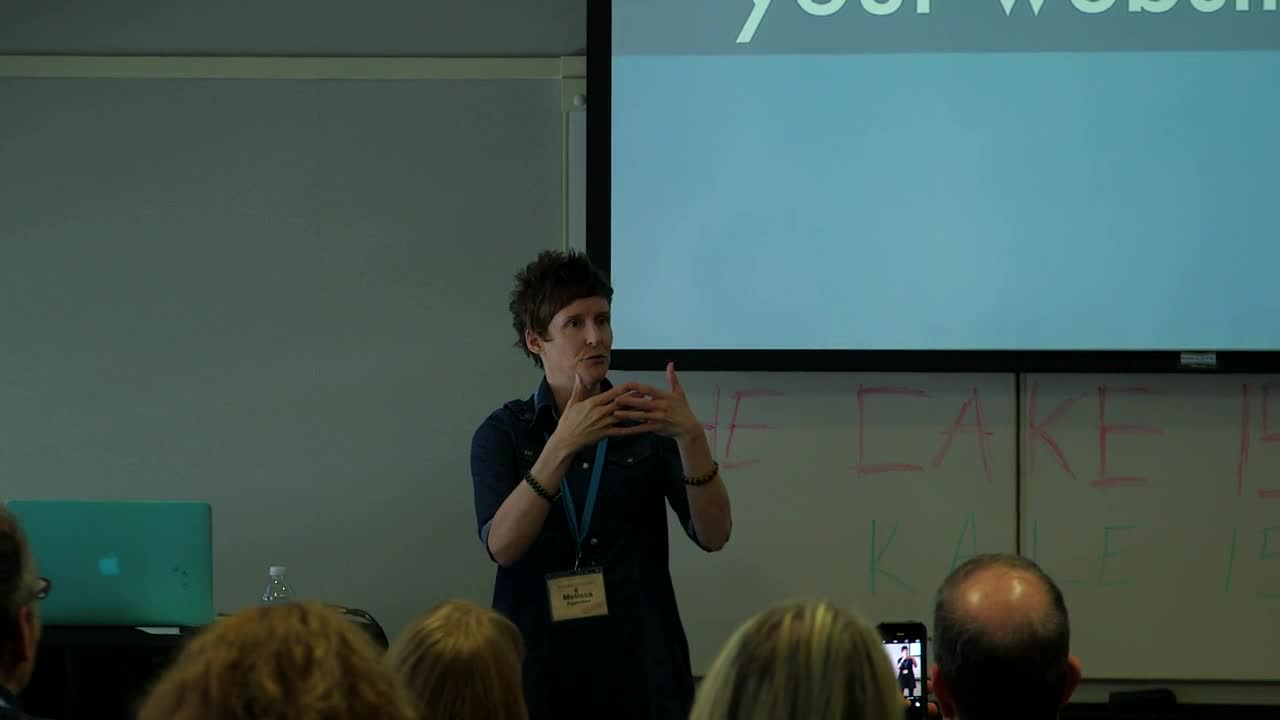
Melissa Eggleston: The Zombie Cure – Content Strategy for Better Websites
WordCamp Atlanta 2016Speaker: Melissa EgglestonApril 7, 2016 — What communication mistakes do organizations make that cause them to be zombie-like? Learn about research on identity and communication that impacts content decisions on our websites. In this session, we’ll discuss how to avoid being like “the undead” by:
identifying communication problems on the web generally and on your own website
determining your organization’s identity (it’s not the same thing as your brand)
finding consistency in written and visual content with your identity
selecting the right visuals for your website (photos, videos, graphics) and avoiding problematic ones
getting others on board with this consistency (it’s sometimes like herding cats, I know)
We will talk about real-life examples of these various issues. You’ll walk away with practical tips you can begin using immediately to improve your organization’s communication on your website and beyond. -
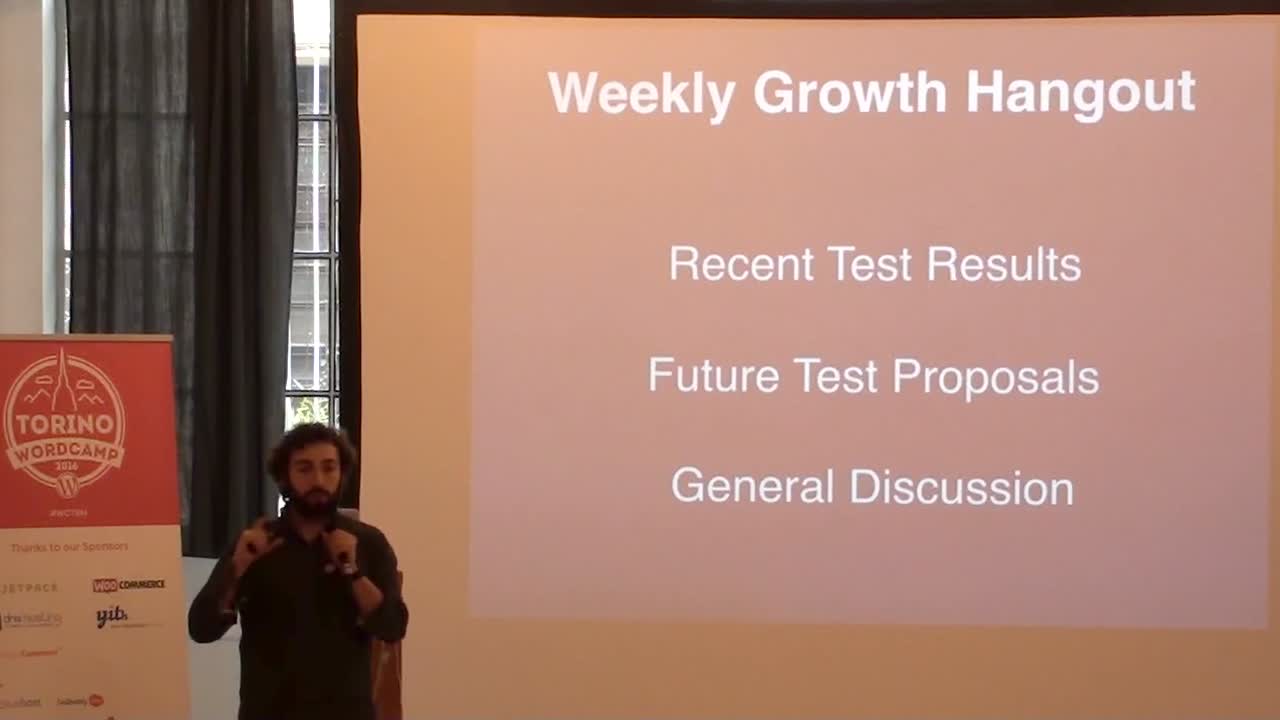
Luca Sartoni: Growth Methodologies in a Distributed Environment
WordCamp Torino 2016Speaker: Luca SartoniApril 7, 2016 — Testing activities are effective only under strict circumstances. When I started my adventure at Automattic, the welcome message was: “Welcome to the chaos.” This presentation narrates the journey we had to conduct to implement strict growth methodologies in a distributed environment.
-
Edit WordCamp Videos Using iMovie
Speaker: John ParkinsonApril 7, 2016 — Edit WordCamp Videos Using iMovie

An  Contraption
