
‘SEO’ Videos
-

Nile Flores: How To Get the Most Out of Yoast SEO
WordCamp Miami 2016Speaker: Nile FloresApril 14, 2016 — Yoast SEO is one of the leading WordPress SEO plugins in the WordPress world. It has so many features. Aside from that, you’re trying to juggle your own SEO knowledge into the mix.
With so many options on Yoast SEO, there’s a lot to get confused about.
I’m going to go over some basic SEO tips, specifically best practices for using Yoast SEO.
Hopefully using the plugin will be a lot easier after this session. Still not sure how to use certain parts of Yoast SEO? This session should help you.
-
Jenny Munn, Mickey Mellen and Tom Nguyen: Panel – How to Get to the Top of Google
WordCamp Atlanta 2016Speakers: Jenny Munn, Mickey Mellen, Tom NguyenApril 8, 2016 — We’ll have a panel of local SEO Experts Tom Nguyen, Jenny Munn and Mickey Mellen, answering your questions and discussing the latest changes and techniques to help get your site to the top of Google.
-
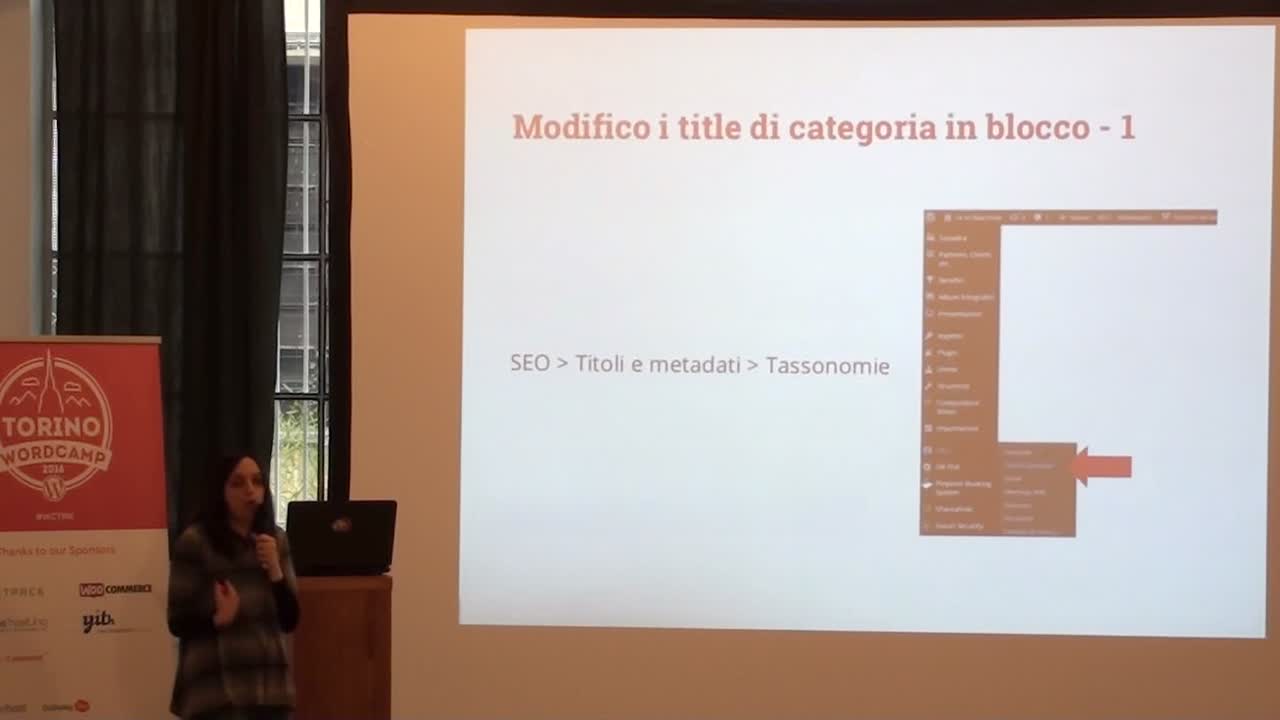
Tatiana Schirinzi: WordPress SEO – Tecnica e strategia
WordCamp Torino 2016Speaker: Tatiana SchirinziApril 7, 2016 — Il rapporto tra SEO tecnica e SEO strategica per i siti realizzati con WordPress.
Grazie a WordPress e al mitico plugin WordPress SEO by Yoast è facile prendersi cura di molti aspetti e problemi tecnici. Risolti questi ultimi, ci si può concentrare sulla strategia e quindi sull’analisi dell’attività che sta dietro al sito, sullo studio di topic e keyword e sull’organizzazione dei contenuti. -

Kenny Eliason: Rocking SEO for WP
WordCamp Las Vegas 2015Speaker: Kenny EliasonFebruary 17, 2016 — If you build a website, will they come? Or should you probably optimize it for search engines to start getting traffic? WordPress comes with a ton of great built-ins for handling the basics to search indexing, but we’ll go through some additional tips and tricks to make sure you’re doing it just right.
-

Mari Kane: Take Control of Search Optimization with WP SEO by Yoast
WordCamp Las Vegas 2015Speaker: Mari KaneFebruary 17, 2016 — It’s not enough to just create great content on WordPress. You want people to find your posts in search engines. But how exactly do you control the metadata that Google consumes before sending readers your way? You need to use WP SEO by Yoast. Widely seen as the top plugin for optimizing WordPress web sites, WP SEO by Yoast goes deep and broad with features that include a page edit tool. Mari Kane will show you how to used that page tool, as well as other features of Yoast that help optimize your site for search engines.
-

Alycia Mitchell: Google Analytics for Objective SEO and Diagnostics
WordCamp Toronto 2015Speaker: Alycia MitchellJanuary 14, 2016 — The reason you run WordPress is to publish content that people will visit. How do visitors find you? What do they like best about your website? Google Analytics is the best free reporting software you can get. This talk will introduce you to setting it up in WordPress, applying essential filters, and creating the best reports to measure and improve your website traffic.
Learning Outcomes
Set up Google Analytics in WordPress
Understand SEO basics
Understand how to read reports in Google Analytics
Know the meaning of metrics, dimensions, and filters
Create custom reports
Create custom segments
Identify important metrics for website SEO and diagnostics -

Melissa Cahill: SEO for WordPress
WordCamp NYC 2015Speaker: Melissa CahillDecember 20, 2015 — This is an update of a presentation I gave at WordCamp NYC in 2012. It provides an overview of what SEO is (and what it is not), best practices for business website owners and bloggers who want to do their own SEO, and advice for how to select an SEO vendor for those who don’t. Covers on-site, organic SEO using the All in One SEO plugin
-

Ryan Rudolph: Get It Right The First Time – WordPress Launching Checklist
WordCamp US 2015Speaker: Ryan RudolphDecember 14, 2015 — Are you doing all you can before your website becomes accessible to billions of people? This talk is an overview of major elements to take into account before launching a successful WordPress website. Topics discussed include functionality, responsiveness, search engine optimization, speed, security, and backups.
-

Joost de Valk: Holistic SEO
WordCamp Netherlands 2015Speaker: Joost de ValkOctober 19, 2015 — Everyone wants more traffic to their sites. To get more traffic, your site needs to perform well in search engines. People need to share your stories on social platforms. To do be able to get both, you need a holistic SEO strategy. You need to be telling great stories, using the right keywords. You need a good User eXperience and a technically excellent site. Joost will give hints and tips to achieve all of this.
-

Tyler Golberg: Basic WordPress SEO
WordCamp Omaha 2015Speaker: Tyler GolbergOctober 18, 2015 — We will cover:
difference between onpage and offpage SEO
general WP settings for SEO
helpful plugins
picking a keyword
headers, alt tags, internal linking, meta tags
categories vs tags

An  Contraption
