
‘Themes’ Videos
-
Frank Staude: Child Themes – Was ist das und wie kann ich das selbst nutzen?
WordCamp Cologne 2015Speaker: Frank StaudeJuly 15, 2015 — Stunden- oder tagelang hat man nach einem passenden Theme gesucht. Irgendwann hat man dann endlich „das“ Theme gefunden, fast perfekt … Nur noch ein bisschen was im Stylesheet anpassen und in dem einen oder anderen Template was ändern – perfekt! Eines Tages gibt es ein Update des Themes. Nichtsahnend führt man die Aktualisierung aus, doch – oh Schreck, alle Änderungen sind weg!
Damit genau das nicht passiert, hat WordPress das Konzept der Childthemes eingeführt. Frank zeigt Euch in dieser Session, wie man ein Child Theme anlegt, wie es funktioniert und welche Besonderheiten es gibt.
-
Torsten Landsiedel: Das Child Theme Dilemma
WordCamp Cologne 2015Speaker: Torsten LandsiedelJuly 15, 2015 — Die üblichen Einführungen zum Thema Child Themes hören da auf, wo es spannend wird: Wie umgehe ich das @import in der CSS-Datei korrekt? Was mache ich bei einem Update des Eltern-Theme mit meinen angepassten Dateien? Womöglich ist ja genau in der Datei, die ich angepasst habe eine Sicherheitslücke und die sollte ich schließen …
Torsten zeigt in seiner Präsentation mögliche Defizite von Child Themes auf und schlägt eine Lösung vor, wie man WordPress noch viel Child-Theme-freundlicher machen könnte. Das Thema richtet sich vor allem an Theme-Entwickler und alle, die nach dem Child-Theme-Vortrag in Hamburg weiter machen wollen.
-
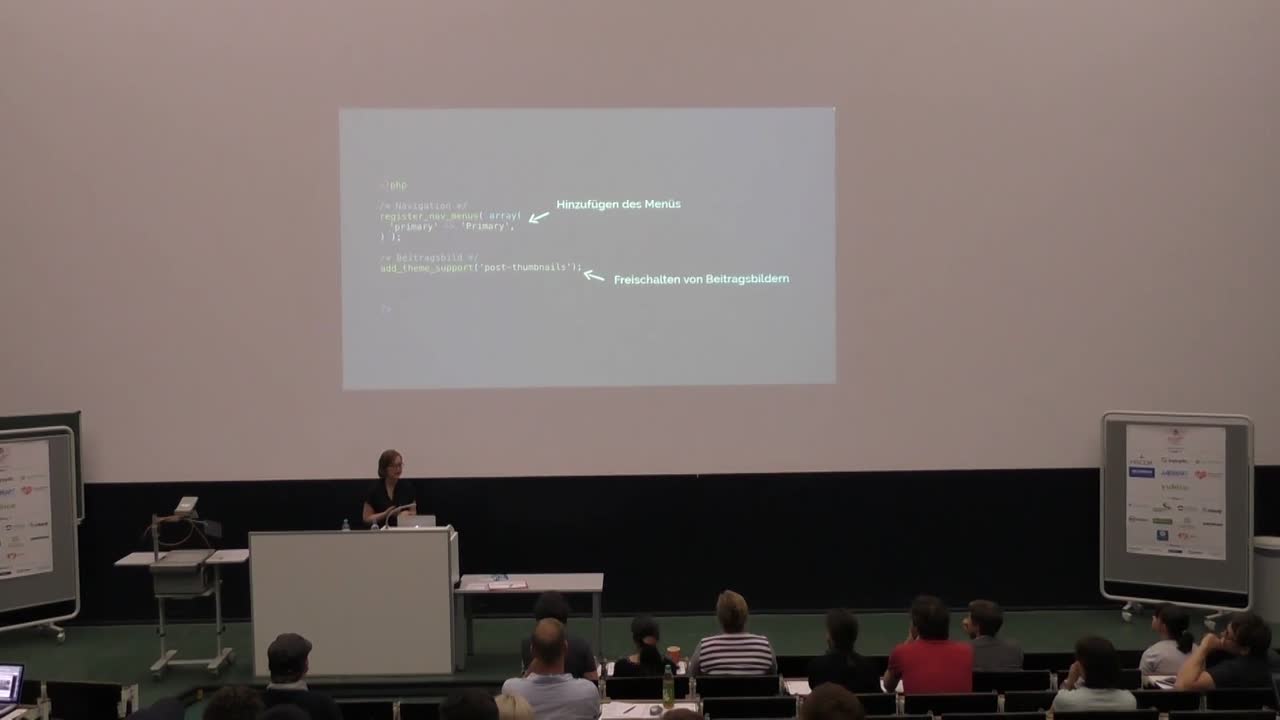
Daniela Wibbeke: Custom Theme Entwicklung
WordCamp Cologne 2015Speaker: Daniela WibbekeJuly 15, 2015 — Wie erstelle ich mein erstes eigenes WordPress Theme?
Daniela gibt eine kurze Einführung in die Erstellung eines einfachen, zeitgemäßen WordPress Themes.
Wie gibt man Beiträge aus?
Wie erstellt man Page Templates?
Wir nutzt man Custom Fields?
Was ist ein Loop?
Wie verwende ich Template Tags? -

Rian Rietveld: The Accessibility-Ready Tag for Your Theme – Why and How
WordCamp Europe 2015Speaker: Rian RietveldJuly 14, 2015 — Your theme accessibility-ready? Let me talk you through some crucial questions.
1. Why do you need your WordPress theme to be accessible for everyone?
2. How do different kinds of visitors use your site?
3. Why are links, headings, form labels and colours important?
4. Where to find the specs and documentation and how to test your theme. -

Tammie Lister: Mighty Morphing Design
WordCamp Europe 2015Speaker: Tammie ListerJuly 10, 2015 — Beyond the land of responsive design lies the world of adaptive experiences. Where not only does your site work well on different screen sizes, it adapts to them. Mighty morphing design works on any device, in any place. Yet it goes beyond that, these are designs that optimise, reduce and change depending on the device you are using. It’s beyond just popping a sidebar below the content and calling it responsive. Mighty morphing design is the way we should and need to be designing. In this talk I’ll show you what it is and show you how you can become a mighty morphing designer.
-

Cory Miller: The Highs and Lows of the 7 Year WordPress Product Journey
WordCamp Miami 2015Speaker: Cory MillerJuly 9, 2015 — As founder of one of the first commercial product companies in WordPress, I share the success and failures that we’ve had along the journey, including releasing our biggest, most collaborative, most expensive project for free (iThemes Exchange), and home runs (like BackupBuddy). I’ll also mention some of our miserable failures (trying hosting and services twice) and the lessons we gleaned from it.
-

Michael Hunter: WordPress Themes 101
WordCamp Denver 2015Speaker: Michael HunterJuly 1, 2015 — This talk discusses how WordPress has evened the playing field for website creation. I share tools, tips, strategies and resources to help new WordPress users, freelancers, and small businesses get a great looking and effective blog/website up fast. I have a 6-point checklist that I use to analyze whether or not a theme is a good fit for any website or blog.
-
Lance Willett, Tiago Noronha, Ben Gillbanks, Tammie Lister: State of Themes Panel
WordCamp London 2015Speakers: Lance Willett, Tiago Noronha, Ben Gillbanks, Tammie ListerJune 1, 2015 — Taking stock of the world of WordPress themes as going into mid-year 2015. Topics to cover include: next-generation themes, looking at Twenty Sixteen and beyond; lessons learned from 5 years of default themes; business of selling themes in 2015; theme support and maintenance; accessibility; mobile and responsive; JavaScript and REST API in themes.
-

Sarah Semark – I broke up with Photoshop—and you can too! – WordCamp Montreal 2014
WordCamp Montréal 2014Speaker: Sarah SemarkMay 25, 2015 — This presentation talks about getting out of the Photoshop mindset, embracing the tools that the modern web has provided us in order to streamline our development practises and get real-live sites up and running fast. We’ll start with talking about how to use style tiles to reduce the amount of time spent on mockups, and then we’ll move on to discuss how to leverage available tools in order to quickly get a site running: skeleton themes, CSS precompilers, version control for quick deployment, icon fonts, browser development tools, grids, and CSS frameworks. Whew!
-

Rosemary Jean-Louis: Give Your Church, Synagogue or Mosque Site A Divine Makeover With WordPress
WordCamp Atlanta 2015Speaker: Rosemary Jean-LouisMay 14, 2015 — WordPress isn’t just a great platform for secular sites. It is a powerful and cost efficient tool for creating responsive sites for religious organizations. This session will look at some of the themes available for creating religious sites and the content and plugins that are helpful to this sector.

An  Brainchild
