
Language: English
-
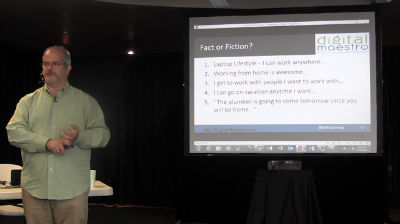
Paul Taubman II: Growing Your WordPress Business
WordCamp Baltimore 2017Speaker: Paul Taubman IIOctober 22, 2017 — It is the American Dream – quit your 9-5 job and build your own business. Is that your dream as well? Are you thinking about taking the plunge and giving notice to your boss in order to embrace your entrepreneurial spirit? This engaging discussion will present a foundation on things you need to think about when starting your own WordPress business – either Full-Time or even Part-Time. Topics include (but of course, are not limited to):
How to get started
What to charge
Where to find clients
Services to provide
How to protect yourself
Insurance (what? you need that?)
Pitfalls to avoid
Proposals, Agreements, and Contracts
and more! -
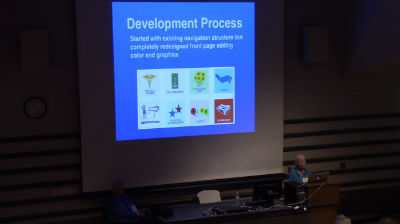
Ann MacKay, Hope Tillman: The Story Of A Redesign
WordCamp Baltimore 2017Speakers: Ann MacKay, Hope TillmanOctober 22, 2017 — Here is your chance to hear how two seniors working with seniors accomplished a redesign of a 5-year old website to meet the needs of an older population. We will tell the story of the beginning of a website for and by retirement community residents that moved to WordPress in 2014 and this year underwent a major redesign to meet the current needs of a changing population. We will share why we did it, why Divi was selected as a theme, the development and roll out process, and how we used resident and content provider feedback as part of our usability studies. A website is never done, and so improvements and changes will continue.
-
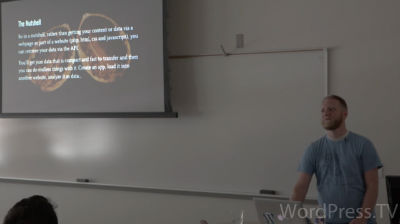
Evan Mullins: A.P. Why? WP REST API And See What It’s Making
WordCamp Wilmington 2017Speaker: Evan MullinsOctober 22, 2017 — A couple case studies on how to use the API and code samples to get you started. It allows us to further separate the data from the code. Use WordPress as a CMS and then via the API easily access or update that data to power whatever we like. We’ll touch how to set it up and a handful of examples and then explore an iOS app pulling all it’s data and assets from a WordPress site via this API.
-
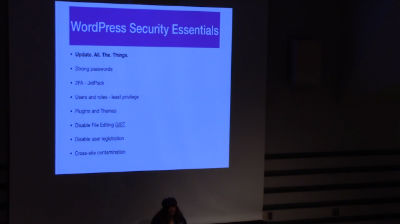
Eve Land: WordPress Security: Actionable Steps To Keep WordPress Sites Safe
WordCamp Baltimore 2017Speaker: Eve LandOctober 22, 2017 — I work with WordPress site owners every day, many have been hacked. I’d like to share actionable steps to keep WordPress sites safe.
-
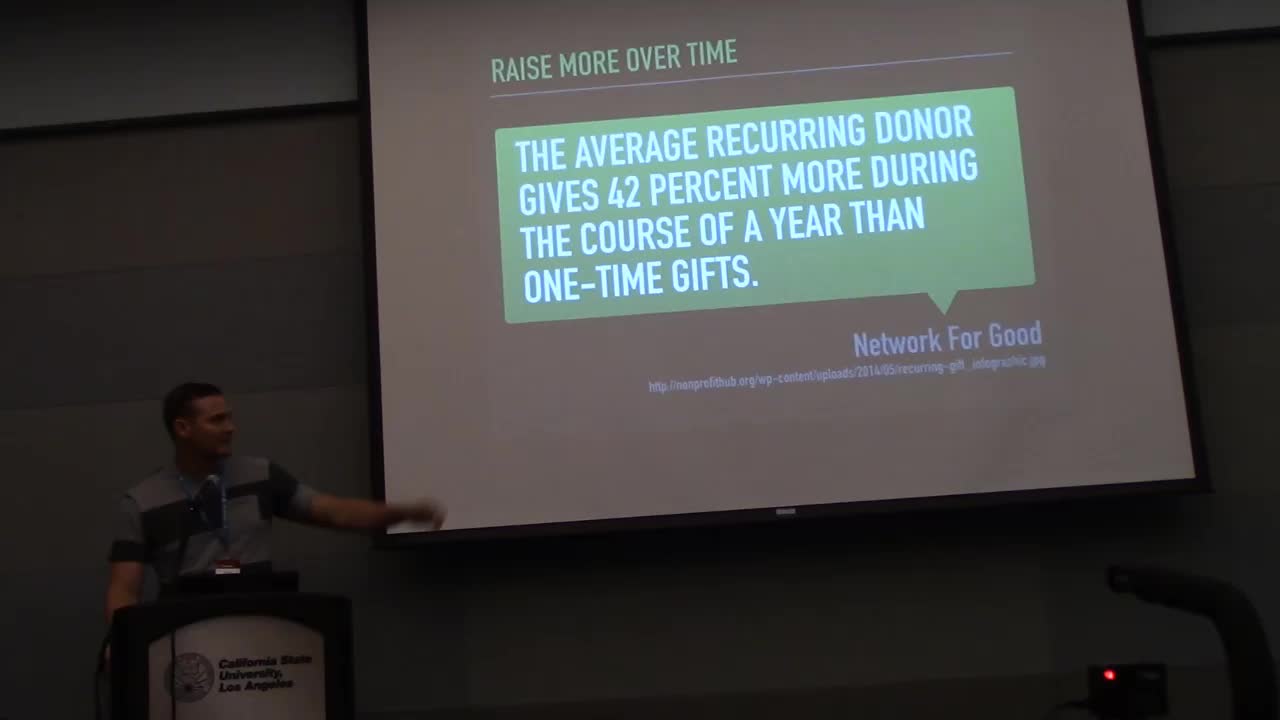
Devin Walker: Using WordPress for Social Good
WordCamp Los Angeles 2017Speaker: Devin WalkerOctober 22, 2017 — Do you have a cause that you are passionate about? Are you thinking about starting a nonprofit or helping a cause in need? WordPress makes for an excellent platform for every nonprofit – regardless of size or budget.
In this session we will review how WordPress can be used to further empower your cause with little barrier to entry. With WordPress, you don’t need to have a big budget or be super techie. Using ready-made tools and effective goal setting and planning, creating a website your cause can be proud of can be a reality. Discover how an effective nonprofit website can engage its audience and bring in mission critical funds. Learn about the planning, tools, and know-how needed to get the job done and take the first step to sharing your mission with the world, using WordPress.
-
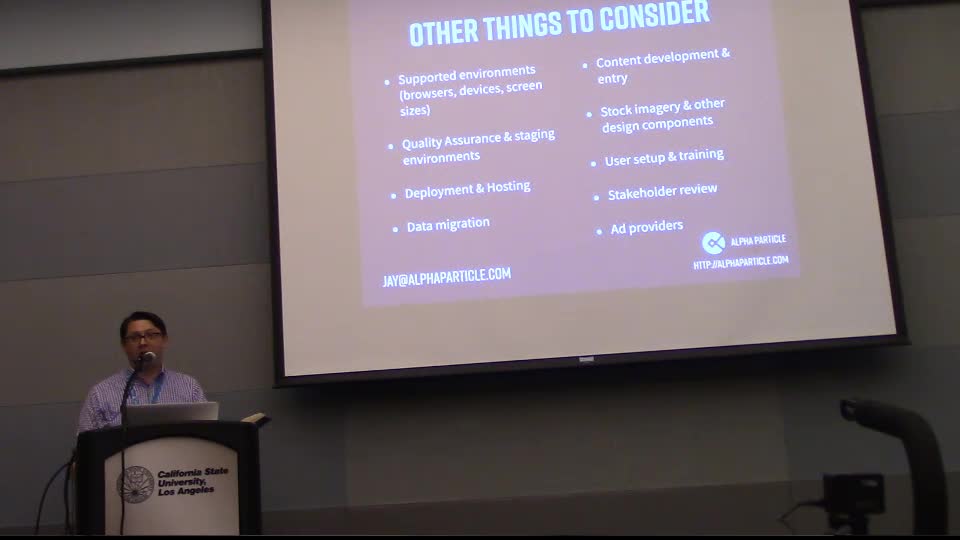
Jay Hoppie: Scoping projects as a non-developer
WordCamp Los Angeles 2017Speaker: Jay HoppieOctober 22, 2017 — After spending five years as a developer and then the last ten years in operations and project management, I have often found myself in a position where I have to estimate what it will take to build a WordPress site without expertise as a front-end or PHP engineer. I will explain how scoping feature build time as a function of risk is how you can accomplish the three part goal of client acceptance, developer buy-in, and realistic delivery date attainability.
-
Nicole Kohler Take Your Content to the Moon With Jetpack
WordCamp Baltimore 2017Speaker: Nicole KohlerOctober 21, 2017 — Jetpack isn’t just for WordPress backups and site security — it can also make your content look amazing and get noticed faster. Learn five ways you can boost your content to the moon with Jetpack’s features.
-
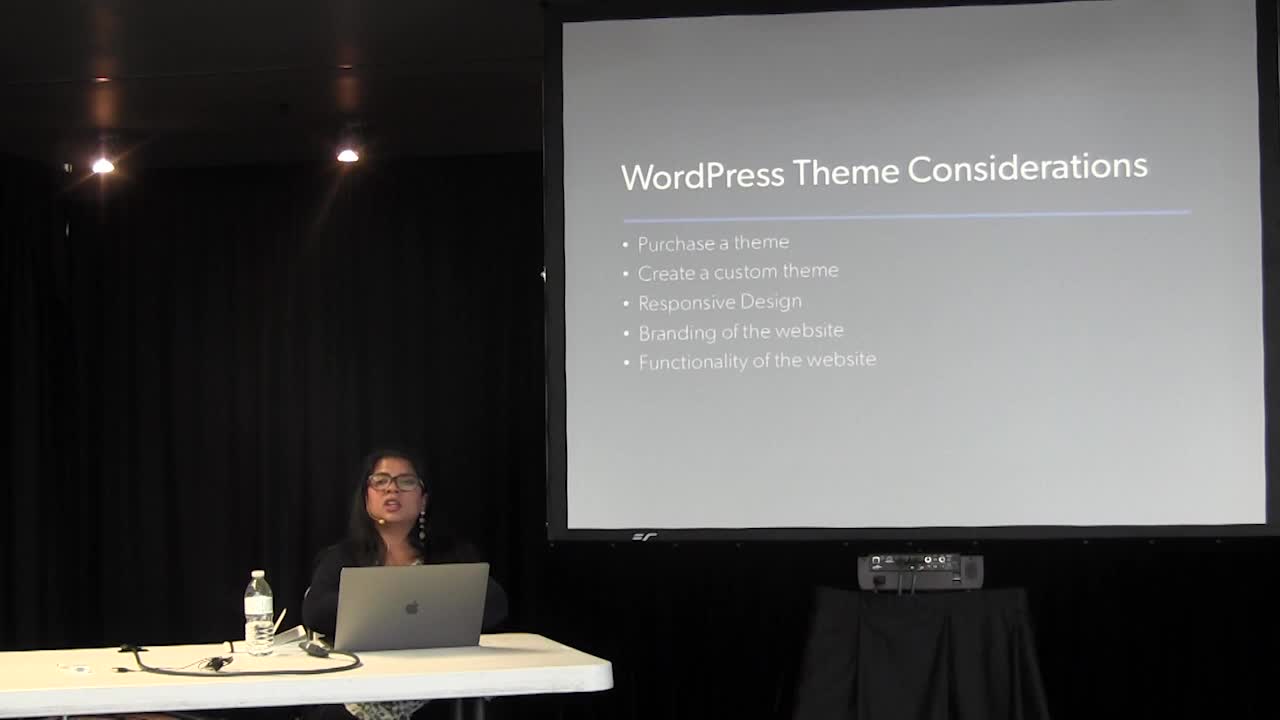
Neha Goyal: Creating WP Websites For Niche Organizations
WordCamp Baltimore 2017Speaker: Neha GoyalOctober 21, 2017 — Do you work for a non profit or own a small business that has a website in WordPress?
In this session will discuss the unique website needs and requirements of these two kinds of niche organizations.
The presentation would be based on Case Studies, where I will talk about the following challenges faced by non profits and small businesses and using WordPress as a solution:
Working with limited budgets for a website
Branding and Messaging of your organization
Payment integration for Donation/ E-commerce
Blog and Social Media integration with the website
We will discuss the following WordPress implementation to solve the above challenges:
WordPress themes: Website front-end
Deciding the website taxonomy: Categories and Tags
Blog, SEO and Social Media plugins
Advanced Topics
Brief intro to Custom Post Types and Advanced Custom Fields
Brief intro to WP Command Line Interface (CLI) to install WordPress -
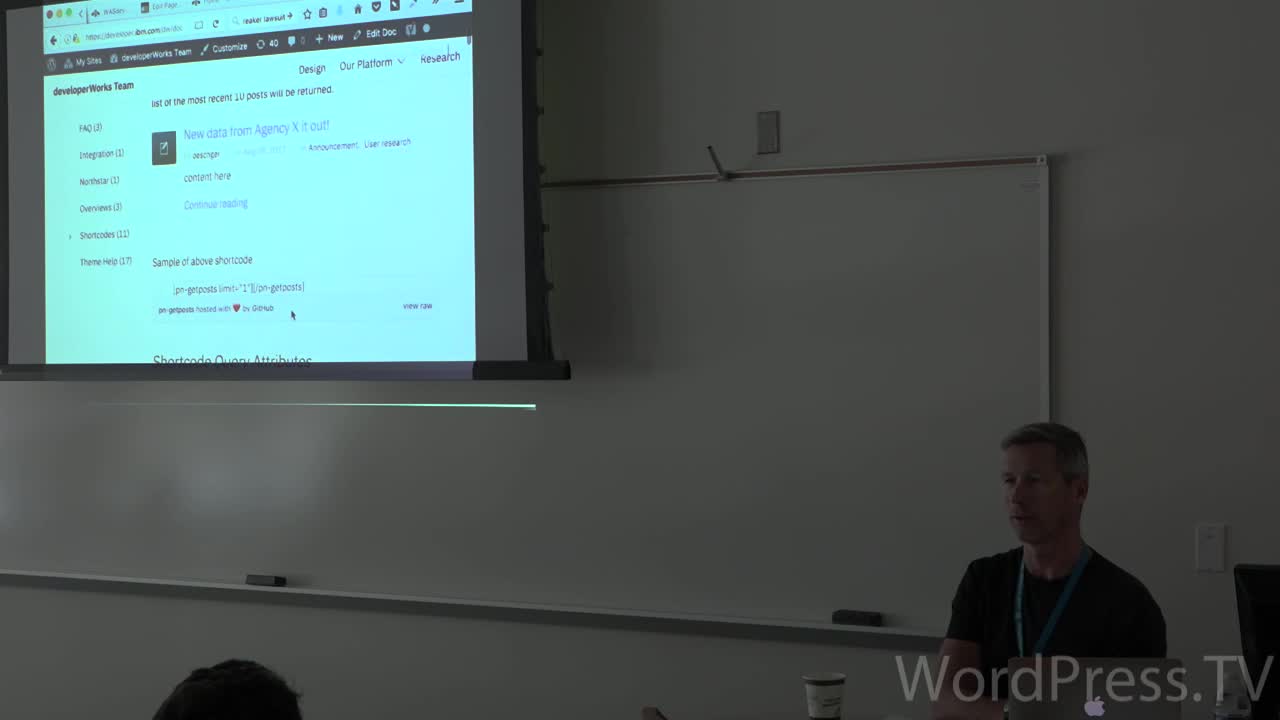
Ian Oeschger: WordPress Development In The Enterprise
WordCamp Wilmington 2017Speaker: Ian OeschgerOctober 21, 2017 — WordPress at IBM
-
Mike Morucci: 10 Victories in #Fail’s Clothing
WordCamp Baltimore 2017Speaker: Mike MorucciOctober 21, 2017 — Did you ever feel like a poseur? Like any minute your clients, or level-10 WP colleagues, are going to find you out?
“I have no idea what I’m doing. Someone much more technical than me would know this. Am I being filmed?”
I do. Every day.
But I learned there are a ton of people in this World of WordPress (WoWP ©Mike Morucci just now) who have different skills, but not all of them. Who struggle with issues but somehow find solutions, often by trial, error & Google search, and share them. You’ve just got to dive in.
In this talk, I will share #FAIL after #FAIL after #FAIL:
Web site?! Let’s start a Private Facebook group.
Just pick a template…from a million choices.
SITE DOWN! SITE DOWN! What did YOU do, Mike?!
I don’t need an expensive host. LOOK, this is only $4.95/month!
When should I launch? It’s not ready… It’s still not ready… It’s ready! Wait…
I can make my own logo. For free!
Why share my mistakes? Because failure is awesome. It brings wisdom one wouldn’t acquire without failing in the first place. I’ll also share a few tips/tools that keep me sane.This talk is meant for the newbie who wears that badge proudly and is not embarrassed to say: “Hi, my name is Mike, and I don’t know a &*$%ing thing about PHP.” Or for the expert, who just likes to judge. I want you to feel better, too.

An  Contraption
