
Language: English
-
Vanina Ivanova: A WordPress Blog as an MVP for Starting a Business
WordCamp Varna 2017Speaker: Vanina IvanovaSeptember 30, 2017 — How to start a new business with just $41.60 and a bottle of wine. Vanina shares her experience and gives some advice.
-
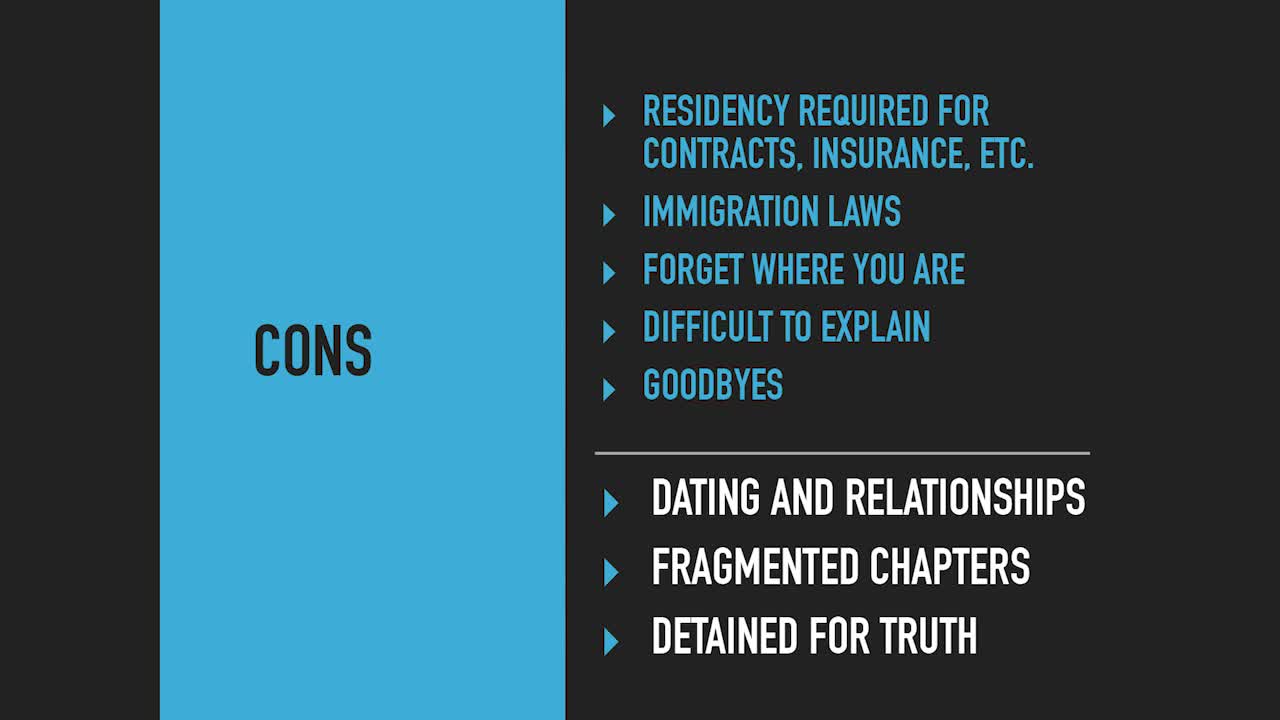
Kat Christofer: How WordPress and Working Remotely Helped Me See the World
WordCamp Varna 2017Speaker: Kat ChristoferSeptember 30, 2017 — What being nomadic really means? What pros and cons are there? How do you work remotely while traveling to multiple countries? How do you cope with limited wardrobe.
-

Anthony D Paul: Sneaking In Good UX Without A UX Budget
WordCamp Halifax 2017Speaker: Anthony D PaulSeptember 28, 2017 — We all want to design and build better projects—to feel proud of what we’ve made and to have our end users love it too. Sometimes our projects afford us research budgets and sometimes they don’t. So how do we build in a better user experience when our clients don’t want to pay for those line items?
In this talk, I’ll share some practical tools and tips to “sneak in good UX” as one of my bosses used to say, with minimal impact on your budget but a positive impact on your team’s understanding of key problems to solve.
-

Allison Tarr: Field Guide To Caring for A Developer
WordCamp Halifax 2017Speaker: Allison TarrSeptember 28, 2017 — Surrounded by constant workflow advancements, new frameworks, and version updates, tech culture often makes exhaustion a badge of honour. How do we best take care of ourselves when faced with obstacles like burnout, isolation, and uncertainty?
Whether you’re a remote employee, freelancer, or working within a larger tech team, the issues of mental health are important. In this talk, we’ll examine the state of mental health awareness within tech and discuss strategies and resources to improve it on both a personal and community level.
-
Laura Hawkins: Tips for Creating Effective Site and Blog Content
WordCamp Halifax 2017Speaker: Laura HawkinsSeptember 28, 2017 — This practical talk covers the top tips for creating site and blog content that’s built to attract traffic, is compelling and persuasive, and can help you build a subscriber base and/or generate leads for your business.
-
Stacy Harrison: Don’t Get Hacked! WordPress Security for Beginners
WordCamp Pittsburgh 2017Speaker: Stacy HarrisonSeptember 28, 2017 — It’s a scary world out there, so come and learn easy ways to keep your website secure! While freelancing, I had more than one client approach me with a completely compromised website asking for help. I then learned the ins and outs of recovering and protecting their website, both with WP plugins and additional third-party tools. Key takeaways include why WordPress websites are inherently open to vulnerabilities, a list of free plugins to install today, and additional tools to use to keep your website healthy.
-
Jon Ang, Kira Song, Noel Tock: WordPress のコア開発者・コミュニティリーダー・サービス開発者だけど質問ある?
WordCamp Tokyo 2017Speakers: Jon Ang, Kira Song, Noel TockSeptember 28, 2017 — Mike, Jon, and Noel will be having an AMA session together. The audience and facilitator will be asking questions on their expertise, which may include their involvement in the WordPress communities, running a SaaS product using WordPress, WordPress hosting trend, and more.
マイク、ジョン、ノエルの3人が「AMA(Ask Me Anything)」スタイルであらゆる疑問に答えるセッション。客席やセッションモデレーターが彼らの専門分野についての質問を投げかけます。WordPress コミュニティへの参加、WordPress を使った SaaS プロダクトの運用、WordPress ホスティングの最新トレンドなどについて、聞きたいことがある方はぜひ用意してきてください。
-
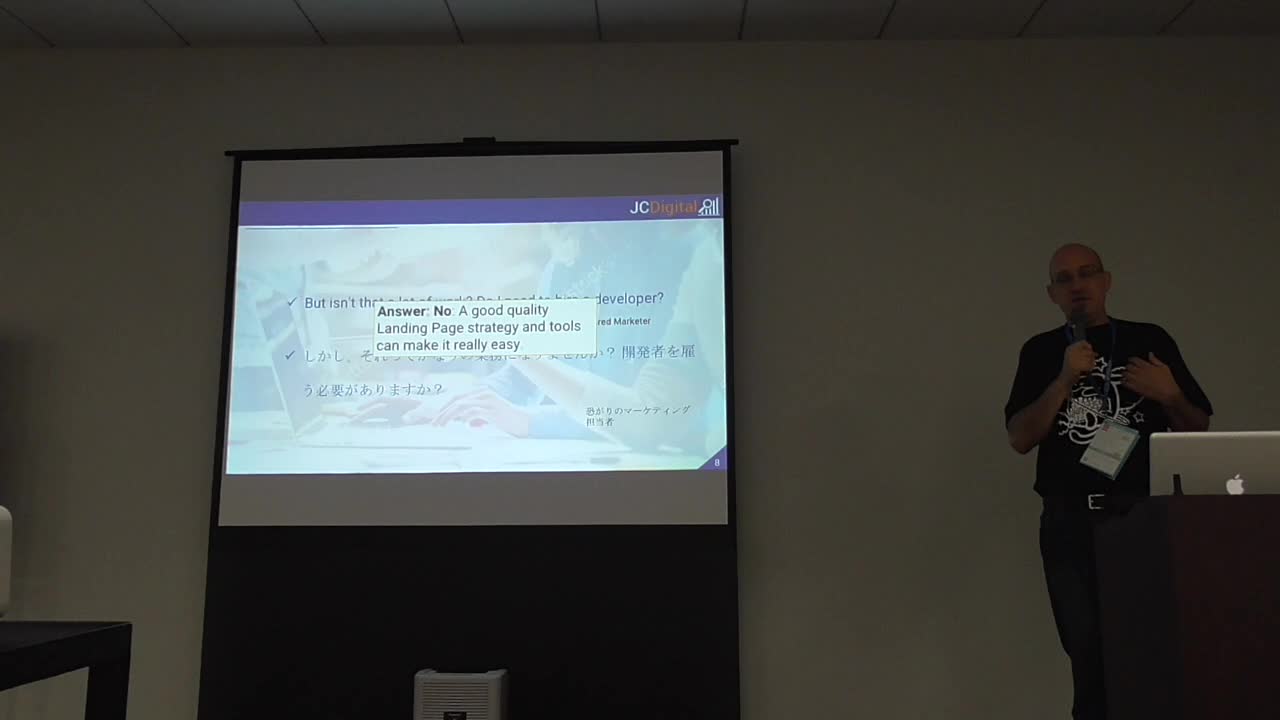
Jeff Crawford: Digital Marketing Techniques For WordPress / WordPress サイト向けのデジタルマーケティングテクニック
WordCamp Tokyo 2017Speaker: Jeff CrawfordSeptember 27, 2017 — Jeff will be discussing some techniques the WordPress users can do to attract more visitors to their site, and convert them into paying customers.
このセッションでは、WordPress ユーザーがより多くの訪問者を惹きつける方法と、その方たちに有料サービスを利用するお客さんになってもらうために使えるテクニックを紹介します。
-
Ganga Kafle: Think Before You Post: Themes On WordPress.org / WordPress.org テーマディレクトリから学ぶテーマ開発ベストプラクティス
WordCamp Tokyo 2017Speaker: Ganga KafleSeptember 27, 2017 — In his session, Ganga will be sharing his knowledge on how to make themes that can be approved on WordPress.org Theme Repository. By learning the best practices of WordPress theme development, you can become more confident in building your own themes.
Many of submitted themes are closed due to the deviation from the WordPress.org standards. As one of theme reviewers, he will talk about his theme review experience and encourage theme developers to submit themes to the official repository. He will also explain how the theme review process works: role and responsibility of authors and reviewers, admin queue, new queue, closed tickets, tickets under review, and more.
このセッションでは、WordPress.org テーマディレクトリで承認・掲載されるテーマを作成するために必要な知識を共有します。WordPress テーマ開発のベストプラクティスといえる方法を知ることで、自身を持ってテーマ作成に臨むことができるようになるはずです。
申請されたテーマの多くは、WordPress スタンダードに沿っていないという理由で却下されてしまっています。今回ガンガ氏は、テーマレビューチームメンバーの一人としての経験に触れ、テーマ開発者による公式ディレクトリへの申請を後押しします。また、テーマレビューのプロセスについても詳しく説明し、テーマ作者とレビュアーの役割、管理・新規キュー、レビュー中のチケットなどがどういったものであるかを明らかにしてくれるでしょう。
-
Tomaž Zaman: The Good Freelancer
WordCamp Bern 2017Speaker: Tomaž ZamanSeptember 27, 2017 — While freelancing, Tomaz made so many mistakes, he could write a book just about them. When speaking with his peers, he discovered he wasn’t the only one making them and soon after founded Codeable, with precisely the goal to make other freelancers’ lives easier by allowing them to focus on what they are best at and educating them where they lack.
In this talk, Tomaz would like to present the most common mistakes freelancers make and how to avoid them.

An  Production
