
‘WP-CLI’ Videos
-

Dale McGladdery: A Rose by Any Other URL – Changing site URL or cloning with the WP CLI
WordCamp Vancouver 2018Speaker: Dale McGladderyAugust 9, 2019 — Have you ever needed to move your website from one URL to another, create a test site, or change from http to https? It’s a pain. There are plugins and services for this, but they’re often overkill, don’t quite do it the way you want it done, or may not be cost beneficial. There’s another way. The WordPress WP-CLI tool gives you a zero cost option for change your website URL and moving your website. If you’re comfortable using command line tools, or want to learn, this presentation gives a step-by-step process to copy a WordPress site from one host to another. At the end of session you’ll be able to create a test version of your website without buying or installing a plugin, and keep that site up-to-date. You’ll also be able to change the URL of an existing site. We’ll also touch on creating a local version of your website on your computer and installing WP-CLI, the WordPress command line tool.
-

Sergio Scabuzzo: The Command Line is Your Friend: WP-CLI, the Shell and What They Can Do for You
WordCamp Santa Clarita 2019Speaker: Sergio ScabuzzoJune 26, 2019 — April 6, 2019, 9 am Horseshoe Ranch Room, University Center, College of the Canyons — After this talk, you will have a clear understanding of what can be done with WP-CLI and the command line. I’ll share basic commands and more advanced scripts to ease your day to day interactions with WordPress. We’ll cover things like using ‘wp search-replace’ to find and replace instances of text in your database/posts, installing/activating multiple plugins in one command, and even backing up your site to your computer…
-

Francisco Calderón Jurado: WP-CLI – Automatiza tus tareas y tómate un café – OpenSouthCode 2019
WordPress Meetup MálagaSpeaker: Francisco Calderón JuradoJune 10, 2019 — En este taller aprenderemos a usar la herramienta WP CLI, la herramienta de línea de comandos para gestionar nuestros sitios WordPress.
Veremos como WP CLI permite:
– Instalar WordPress en remoto en varios subdominios
– Actualizar WordPress: plugins, temas, traducciones y core
– Importar y exportar contenido de uno o varios sites
– Importación masiva de imágenes
– Regenerar miniaturas
– Realizar copias de seguridad de la base de datos
– Buscar y reemplazar en la base de datos
– Y lo que me de tiempo 😉Más info: https://wp-cli.org/
¿Qué has de traer? Si quieres practicar o tomar nota de los comandos, trae tu portátil.
Público objetivo: configuradores, usuarios y administradores de webs en WordPress que necesiten automatizar algunos procesos
Imparte:
Francisco Calderón Jurado – https://twitter.com/fcjurado -

-

Pascal Birchler: WordPress Internationalization Workflows
WordCamp Johannesburg 2018Speaker: Pascal BirchlerApril 14, 2019 — Soon after the release of WordPress 15 years ago, support for internationalization was added to the software. This meant that themes, plugins, and WordPress itself could be translated. This was a huge deal as WordPress is used all over the world, in countries where English is not the main language. WordPress was quickly translated into German, Japanese and many more languages.
Over the years, WordPress has steadily improved the way we have to work with internationalization. However, challenges still exist and there will always be new ones ahead. Projects like Gutenberg and ecosystems beyond WordPress.org force us to continuously iterate.
In this talk you’ll learn how to make use of the latest and greatest technology to make your WordPress plugin or theme fully internationalized. Pascal is going to highlight how you can leverage the powers of WordPress, GlotPress, and WP-CLI to improve the translation workflow in your WordPress projects.
-
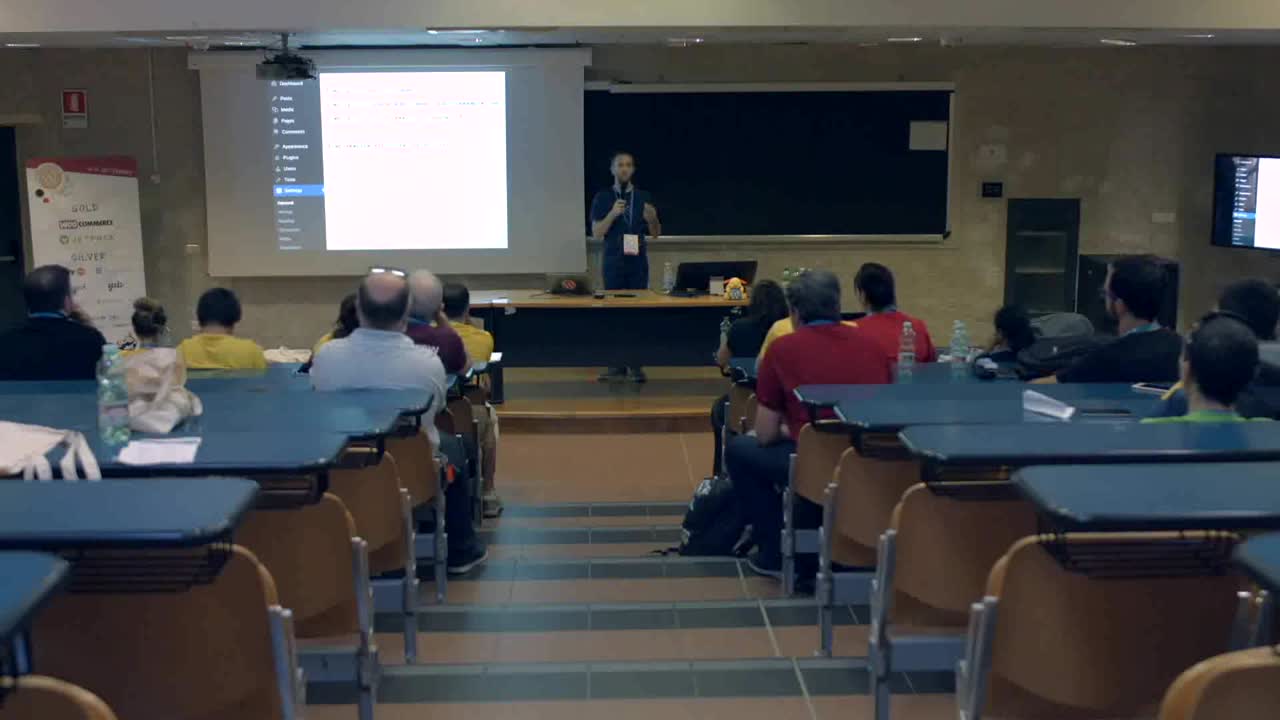
John Blackbourn: WP-CLI: An Intro and Interesting Use Cases
WordCamp Rome 2018Speaker: John BlackbournApril 14, 2019 — WP-CLI is the command line interface for WordPress. In this talk, John will introduce the core concepts of WP-CLI, talk about how to use it to manage your websites, and cover a few interesting use cases for it.
If you’ve never heard of WP-CLI, or you’re an experienced user, hopefully there will be something of interest for you in this talk.
-

Edmund Turbin: Automated Deployment with WP-CLI and Aliases
WordCamp Edinburgh 2018Speaker: Edmund TurbinApril 11, 2019 — WP-CLI has introduced new ways of working with WordPress via automated commands and scripts. Aliases allow WP-CLI commands to be run on remote servers. Put them together and you have a powerful foundation to run automated processes remotely on multiple servers.
This talk will focus on using WP-CLI to automate deployment of a WordPress database between a development and production website. WP-CLI commands will be joined together in a BASH script that can be executed from the command line.
-

Steve Grunwell: Up and Running with WP-CLI
WordCamp Grand Rapids 2018Speaker: Steve GrunwellFebruary 26, 2019 — Traditionally, interacting with WordPress is largely a graphical affair: many users rely on WP Admin to manage themes, plugins, content, and everything else. For situations where you need to be able to script WordPress interactions, however, nothing compares to the power of WP-CLI, the official command line interface for WordPress.
This session acts as a primer for WP-CLI, scratching the surface of what can be done and how it fits into the WordPress workflow. Whether you’ve never heard of WP-CLI or have been using it as part of your daily WordPress rituals, you’re sure to learn at least a few useful tricks.
-
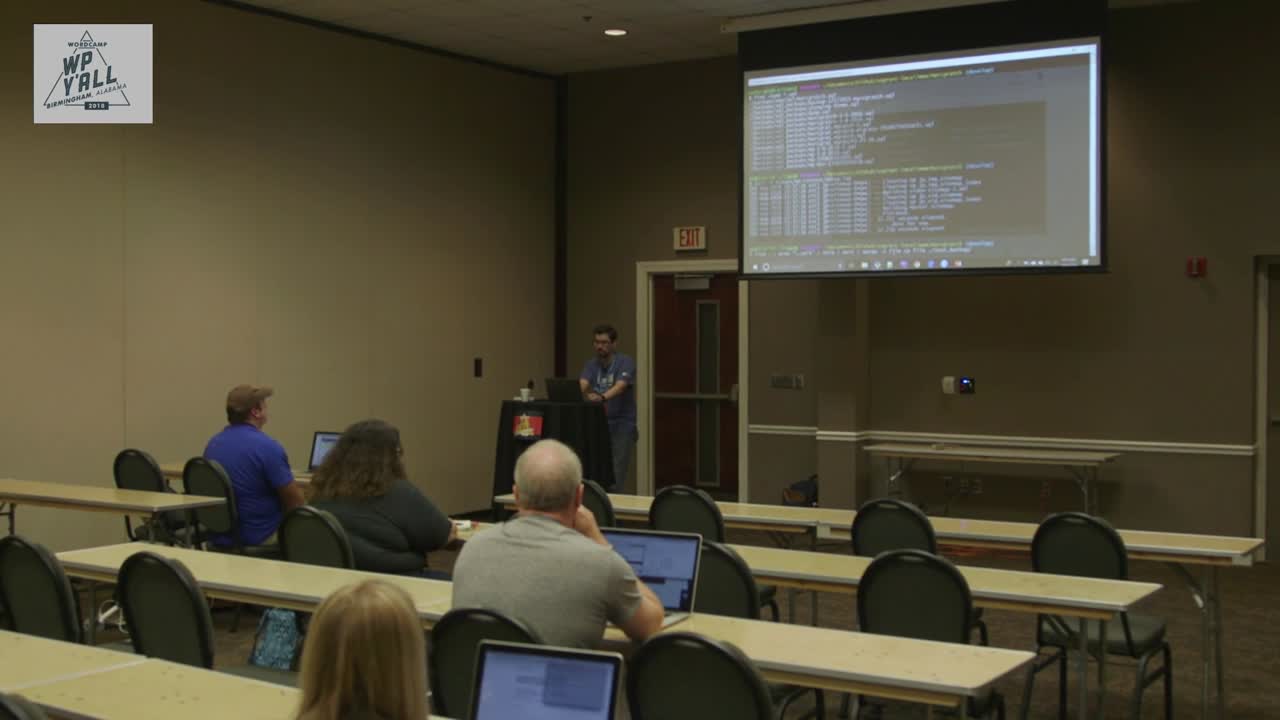
Marc Gratch: Using the Command Line: Bash and WP-CLI
WordCamp Birmingham 2018Speaker: Marc GratchJanuary 4, 2019 — An intro course to navigating the command line using bash and wp-cli. From simple to complicated, with examples!
Learning how navigate via cli, how to improve efficiency by completing common (often time consuming tasks) via the command line and some useful code examples to understand how to write bash scripts. Nerdy goodness 🙂
-

Vineet Talwar: WordPress Backups. Disaster management and recovery
WordCamp Poznań 2018Speaker: Vineet TalwarAugust 9, 2018 — We will talk talk about the different aspects of backups. What to backup? Where to backup? How to backup? Goes without saying that the audience would want to know the tools that can be used. We will hear about the tools and techniques to do both automatic and manual backups.
Finally we will move a little deeper into the technicalities – leveling up and elaborating upon backups using WP-CLI and a talking about a brief discussion on Git for code management and making automated cron jobs that takes backups with the help of WP-CLI and stores them securely on Amazon S3.

An  Contraption
