
‘Accessibility’ Videos
-

Matt Cotter: Workflows in a disposable economy.
WordCamp Dayton 2018Speaker: Matt CotterApril 15, 2021 — The talk acknowledges the wide array of accessible technologies and tries to offer a way to think about your options in a more digestible manner.
-
Susannah Waite: Accessibility and WordPress
WordCamp San Antonio 2020Speaker: Susannah WaiteJanuary 17, 2021 — This talk explains how everyone can promote more accessible sites while developing in WordPress.
-

Roberto Remedios: ¿Cómo revisar si mi sitio web es accesible?
WordCamp Mexico 2020Speaker: Roberto RemediosJanuary 9, 2021 — Exploraremos cómo utilizar las diferentes herramientas que nos ayudan en la audibilidad de la accesibilidad en los sitios web para cumplir con los estándares WCAG 2.0, inspector de Google Chrome, ANDY, asistente de acceso LEVEL ACCESS, etc. Esta sesión es para todo tipo de usuarios, siendo más fácil para los encargados de las partes técnicas (desarrolladores).
-

WordCamp Sevilla 2020: Presentación de los responsables de mesa
WordCamp Sevilla 2020Speakers: Ana Cirujano, Sacra Jáimez, André Maneiro, Darío BF, Fran Torres, Javier Casares, Pablo Moratinos, David Perez, José Ramón Padrón, Luis Rull, Vicent Sanchis, Estela Rueda, Larissa MurilloDecember 31, 2020 — Presentación de los responsables de mesa de la WordCamp Sevilla 2020:
Ana Cirujano, Sacra Jáimez, André Maneiro, Darío BF, Fran Torres, Javier Casares, Pablo Moratinos, David Pérez, José Ramón, Padrón, Luis Rull, Vicent Sanchis, Estela Rueda y Larissa Murillo. -

Andy Sitt: Making State Government Accessible and Responding to COVID-19
WordCamp Philadelphia 2020Speaker: Andy SittNovember 17, 2020 — Within the Delaware Department of State, the Government Information Center builds and maintains WordPress websites for state agencies and municipalities. WordPress as a CMS makes it easier for non-technical employees to add and edit content, and Delaware citizens benefit by having access to information that impacts their lives. When the pandemic hit, the Government Information Center built a WordPress website for COVID-19 information that the public could use to find the latest data, testing locations, child care, reopening guidelines, and other important information. Everything was built with non-technical users from the health and emergency management departments in mind, as they would be in charge of maintaining content that was constantly changing in an ever-evolving public health crisis. This talk is about how the team of designers and developers came together to quickly build a website that contributes to public health, reaches under-served communities, and helps keep Delawareans safe.
-

Joe A. Simpson Jr: Cover Your Assets: WordPress Accessibility Images, Videos
WordCamp Austin 2020Speaker: Joe A Simpson Jr.November 13, 2020 — Most WordCampers know what an image ALT tag is or have seen closed captions on television shows or YouTube videos. Still, the majority of those reading this skip these critical first steps in making client or personal sites accessible.
This talk covers these basics:
– What the first 4:44 seconds of the Lion King can teach us about accessibility
-How to find WordPress themes and plugins to get you started on being accessible right “out of the box”
– How to avoid generating creating “craptions” and tools to improve YouTube’s auto-captioning
– How, as a beginner, how you handle images and videos in a more mobile-first world can improve your site performance in SEO ranking
– How accessibility is often seen as an inconvenience but actually enhances your website performance if done correctly -

Joseph LoPreste: Web Accessibility Made Easy for WordPress
WordCamp Denver 2019Speaker: Joseph LoPresteNovember 4, 2020 — We explain what the WCAG 2.1 guidelines are and why they are so important to us as WordPress developers and agencies.
Then we offer our easy and actionable steps that you can do to your website as soon as you get home to help you become compliant.
We of course go through and explain each step we offer so you will understand clearly.
Finally, we offer some resources and links to completely free plugins that you can use to test your websites Section 508 compliance and help your compliance instantly.
-
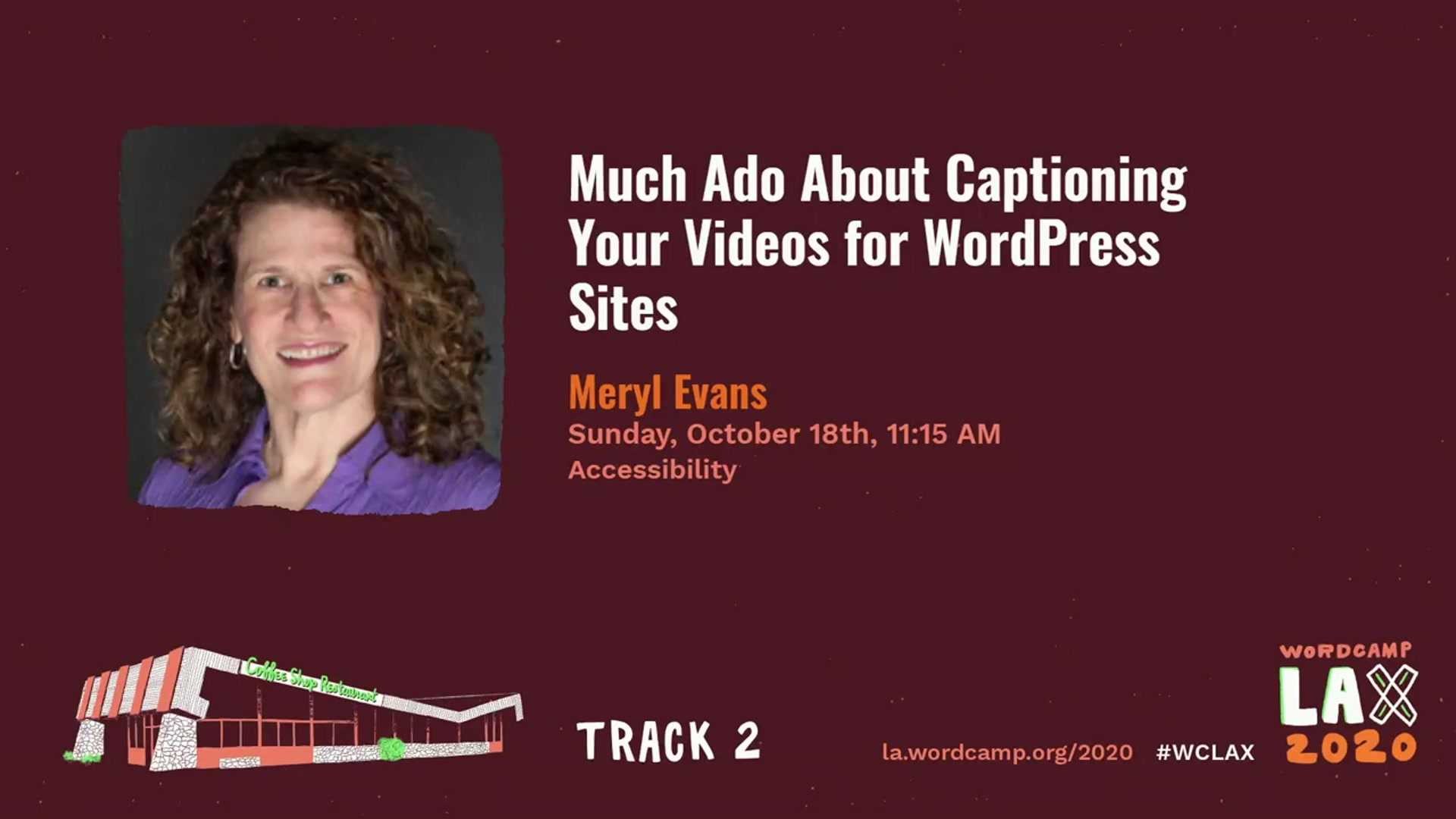
Meryl Evans: Much Ado About Captioning Videos for WordPress and Beyond
WordCamp Los Angeles 2020Speaker: Meryl EvansNovember 3, 2020 — This talk explains the why and how of adding subtitles to web video.
It’s easy to add YouTube or Vimeo-hosted video to your WordPress site, but omitting captions excludes many more people than you think. A lot more than the six percent of the world that is deaf or hard of hearing.
-

Natalie MacLees: Creating Content For Everyone: Tips For Ensuring Your Digital Presence is Accessible
WordCamp Los Angeles 2020Speaker: Natalie MacLeesNovember 3, 2020 — This talk suggests practical tips you can use to improve the accessibility of your digital presence.
Did you know that one in four Americans has a disability that impacts their major living activities? For web content, email newsletters, and social media, it’s important that content is accessible to everyone. Ensuring your content is accessible expands your audience, improves SEO, increases your reach, and demonstrates your commitment to equality and social responsibility.
-

Bud Kraus: My Way With WordPress
WordCamp Boston 2019Speaker: Bud KrausNovember 3, 2020 — With all the talk about the importance of making WordPress Accessible, how does someone with a vision impairment teach WordPress? Listen as I share the tools and techniques I have used for the last ten years as a WordPress instructor at Pratt Institute, the Fashion Institute of Technology and Third Ward in New York. I will share with you 5 tools and techniques that aid me in teaching my students as well as my thoughts on my article published by Smashing Magazine on what it’s like to have macular degeneration. If you care about Accessibility, you don’t want to miss this.

An  Brainchild
